
 PCB
PCB FPC
FPC Rigid-Flex
 FR-4
FR-4 HDI PCB
 Rogers High-Frequency Board
 PTFE Teflon High-Frequency Board
 Aluminum
 Copper Core
 PCB Assembly
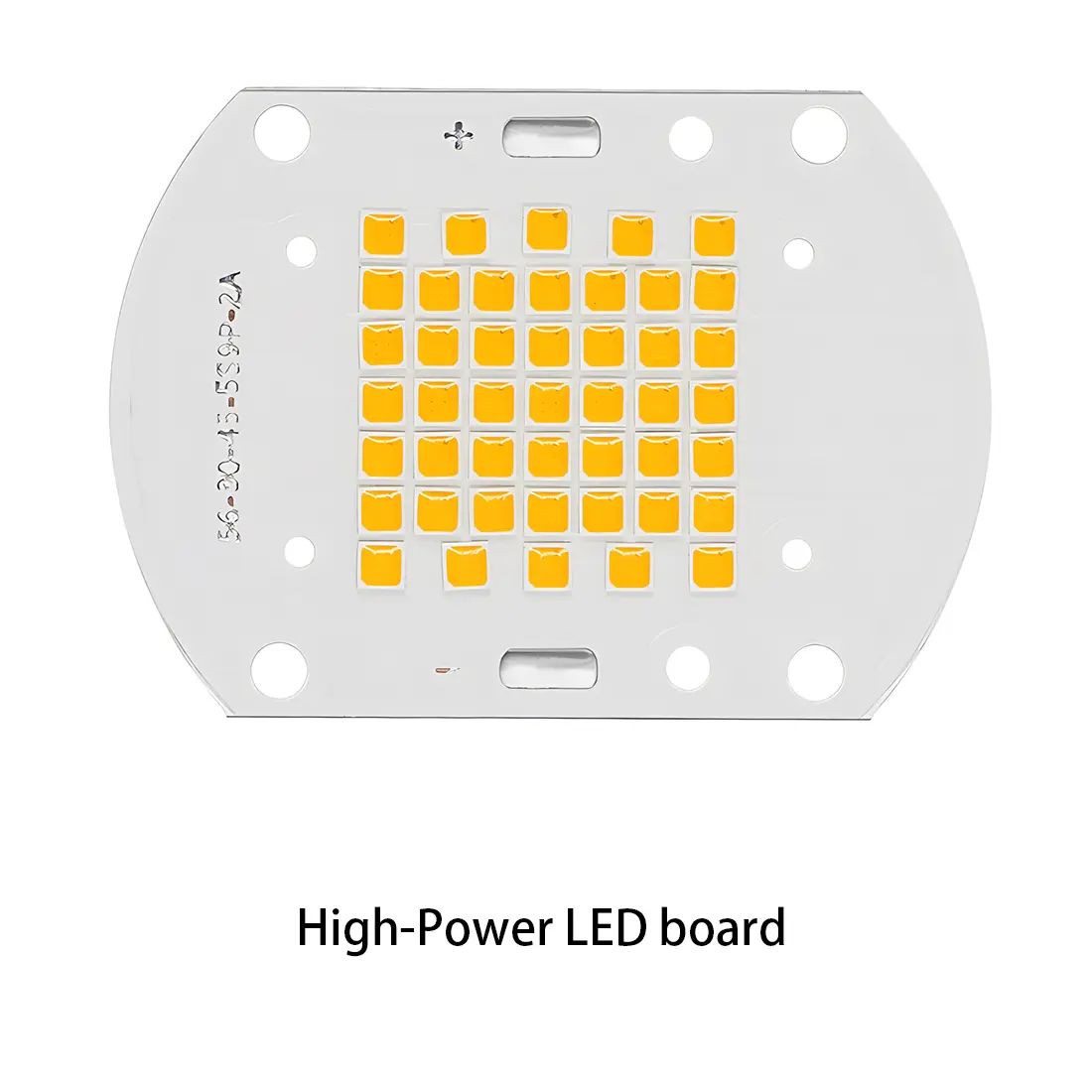 LED light PCBA
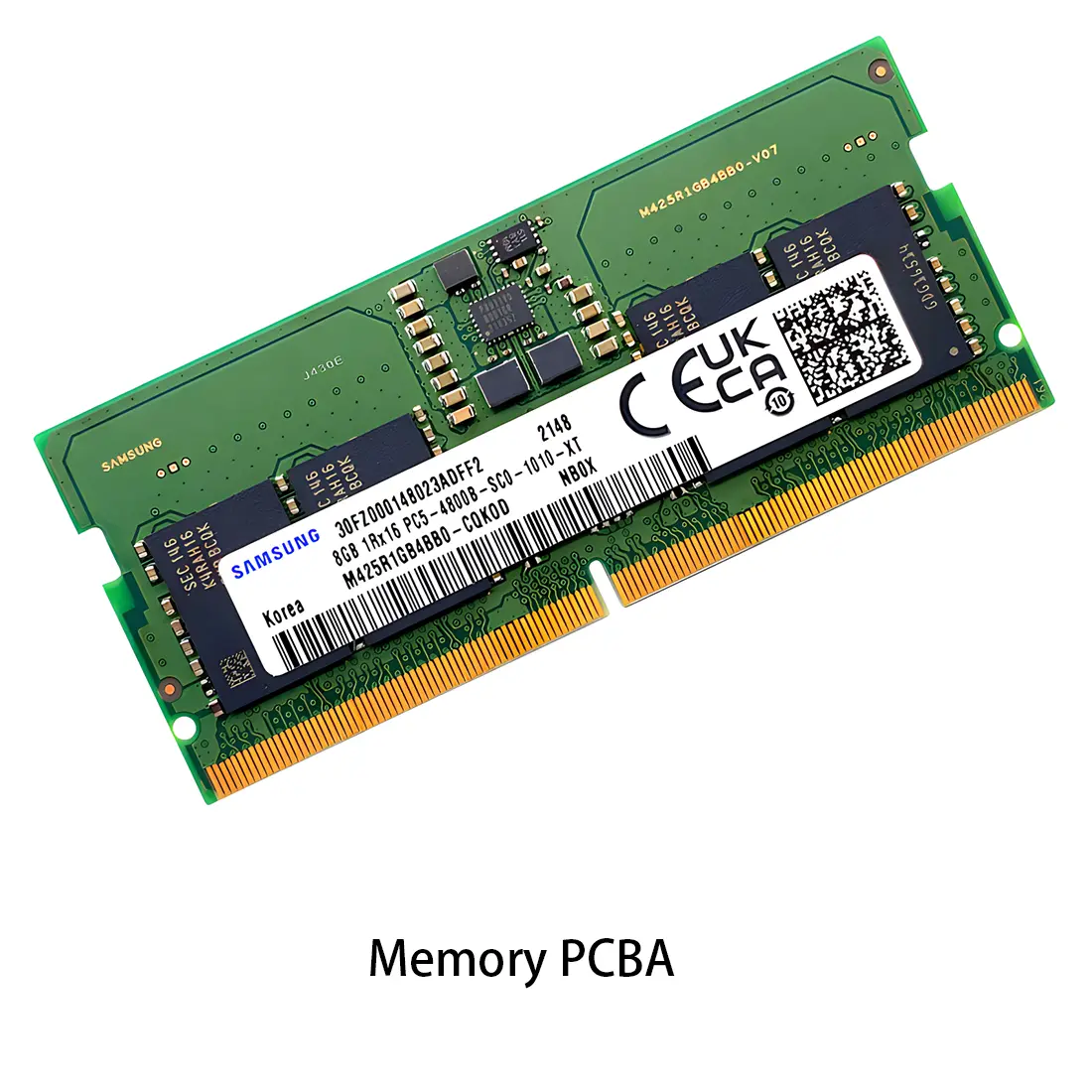 Memory PCBA
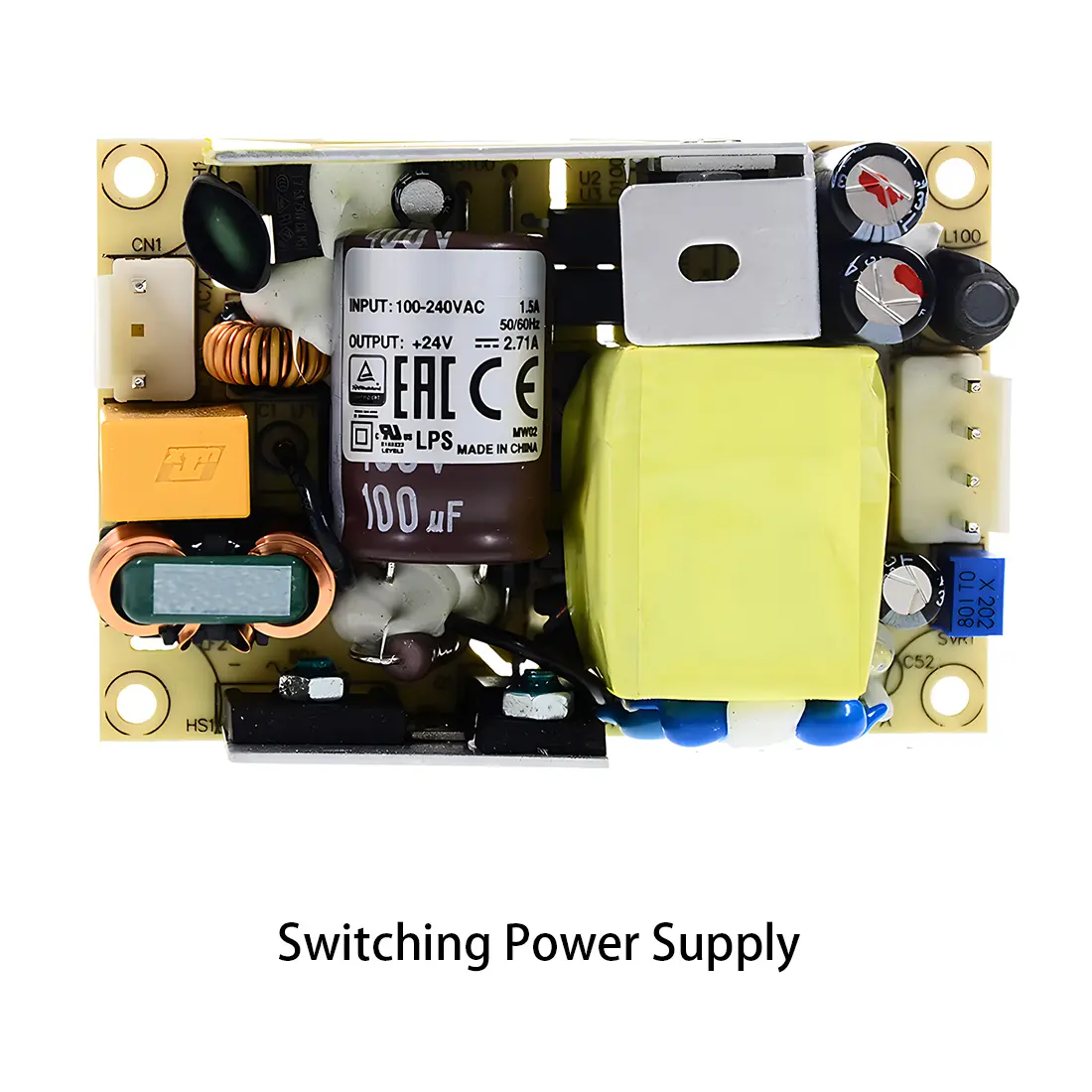 Power Supply PCBA
 New Energey PCBA
 Communication PCBA
 Industrial Control PCBA
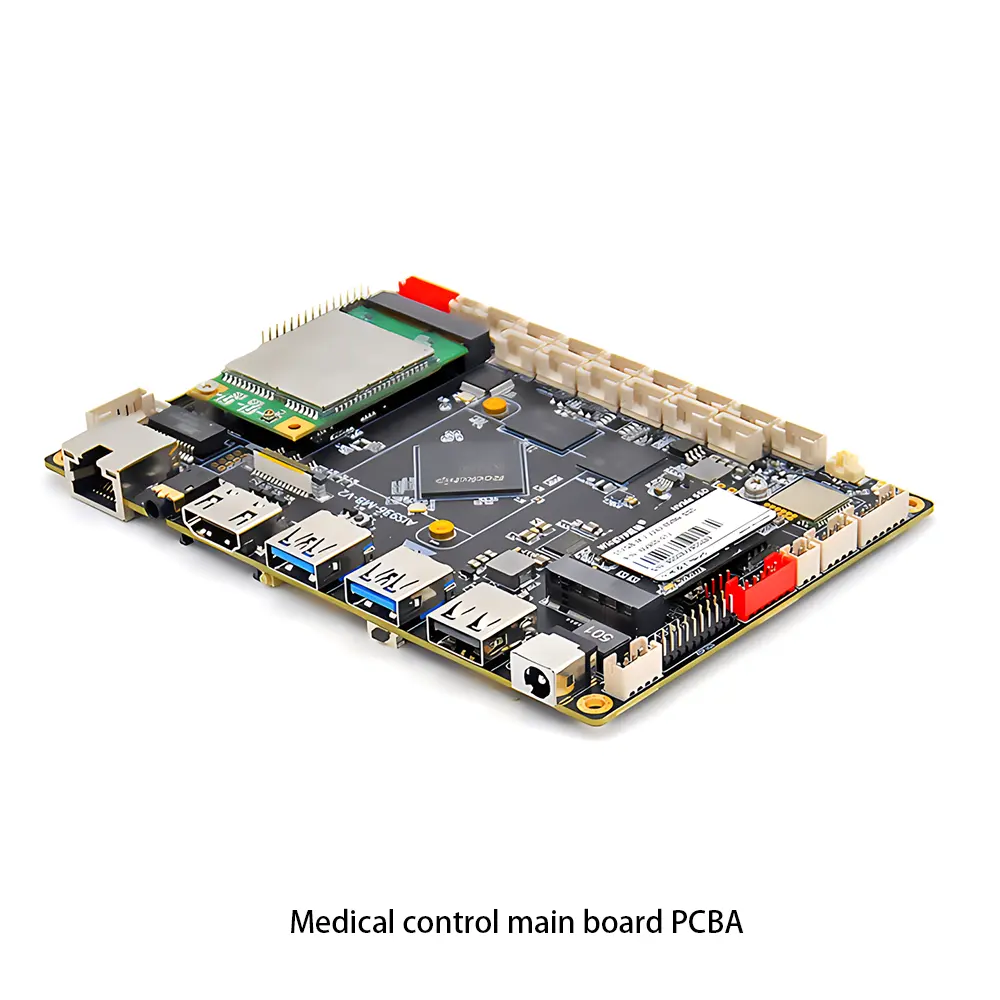 Medical Equipment PCBA
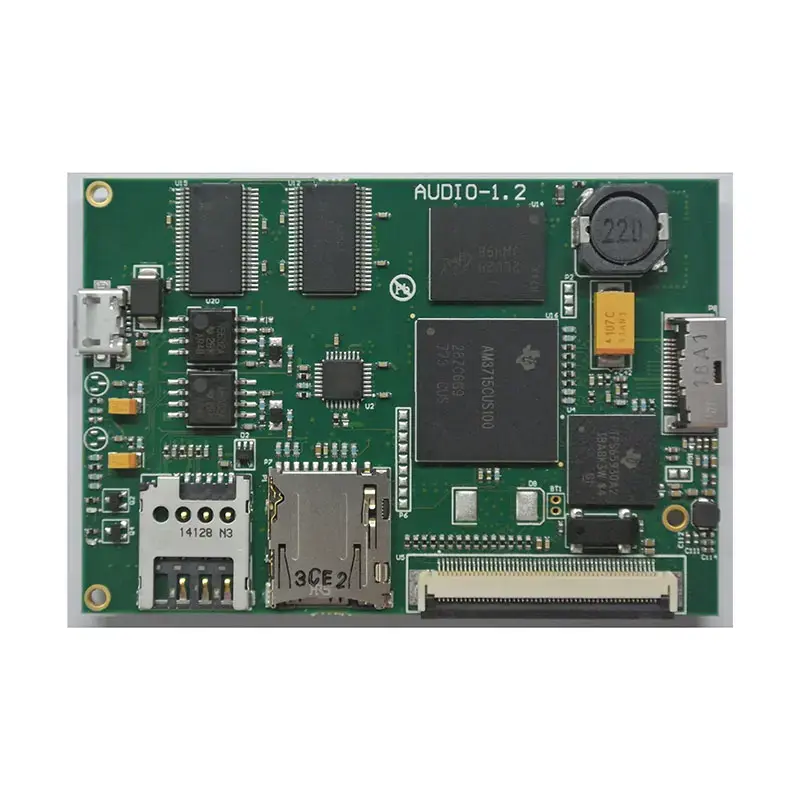 Testing Service
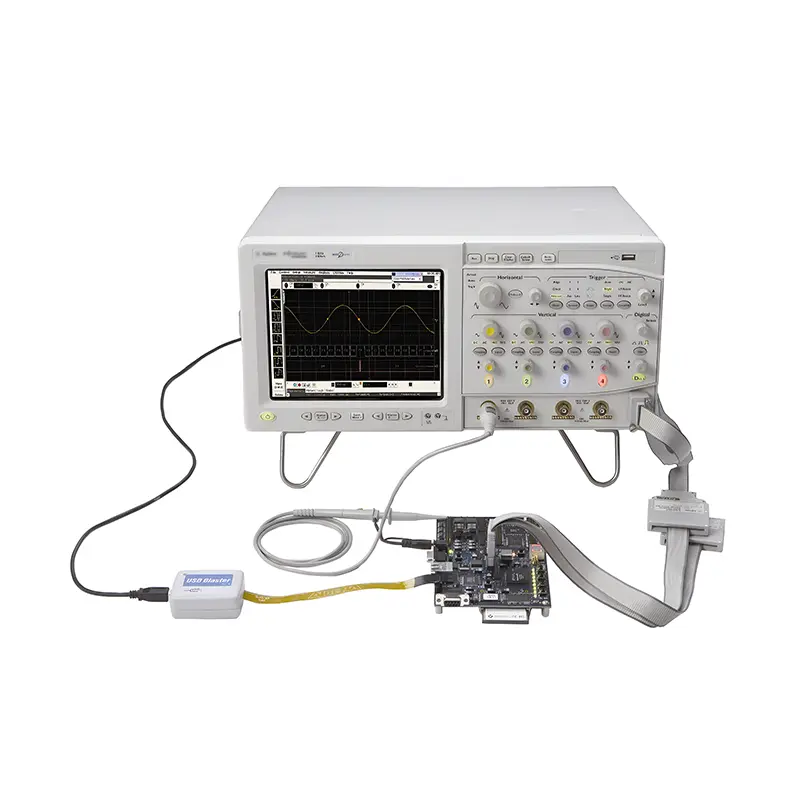 PCBA Testing Service
 Certification Application
 RoHS Certification Application
 REACH Certification Application
 CE Certification Application
 FCC Certification Application
 CQC Certification Application
 UL Certification Application
 Transformers, Inductors
 High Frequency Transformers
 Low Frequency Transformers
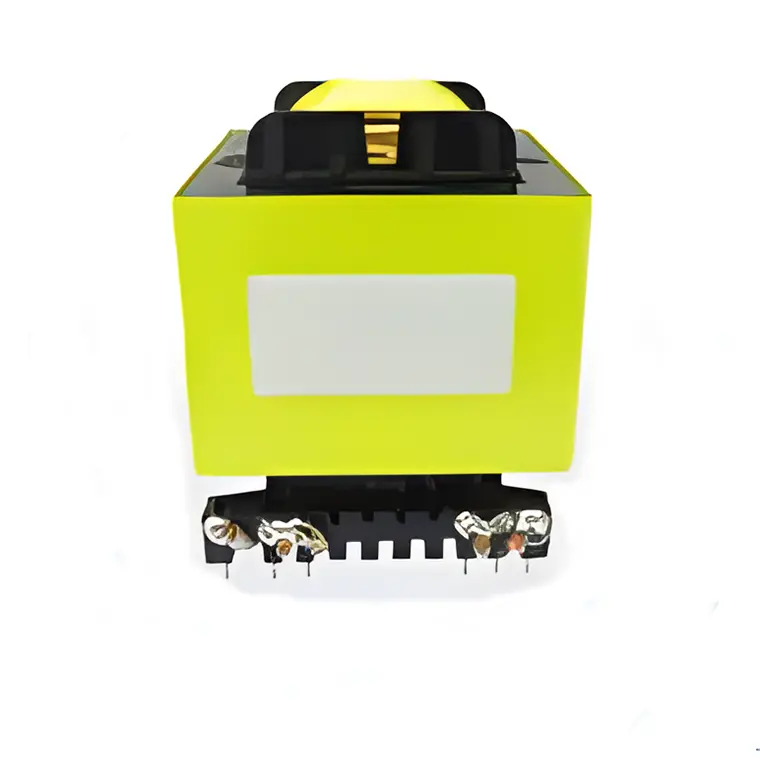 High Power Transformers
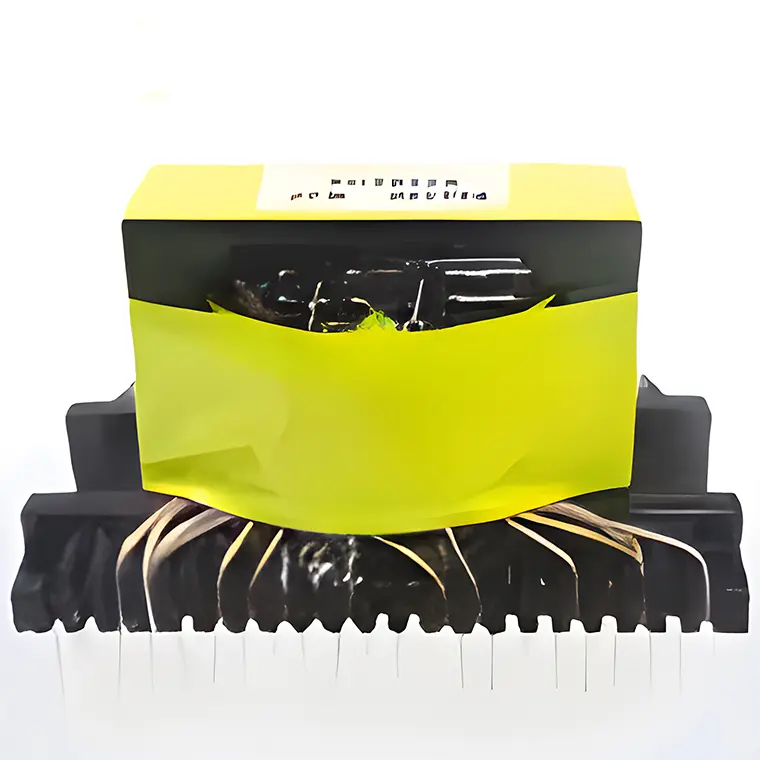 Conversion Transformers
 Sealed Transformers
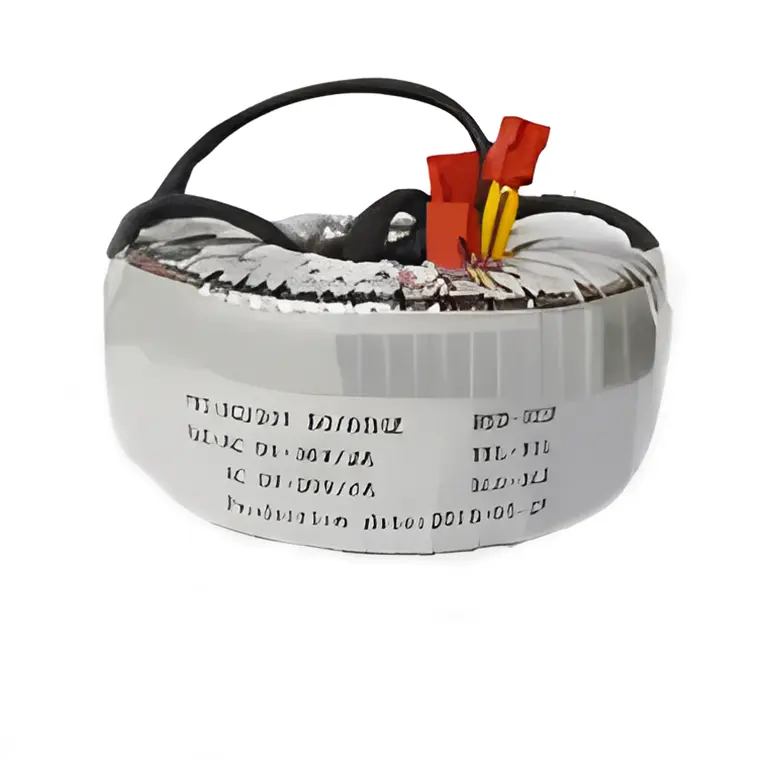 Ring Transformers
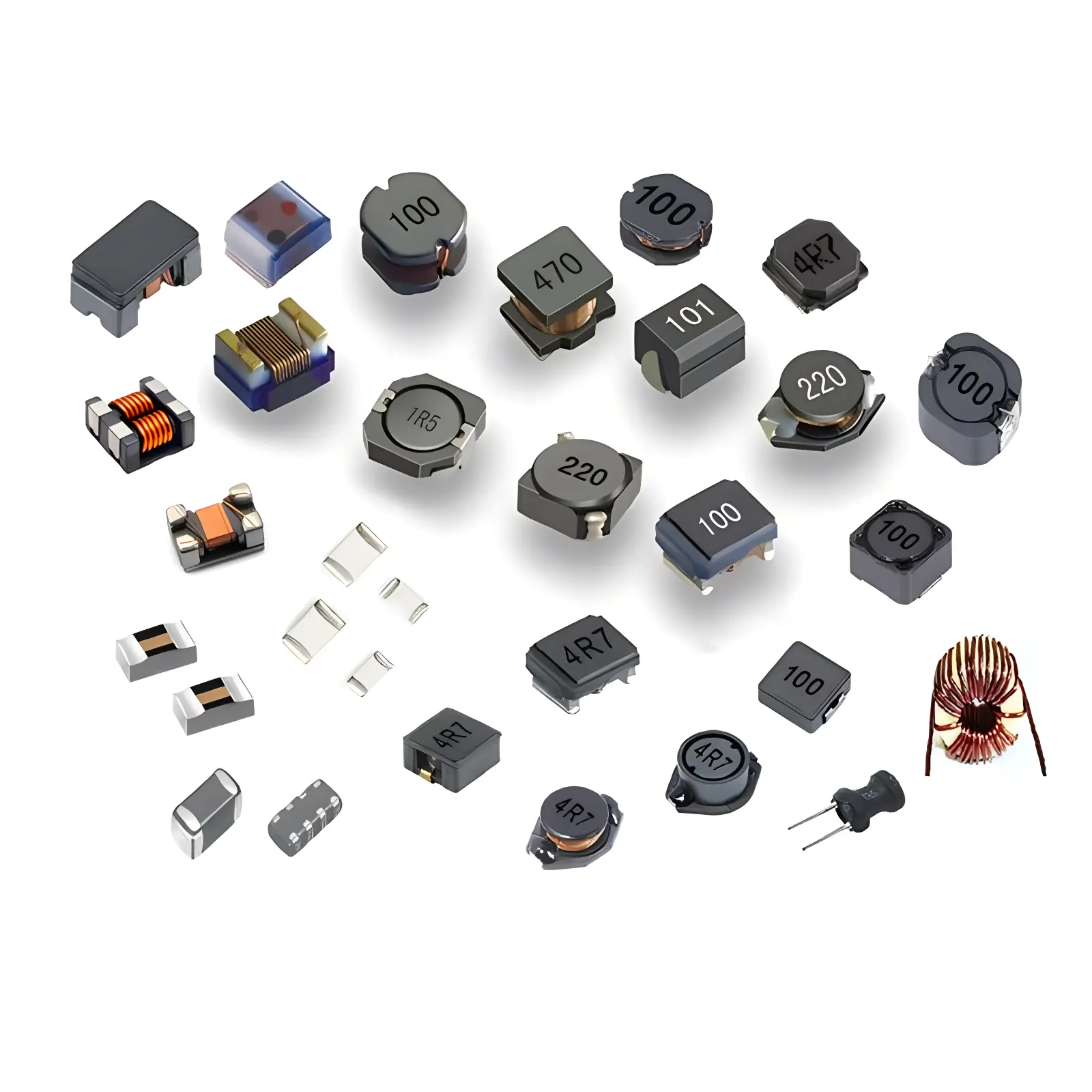 Inductors
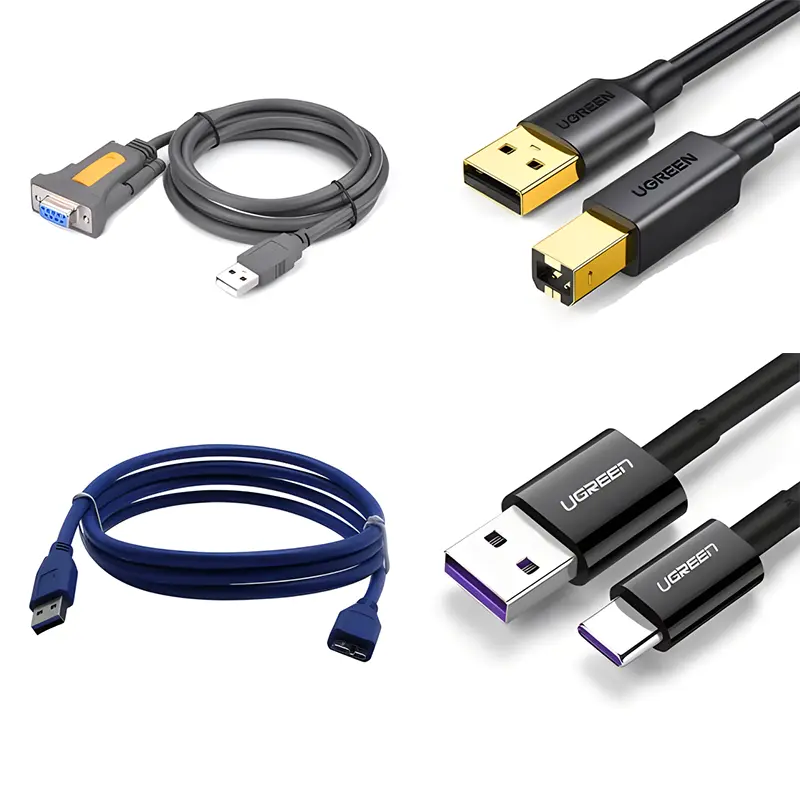 Wires,Cables Customized
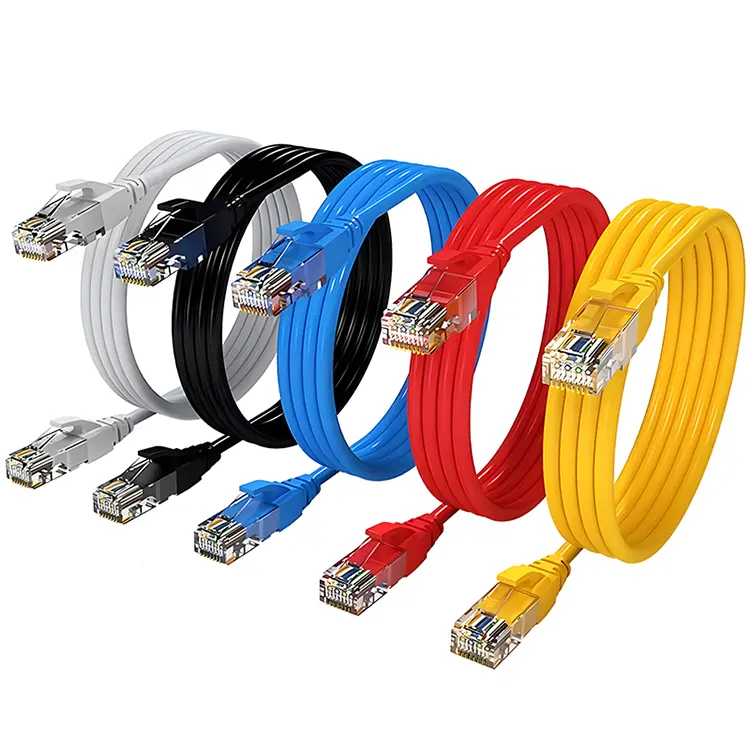 Network Cables
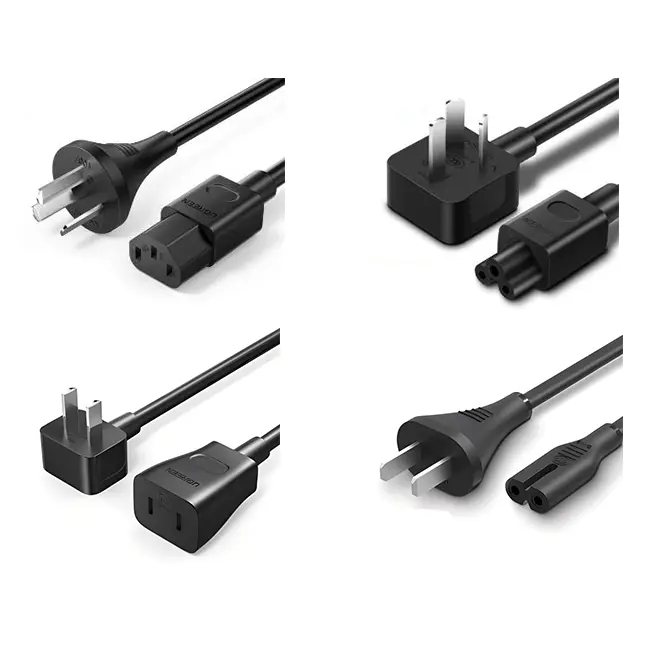 Power Cords
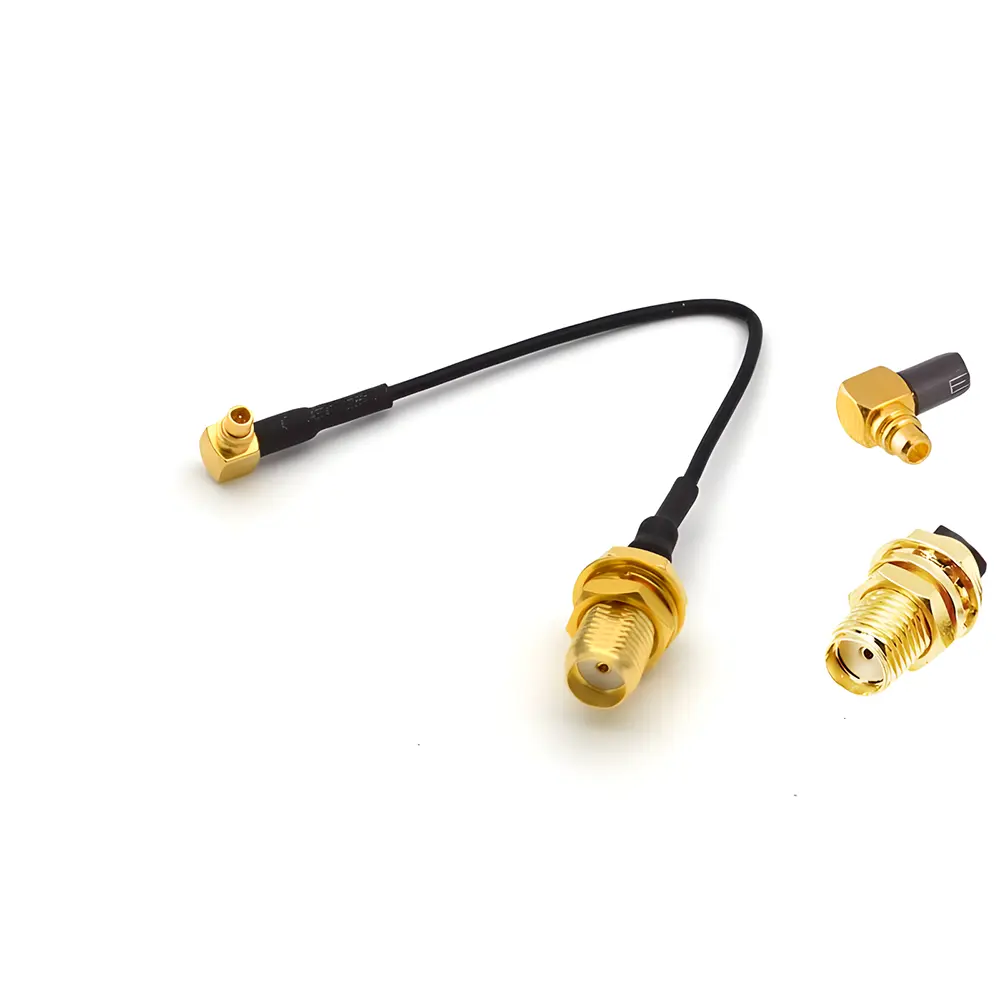 Antenna Cables
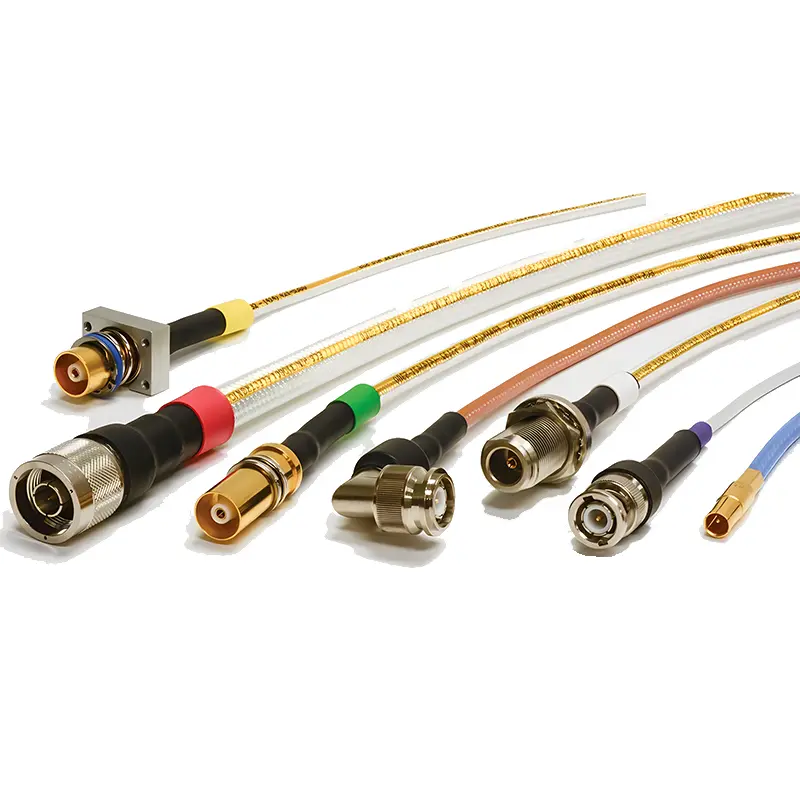 Coaxial Cables
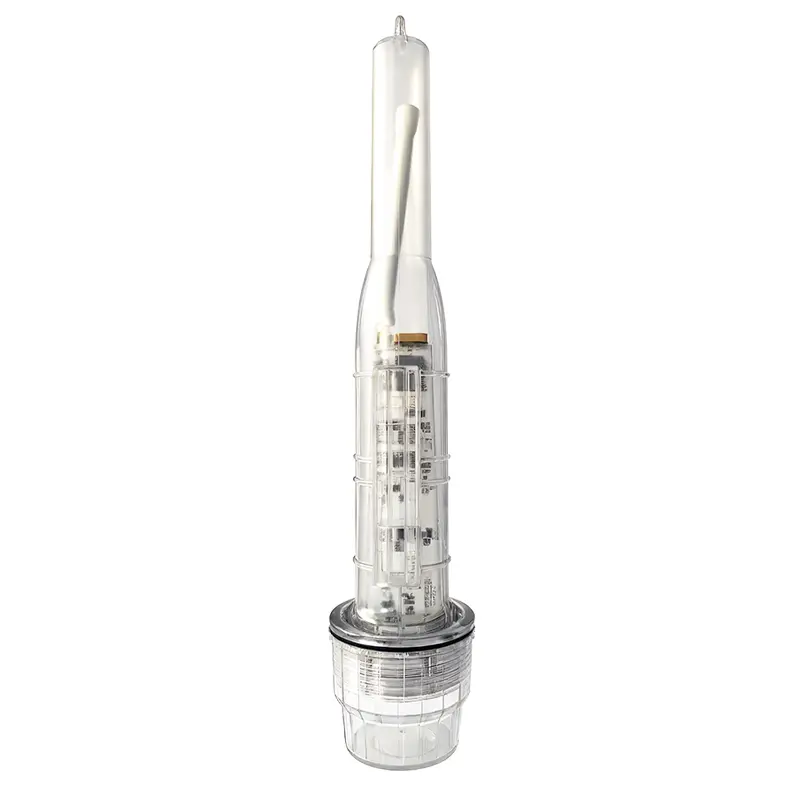 Net Position Indicator
 Solar AIS net position indicator
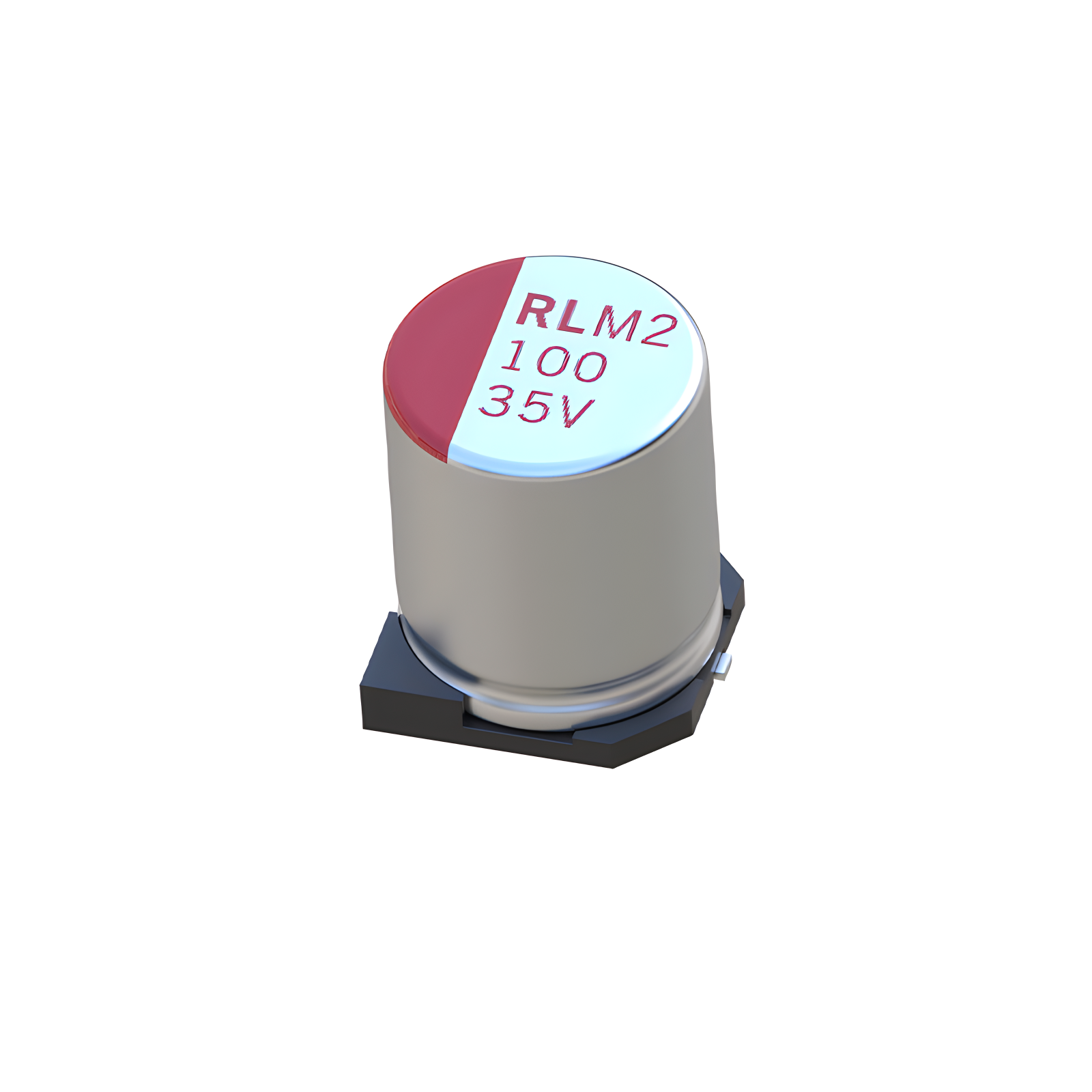 Capacitors
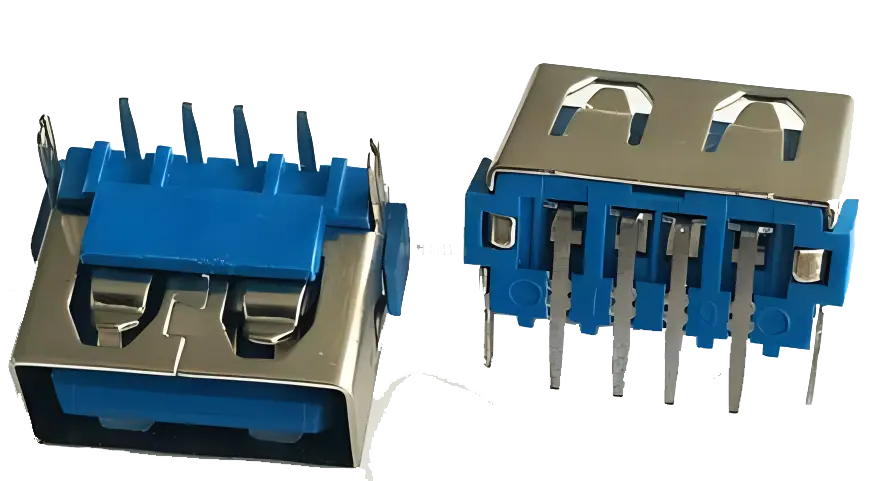 Connectors
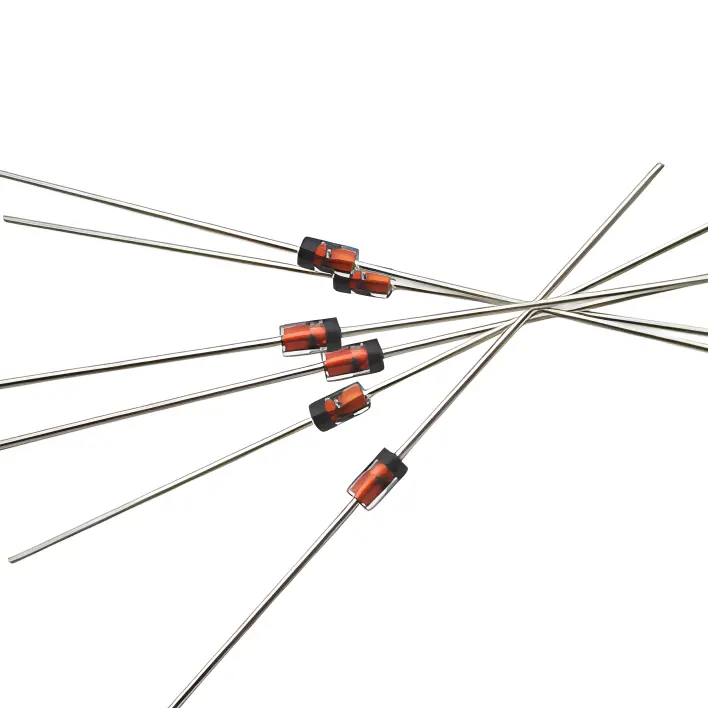 Diodes
 Embedded Processors & Controllers
 Digital Signal Processors (DSP/DSC)
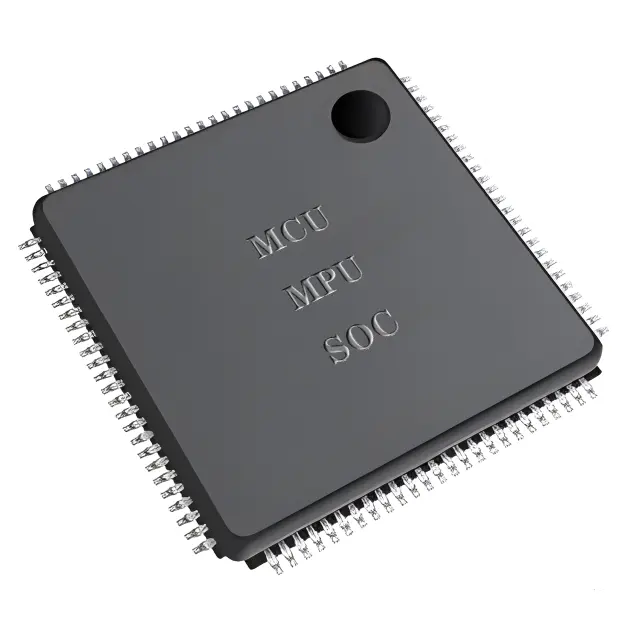
 Microcontrollers (MCU/MPU/SOC)
 Programmable Logic Device(CPLD/FPGA)
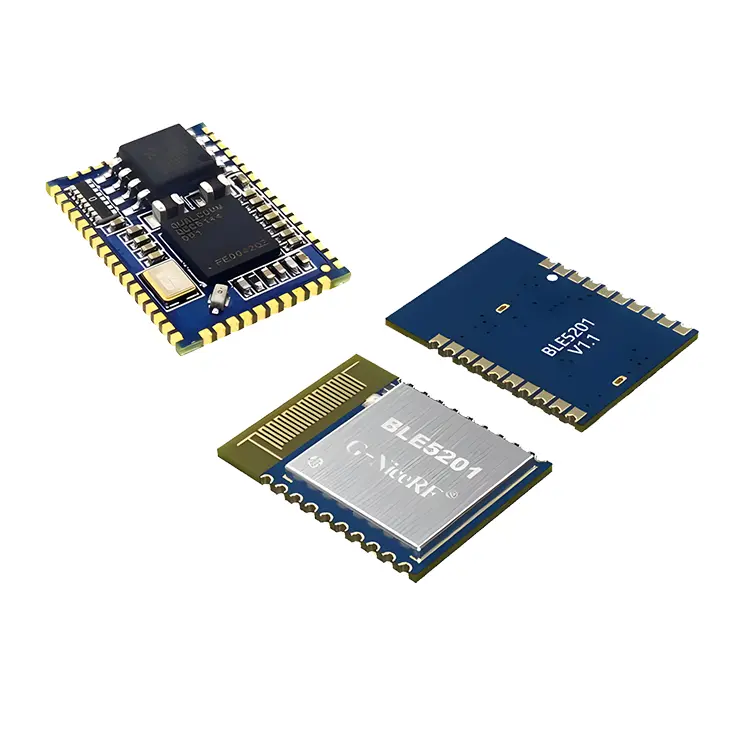 Communication Modules/IoT
 Resistors
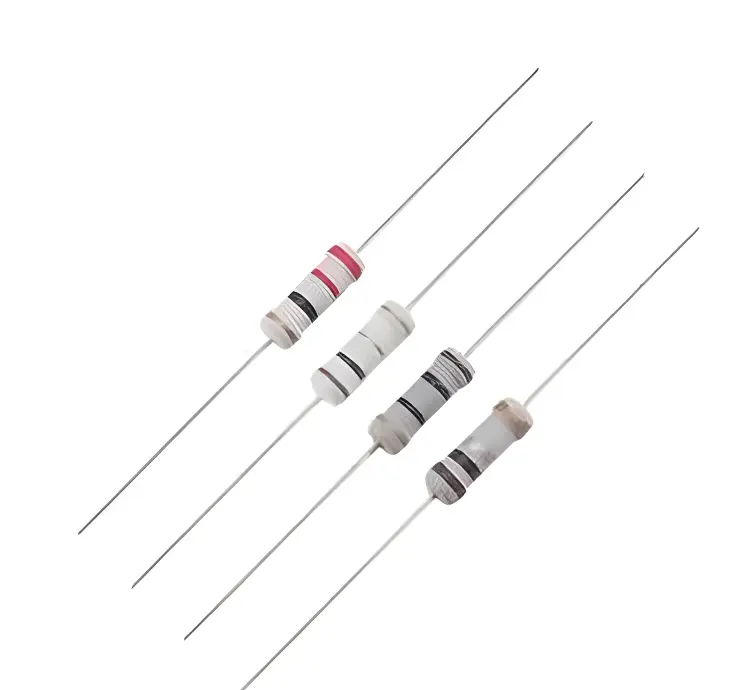 Through Hole Resistors
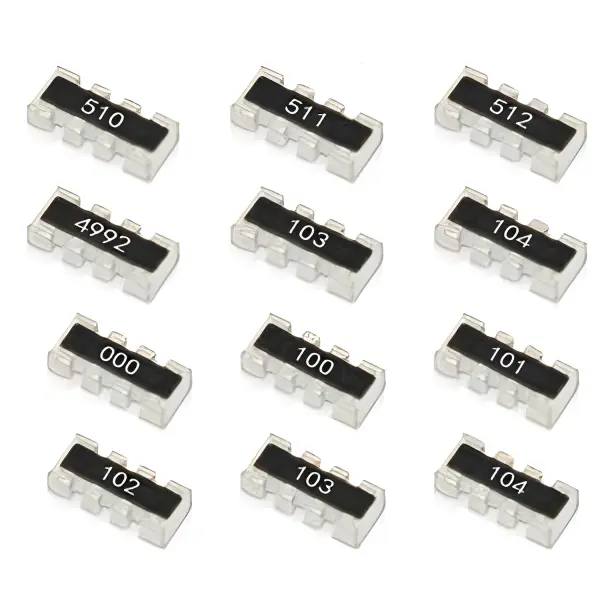 Resistor Networks, Arrays
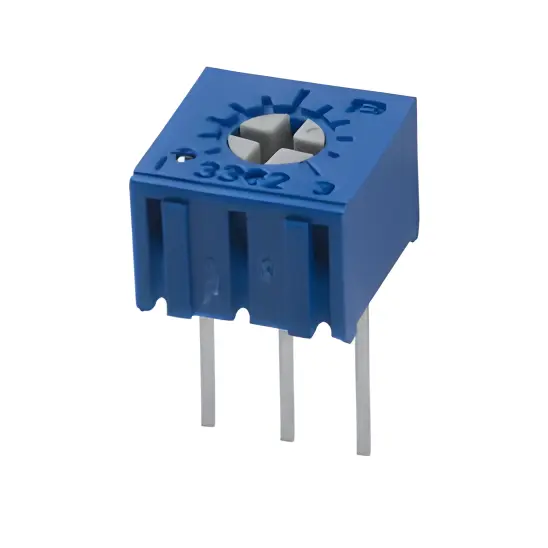 Potentiometers,Variable Resistors
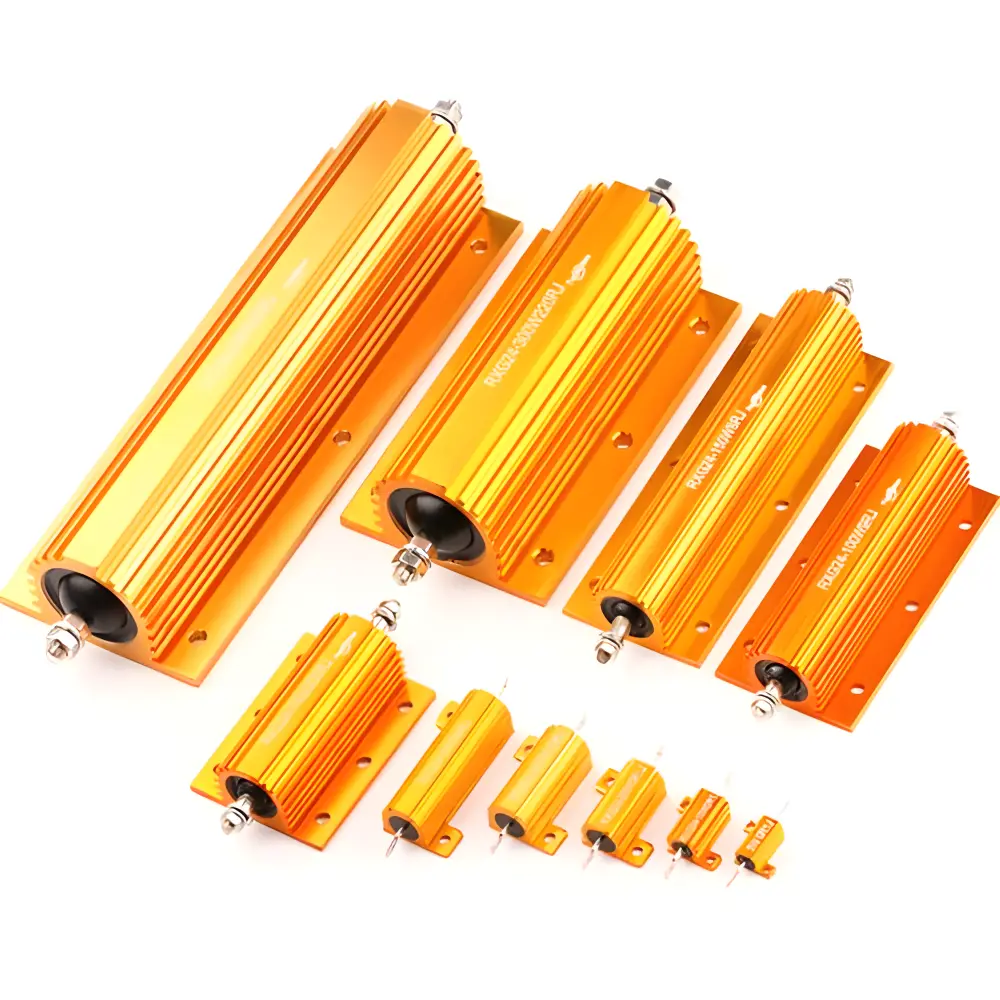 Aluminum Case,Porcelain Tube Resistance
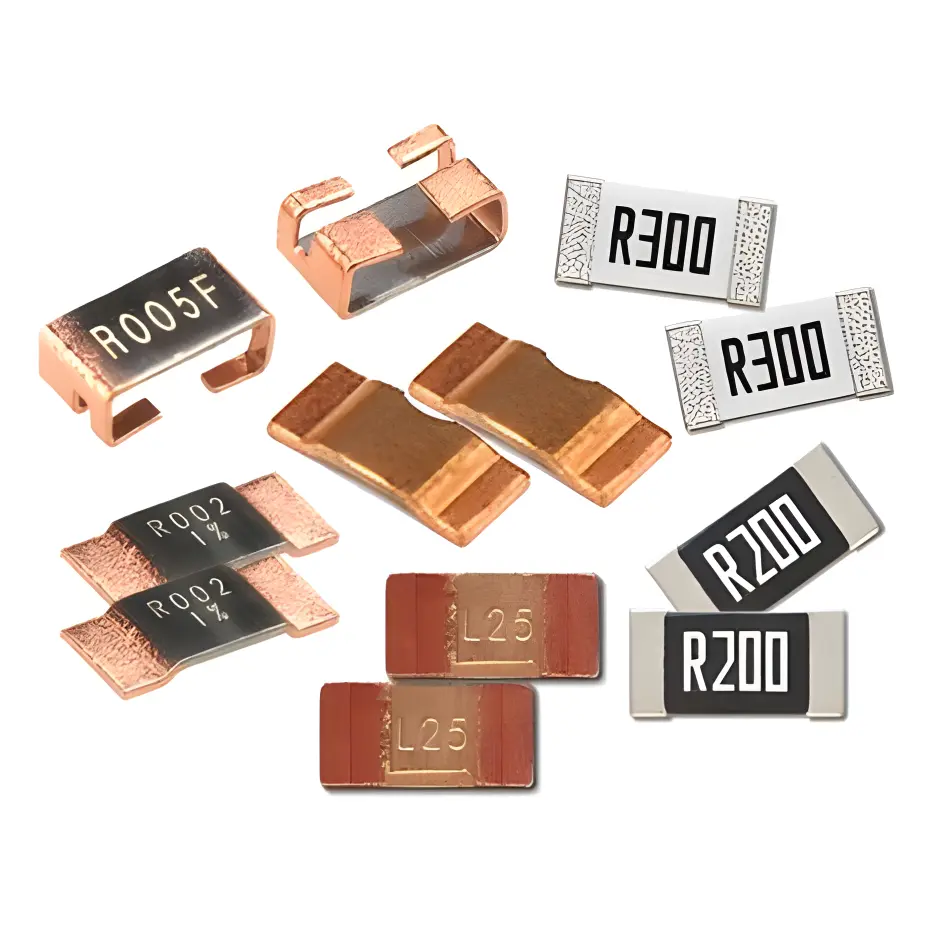 Current Sense Resistors,Shunt Resistors
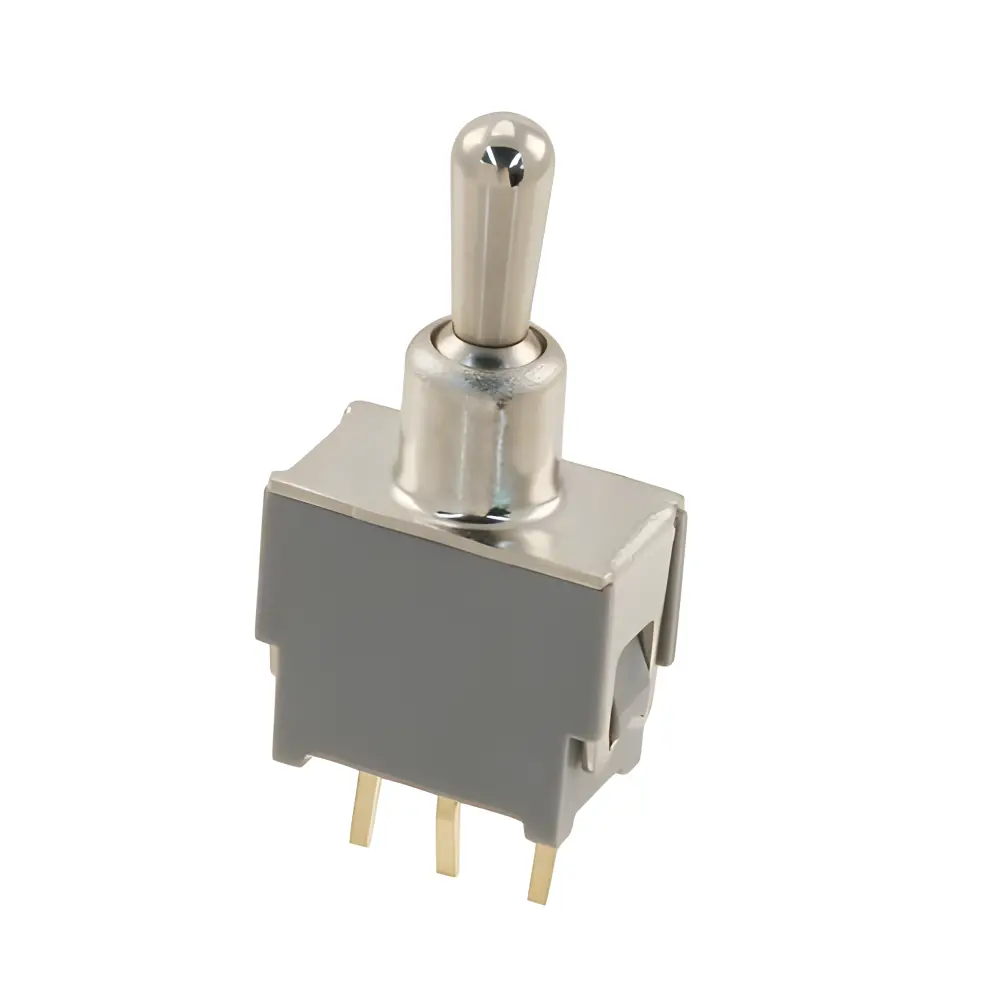 Switches
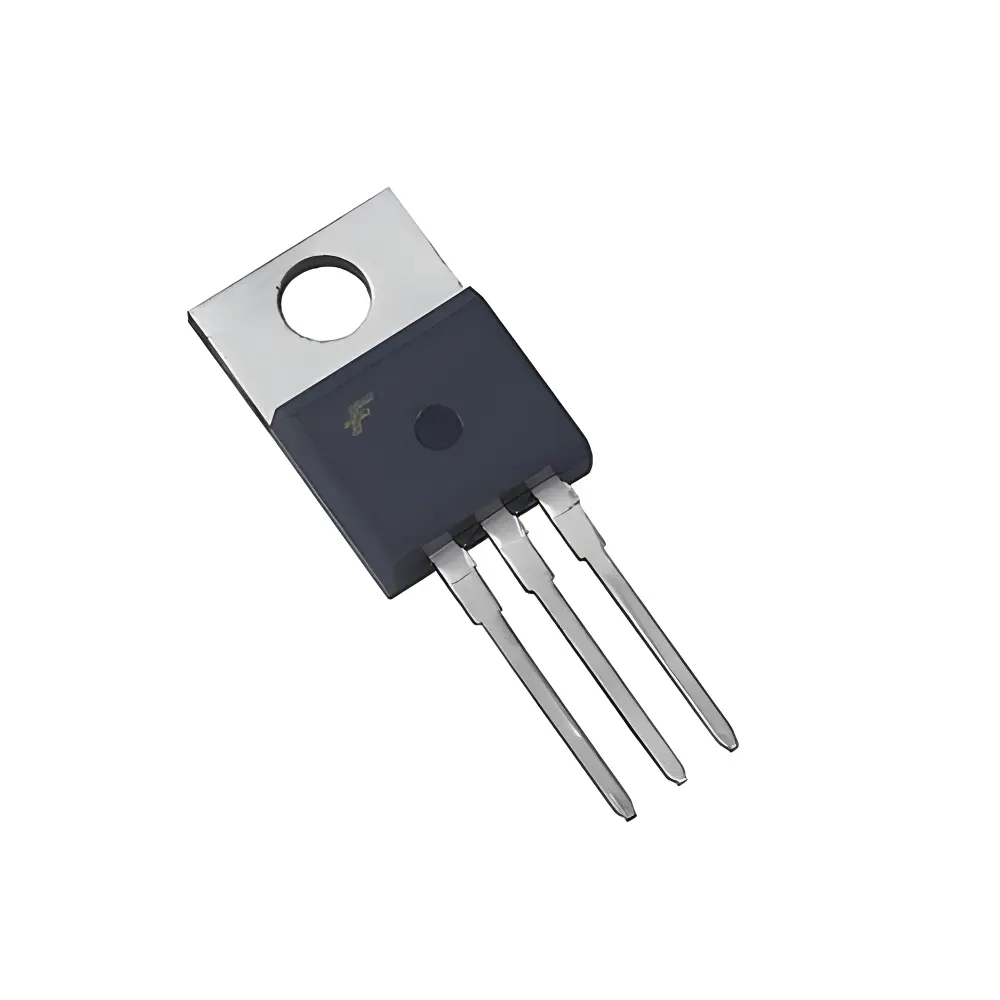 Transistors
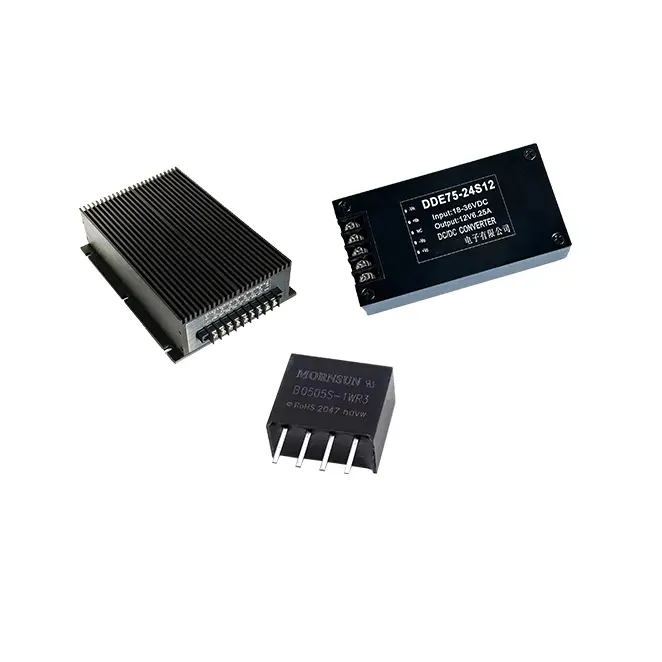 Power Modules
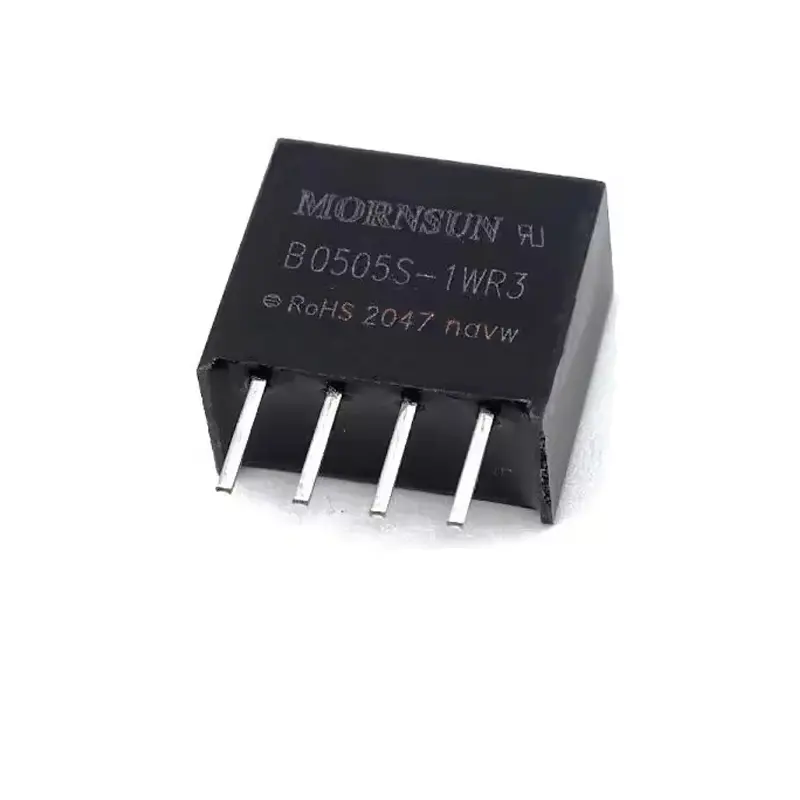 Isolated Power Modules
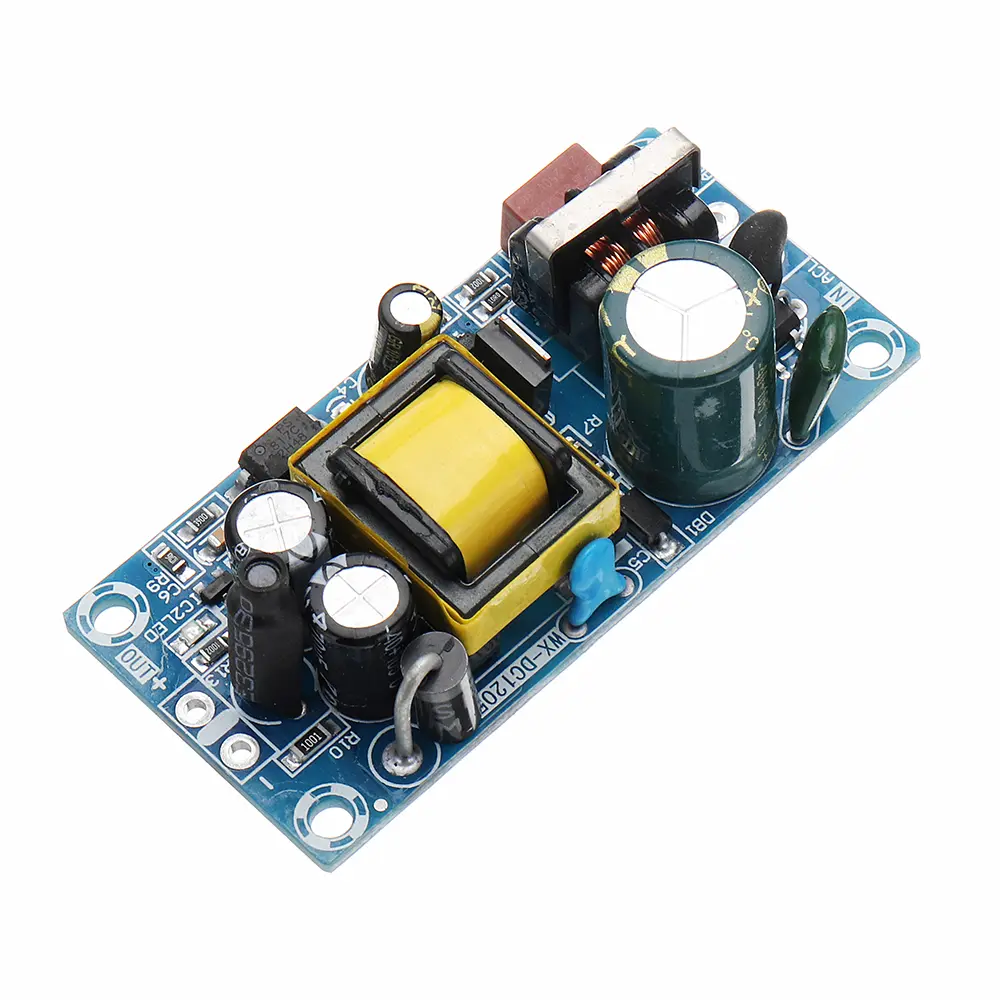 AC-DC Power Modules
 DC-AC Module(Inverter)
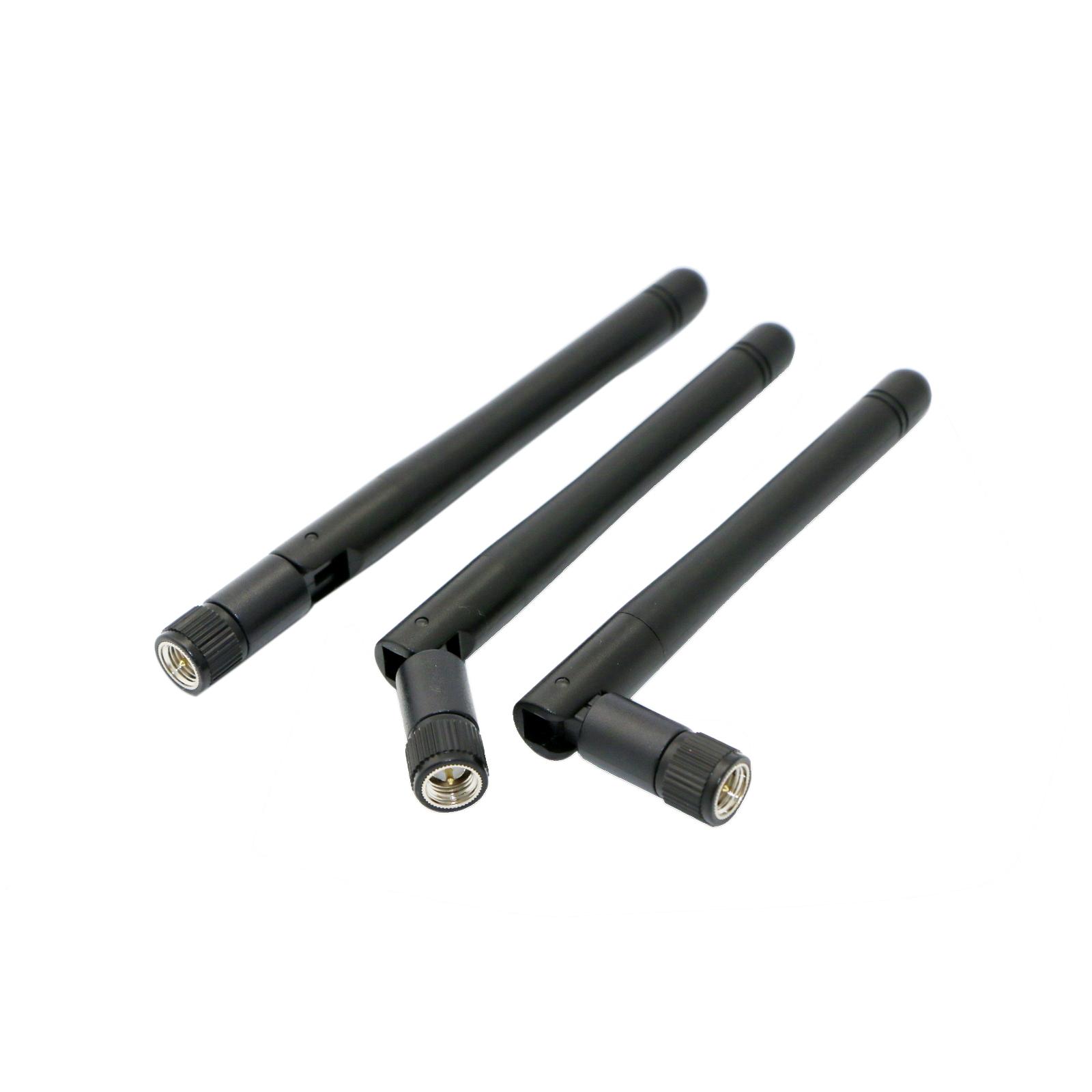 RF and Wireless
Establishing a Simple and Effective System for Tracking Specific Material Lots Used in Each Large Panel
2026-01-03
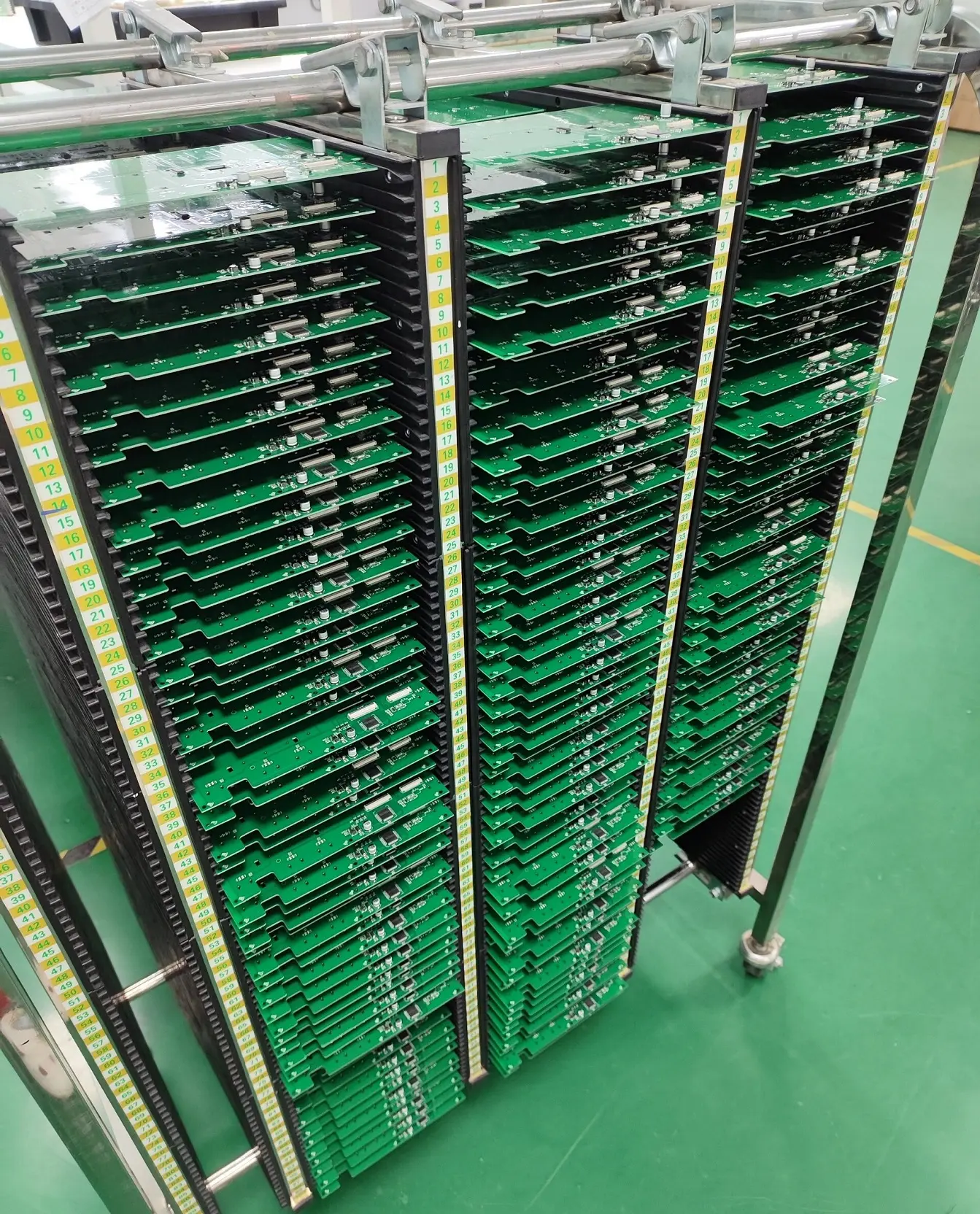
In electronic manufacturing, large panels (also known as PCB panels or multi-up panels) are widely used to improve production efficiency, reduce material waste, and lower per-unit costs. These panels typically integrate multiple individual PCBs or components into a single unit, which is then processed through assembly, soldering, and testing stages before being separated into finished products. However, as product complexity increases and quality requirements become more stringent, tracking the specific material lots used in each large panel has become a critical necessity. Material lot tracking enables manufacturers to quickly trace the source of defects, comply with industry regulations (such as ISO 9001 and RoHS), manage inventory accurately, and provide transparent quality assurance to customers.
A SIMple and effective material lot tracking system for large panels does not require overly complex hardware or software investments. Instead, it focuses on clear process design, standardized data collection, and seamless information flow, ensuring that each panel can be linked to the exact material lots of its constituent components (e.g., PCB substrate, solder paste, components, adhesives). The core challenge lies in establishing a reliable correlation between the panel’s unique identifier and the material lots used during its production, while minimizing disruption to existing manufacturing workflows. Below is a detailed exploration of the key steps, components, and best practices for building such a system.
Defining Core Objectives and Scope
Before designing the tracking system, it is essential to clarify its core objectives and scope to ensure that the system meets practical needs without unnecessary complexity. The primary objectives of a material lot tracking system for large panels typically include:
1. Traceability: Ability to quickly identify all material lots used in a specific large panel, including the PCB substrate, solder paste, surface-mount components (SMDs), through-hole components (THCs), adhesives, and other auxiliary materials. This traceability should extend both forward (from material lot to finished panels/products) and backward (from finished panels/products to material lots), enabling rapid root cause analysis in the event of quality issues.
2. Compliance: Meeting regulatory requirements for material documentation and traceability, such as providing material lot certificates of conformity (CoC) to customers, demonstrating compliance with RoHS/REACH restrictions on hazardous substances, and facilitating product recalls if necessary.
3. Inventory Management: Improving inventory accuracy by tracking material lot consumption, monitoring stock levels of specific lots, and reducing the risk of using expired or non-conforming materials. This helps optimize purchasing decisions and minimize inventory waste.
4. Quality Control: Enabling targeted quality checks by linking defects to specific material lots, identifying problematic lots early, and preventing further use of non-conforming materials in production.
The scope of the system should cover the entire lifecycle of the large panel, from material receiving and storage to panel assembly, testing, and shipment. It should also define the level of detail required for tracking—for example, whether to track individual components’ lot numbers or only the bulk materials (e.g., solder paste) used in the panel’s production. For most manufacturers, tracking the lot numbers of critical materials (e.g., PCB substrate, key components, solder paste) is sufficient, while non-critical materials (e.g., cleaning solvents) may be tracked at the batch level for simplicity.
Designing the Tracking System Architecture
A simple and effective material lot tracking system consists of four core components: unique identifiers (for panels and materials), data collection tools, a data management platform, and process workflows. These components work together to ensure that material lot information is accurately recorded, linked to the corresponding panels, and easily retrievable.
Unique Identifiers: The Foundation of Traceability
Unique identifiers (UIDs) are essential for establishing a direct link between each large panel and the material lots used to produce it. Two types of UIDs are required: panel UIDs and material lot UIDs.
1. Panel UIDs: Each large panel must have a unique, permanent identifier that remains legible throughout the production process. Common options include barcodes, QR codes, or serial numbers. QR codes are preferred for most applications because they can store more information (e.g., panel design number, production date, line number) and can be scanned quickly using mobile devices or automated scanners. The UID should be printed or etched on a non-critical area of the panel (e.g., the edge or a dedicated marking zone) to avoid interfering with component placement or electrical performance. For panels that are separated into individual units after assembly, the panel UID should be transferred to each individual unit (e.g., by printing the panel UID on each unit’s label) to maintain traceability.
2. Material Lot UIDs: Each material lot received from suppliers must have a unique lot number provided by the supplier (e.g., a batch code, serial number, or lot ID). This lot number should be recorded in the system upon material receipt, along with additional information such as material name, part number, supplier name, receipt date, expiration date (if applicable), and quantity. For bulk materials (e.g., solder paste, adhesives) that are dispensed into smaller containers during production, each smaller container should be labeled with the original material lot number to ensure traceability.
Data Collection Tools: Ensuring Accurate and Efficient Recording
Data collection tools are used to record the association between panel UIDs and material lot UIDs at each production stage. The choice of tools depends on the manufacturing environment, production volume, and desired level of automation. For small to medium-volume production, manual data collection tools (e.g., mobile scanners, tablets) are sufficient, while high-volume production may benefit from semi-automated or automated tools (e.g., integrated barcode scanners on production equipment).
1. Mobile Scanners/Tablets: These are the most versatile and cost-effective data collection tools for most manufacturers. Operators can use a mobile scanner to scan the panel UID and the material lot UID (e.g., from the material container label) at each production step where materials are applied. The scanned data is then transmitted to the data management platform in real time or batch mode. Tablets can be used to manually enter additional information (e.g., operator ID, production time, quality notes) if needed. To ensure data accuracy, the system should include validation rules (e.g., preventing invalid UID scans, alerting operators if a material lot is expired).
2. Automated Data Collection: For high-volume production lines, integrating barcode scanners into production equipment (e.g., pick-and-place machines, solder paste printers) can automate data collection. For example, when a pick-and-place machine retrieves components from a feeder, the feeder’s label (which includes the component lot number) is scanned automatically, and the system records the association between the component lot number and the panel UID being processed. This reduces manual errors and improves data collection efficiency. However, automated systems require higher initial investment and integration with existing production equipment, making them more suitable for large-scale manufacturers.
3. Labeling Tools: To ensure that material lot UIDs are visible and scannable throughout production, labeling tools (e.g., thermal label printers) are required to print labels for material containers, especially for bulk materials that are repackaged. Labels should be durable, resistant to heat, moisture, and solvents (common in electronic manufacturing), and include clear information such as material part number, lot number, receipt date, and expiration date.
Data Management Platform: Centralizing Traceability Information
The data management platform is the central repository for all traceability data, including panel UIDs, material lot UIDs, production records, and quality information. For a simple and effective system, the platform should be user-friendly, scalable, and compatible with existing manufacturing systems (e.g., ERP, MES). Two common options are cloud-based platforms and on-premises software.
1. Cloud-Based Platforms: Cloud-based solutions (e.g., Google Sheets, Microsoft Excel Online, dedicated traceability software like Fishbowl or Zoho Inventory) are ideal for small to medium-sized manufacturers due to their low initial cost, easy accessibility, and automatic updates. Data can be accessed from any device with an internet connection, enabling real-time visibility across multiple production sites. Cloud-based platforms also offer built-in collaboration features, allowing different teams (e.g., production, quality, inventory) to access and update data simultaneously. For example, the quality team can record defect information linked to a panel UID, and the production team can view this information to identify trends.
2. On-Premises Software: For manufacturers with strict data security requirements or high production volumes, on-premises software (e.g., SAP Business One, Oracle NetSuite) may be more suitable. These systems are installed on local servers, providing greater control over data security and customization options. However, they require higher initial investment in hardware and IT support, making them less ideal for small-scale operations.
The data management platform should include the following key features:
- Search and Filter Functionality: Ability to quickly search for a panel UID to view all associated material lot UIDs, or search for a material lot UID to view all panels produced using that lot.
- Reporting Tools: Pre-built or customizable reports (e.g., material lot consumption reports, defect traceability reports) to support decision-making and compliance.
- Data Validation: Automatic validation of UIDs, expiration dates, and material compatibility to prevent errors (e.g., alerting operators if a material lot is expired or incompatible with the panel design).
- Audit Trail: A record of all data changes, including who made the change, when, and why, to ensure accountability and compliance.
Process Workflows: Standardizing Traceability Practices
Standardized process workflows are critical to ensuring that traceability data is consistently collected and recorded throughout the production process. The workflows should define the steps for data collection at each stage of panel production, from material receiving to shipment.
1. Material Receiving and Storage
Upon receiving materials from suppliers, the inventory team scans or records the material lot UID (provided by the supplier) into the data management platform. They also verify the material’s quantity, specifications, and expiration date (if applicable) and link this information to the lot UID. Materials are then stored in designated locations, with labels displaying the lot UID and key information. For bulk materials (e.g., solder paste), each repackaged container is labeled with the original lot UID to maintain traceability.
2. Panel Preparation
Before assembly, each large panel is assigned a unique UID (QR code or barcode), which is printed or etched on the panel. The panel UID is scanned into the system, along with additional information such as panel design number, production order number, and scheduled production line.
3. Material Application and Assembly
At each production step where materials are applied, operators scan the panel UID and the corresponding material lot UID to record the association. Key steps include:
- Solder Paste Printing: Scan the panel UID and the solder paste lot UID (from the solder paste container) to record which solder paste lot was used for printing.
- Component Placement: For SMDs, scan the panel UID and the component lot UID (from the component feeder or reel label). For THCs, scan the panel UID and the component lot UID (from the component bag or box). If multiple component lots are used on a single panel, each lot UID is scanned and linked to the panel UID.
- Adhesive Application: Scan the panel UID and the adhesive lot UID (from the adhesive container) to record the adhesive used.
- Reflow Soldering/Wave Soldering: While the soldering process itself does not involve new materials, the system records the production line, operator, and process parameters (e.g., reflow temperature profile) linked to the panel UID for additional traceability.
4. Testing and Quality Control
During testing, the quality team scans the panel UID and records test results (pass/fail), defect details (if any), and the tester’s ID. If a defect is identified, the system links the defect to the panel UID and the associated material lot UIDs, enabling root cause analysis. For example, if multiple panels with the same component lot number fail a functional test, the system can quickly flag that component lot as potentially defective.
5. Shipment and Documentation
Before shipment, the shipping team scans the panel UID (or individual unit UIDs if the panel is separated) and records shipment details (e.g., customer name, order number, shipping date). The system generates a traceability report for each shipment, listing the panel UIDs and their associated material lot UIDs, which can be provided to the customer upon request. This report helps the customer verify compliance and trace any quality issues back to specific material lots.
Implementing the Tracking System: Step-by-Step Guide
Implementing a material lot tracking system for large panels requires careful planning, training, and testing to ensure a smooth transition and adoption by the team. Below is a step-by-step implementation guide:
Step 1: Conduct a Gap Analysis
Assess the current manufacturing processes and identify existing traceability gaps. For example, determine if material lot information is currently recorded manually (and prone to errors), if there is no link between panels and material lots, or if traceability data is scattered across multiple spreadsheets. This analysis helps prioritize the system’s features and ensure that it addresses specific pain points.
Step 2: Select Tools and Platforms
Based on the gap analysis, production volume, and budget, select the appropriate data collection tools (e.g., mobile scanners, tablets) and data management platform (e.g., cloud-based software). Test the tools and platform to ensure compatibility and ease of use. For example, verify that the mobile scanner can read QR codes printed on panels and material labels, and that the data management platform can handle the expected volume of traceability data.
Step 3: Design UID Labels and Data Entry Forms
Design the panel UID labels (QR codes) and material lot labels to include all necessary information. Ensure that the labels are durable and legible in the manufacturing environment. Create data entry forms in the data management platform to standardize the information recorded at each production step (e.g., panel UID, material lot UID, operator ID, production date). Include validation rules to prevent errors (e.g., mandatory fields, UID format checks).
Step 4: Develop Standard Operating Procedures (SOPs)
Create SOPs that outline the step-by-step process for data collection at each production stage. The SOPs should be clear, concise, and tailored to the specific roles of operators, inventory staff, and quality teams. For example, the SOP for component placement should specify that operators must scan the panel UID and each component lot UID before placing components, and what to do if a UID scan fails or a material lot is expired.
Step 5: Train the Team
Provide comprehensive training to all team members involved in the tracking system. Training should cover how to use the data collection tools (e.g., scanning QR codes, entering data into the platform), how to follow the SOPs, and the importance of accurate traceability. Conduct hands-on training sessions and provide reference materials (e.g., quick-start guides) to reinforce learning. Address any questions or concerns from the team to ensure buy-in and adoption.
Step 6: Conduct a Pilot Test
Before full-scale implementation, conduct a pilot test with a small batch of panels. This test helps identify any issues with the system, such as poor label readability, data entry errors, or workflow inefficiencies. Collect feedback from the pilot team and make necessary adjustments to the system, SOPs, or labels. For example, if operators find that the QR codes on panels are difficult to scan due to component placement, reposition the QR codes to a more accessible area.
Step 7: Full-Scale Implementation and Continuous Improvement
Once the pilot test is successful, roll out the system to all production lines. Monitor the system’s performance closely during the first few weeks, addressing any issues that arise. Collect data on the system’s effectiveness, such as the time required for data collection, the accuracy of traceability records, and the ability to resolve quality issues quickly. Use this data to identify areas for improvement, such as optimizing data entry forms, adding new reports, or upgrading data collection tools. Regularly review and update the SOPs to reflect changes in processes or materials.
Best Practices for Maintaining the Tracking System
To ensure the long-term effectiveness of the material lot tracking system, manufacturers should follow these best practices:
1. Ensure Data Accuracy
Data accuracy is critical for traceability. Implement regular audits of the traceability data to verify that panel UIDs are correctly linked to material lot UIDs, and that all required information is recorded. Train operators to double-check scans and data entries, and use validation rules in the data management platform to prevent errors. For example, the system can alert operators if a material lot is expired or if a UID is scanned twice.
2. Maintain Label Legibility
Labels must remain legible throughout the production process. Use high-quality, durable labels that are resistant to heat, moisture, solvents, and physical damage. Regularly inspect labels to ensure they are not smudged, torn, or faded. Replace damaged labels immediately to avoid losing traceability.
3. Integrate with Existing Systems
Integrate the traceability system with existing manufacturing systems (e.g., ERP, MES) to streamline data flow and reduce manual data entry. For example, integrating with the ERP system allows the traceability system to automatically retrieve material receipt information, eliminating the need for manual entry. This integration also improves visibility across the organization, enabling teams to access real-time traceability data from a single platform.
4. Train New Employees and Refresh Training Regularly
As new employees join the team, provide them with training on the tracking system and SOPs. Conduct regular refresher training sessions for existing employees to reinforce best practices and update them on any changes to the system or processes. This ensures that all team members are proficient in using the system and understand the importance of traceability.
5. Plan for Scalability
Design the system to accommodate future growth, such as increased production volume, new product lines, or additional materials. Choose a data management platform that can scale with the business, and use flexible UID formats that can be adapted to new panel designs or materials. This avoids the need for a complete system overhaul as the business expands.
Case Study: Implementing a Material Lot Tracking System for Large PCB Panels
To illustrate the practical application of the above strategies, consider a medium-sized electronics manufacturer that produces large PCB panels for automotive components. The manufacturer was struggling with poor traceability, as material lot information was recorded manually in spreadsheets, leading to errors and delays in resolving quality issues. When a batch of panels failed a functional test, the team was unable to quickly identify which material lot was responsible, resulting in a two-week delay in production and additional costs for rework and scrapping.
The manufacturer decided to implement a simple material lot tracking system using the following components: QR codes for panel UIDs, mobile scanners for data collection, and a cloud-based platform (Microsoft Excel Online) for data management. The implementation steps included:
1. Designing QR codes for each panel, which included the panel design number, production order number, and a unique serial number. The QR codes were etched on the edge of the panels to ensure durability.
2. Training operators to scan the panel QR code and material lot labels (from solder paste containers, component reels, and adhesives) at each production step. Data was recorded in a shared Excel spreadsheet, with columns for panel UID, material lot UID, material type, production step, operator ID, and date.
3. Conducting a pilot test with 50 panels, which revealed that the QR codes on some panels were difficult to scan due to component placement. The manufacturer repositioned the QR codes to a more accessible area and adjusted the data entry form to include a field for production line number.
4. Rolling out the system to all production lines. Within the first month, the manufacturer saw a 90% reduction in traceability errors and was able to resolve a quality issue (solder joint defects) in two days instead of two weeks by tracing the defects to a specific batch of solder paste.
After six months of using the system, the manufacturer reported improved inventory accuracy (reducing expired material waste by 30%), better compliance with automotive industry regulations, and increased customer satisfaction due to transparent traceability reports.
Conclusion
Establishing a simple and effective system for tracking material lots used in each large panel is essential for improving traceability, ensuring compliance, optimizing inventory management, and enhancing quality control in electronic manufacturing. The system does not require complex or expensive tools—instead, it relies on unique identifiers, standardized data collection, a user-friendly data management platform, and clear process workflows.
By following the steps outlined in this article—defining objectives, designing the system architecture, implementing the system through pilot testing and full-scale rollout, and maintaining the system through best practices—manufacturers can build a reliable traceability system that minimizes disruption to existing workflows and delivers tangible benefits. The key to success lies in prioritizing simplicity, ensuring team buy-in through training, and continuously improving the system based on feedback and performance data.