
 PCB
PCB FPC
FPC Rigid-Flex
 FR-4
FR-4 HDI PCB
 Rogers High-Frequency Board
 PTFE Teflon High-Frequency Board
 Aluminum
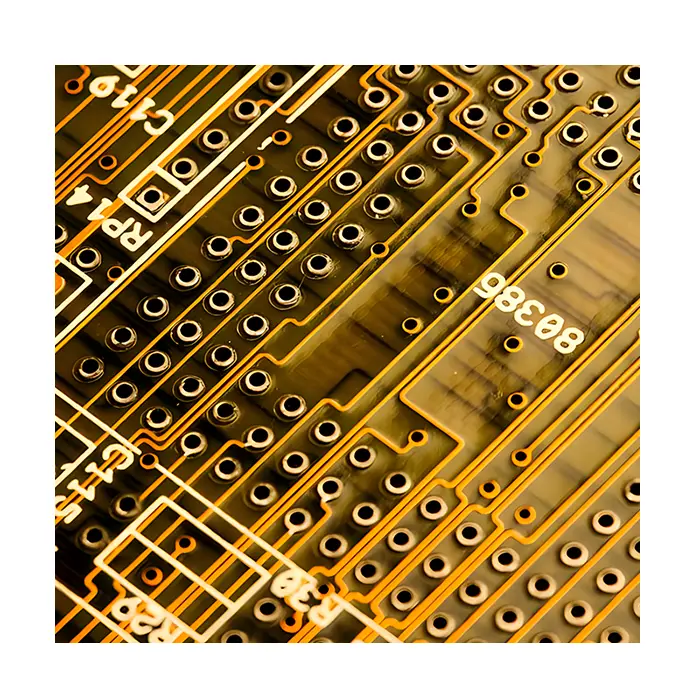 Copper Core
 PCB Assembly
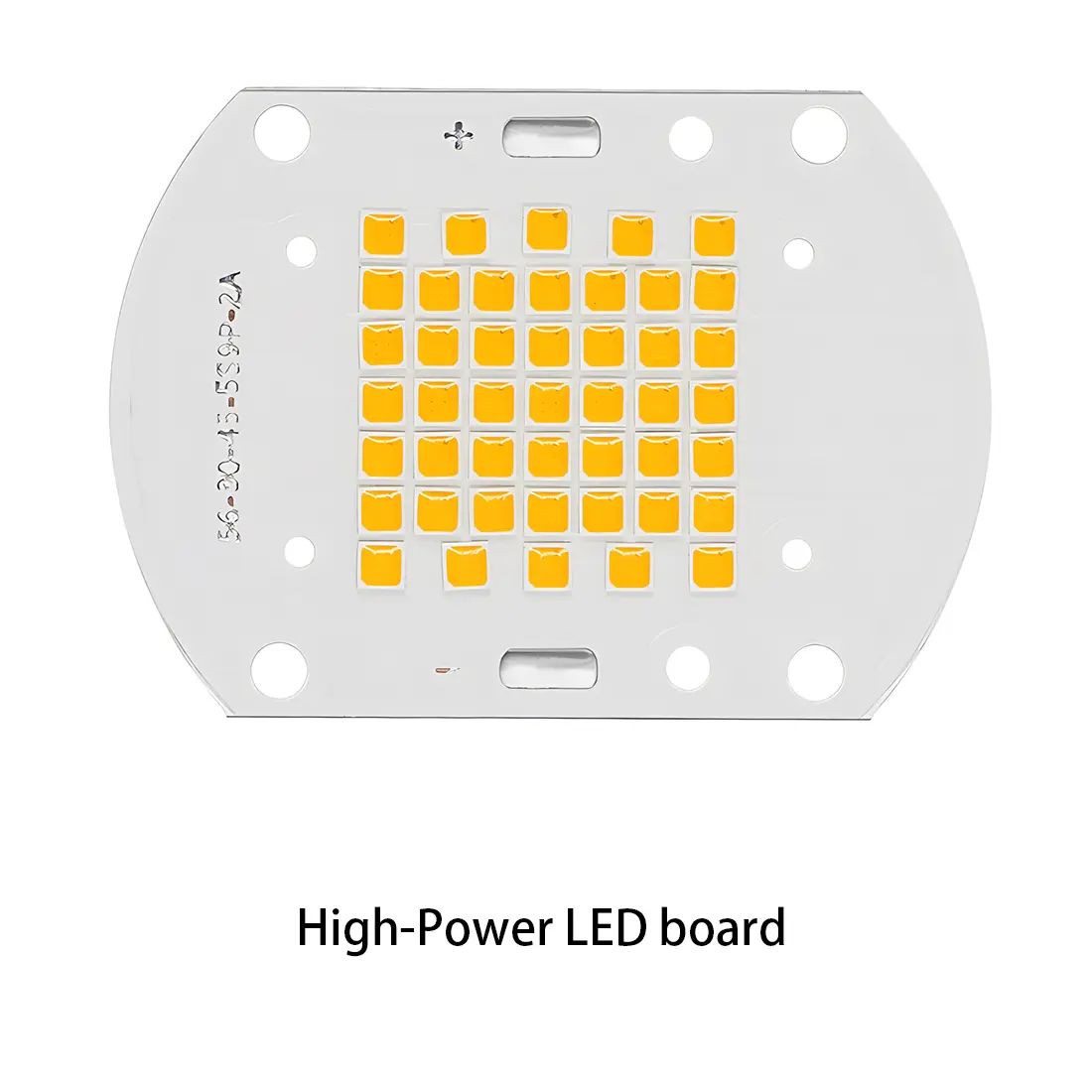 LED light PCBA
 Memory PCBA
 Power Supply PCBA
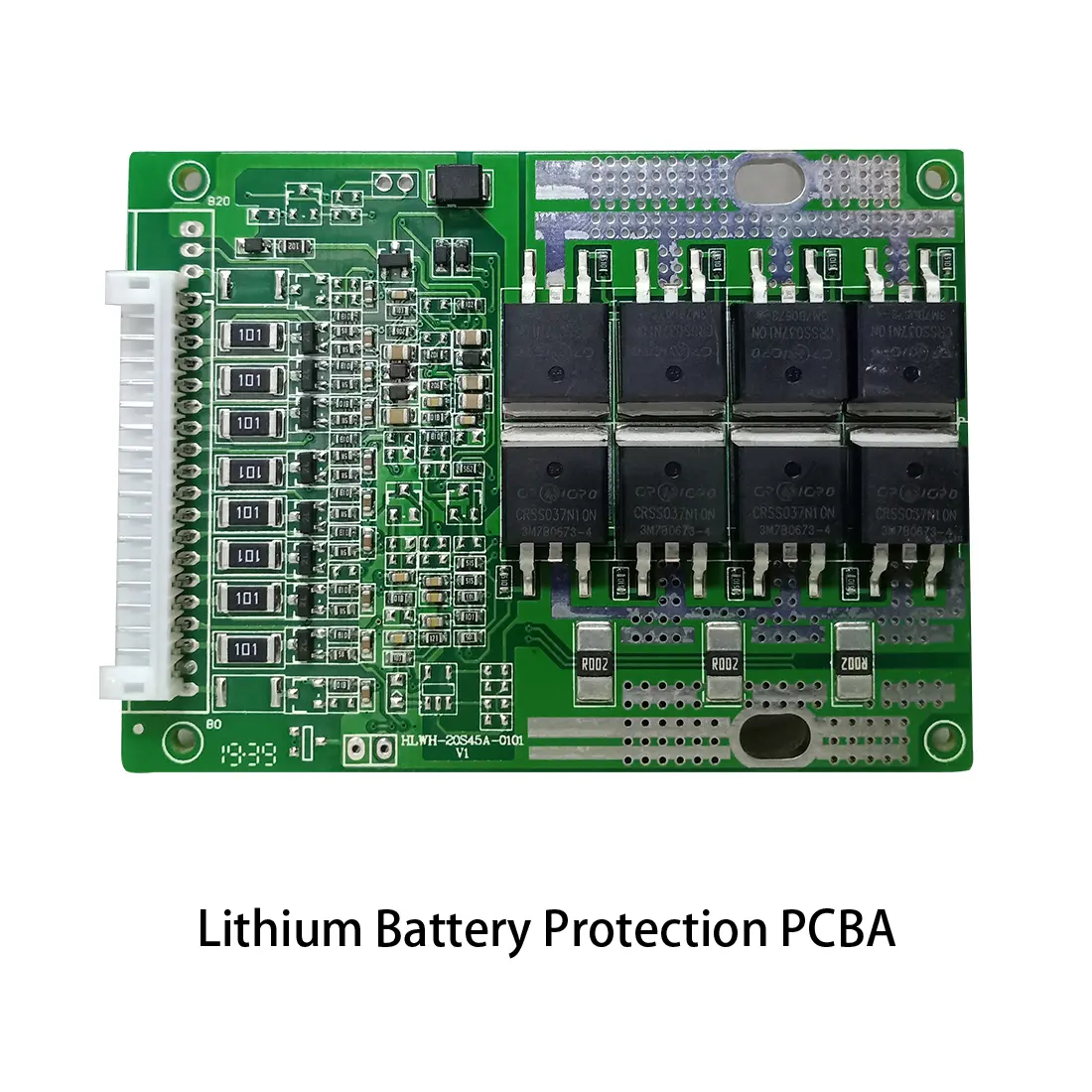 New Energey PCBA
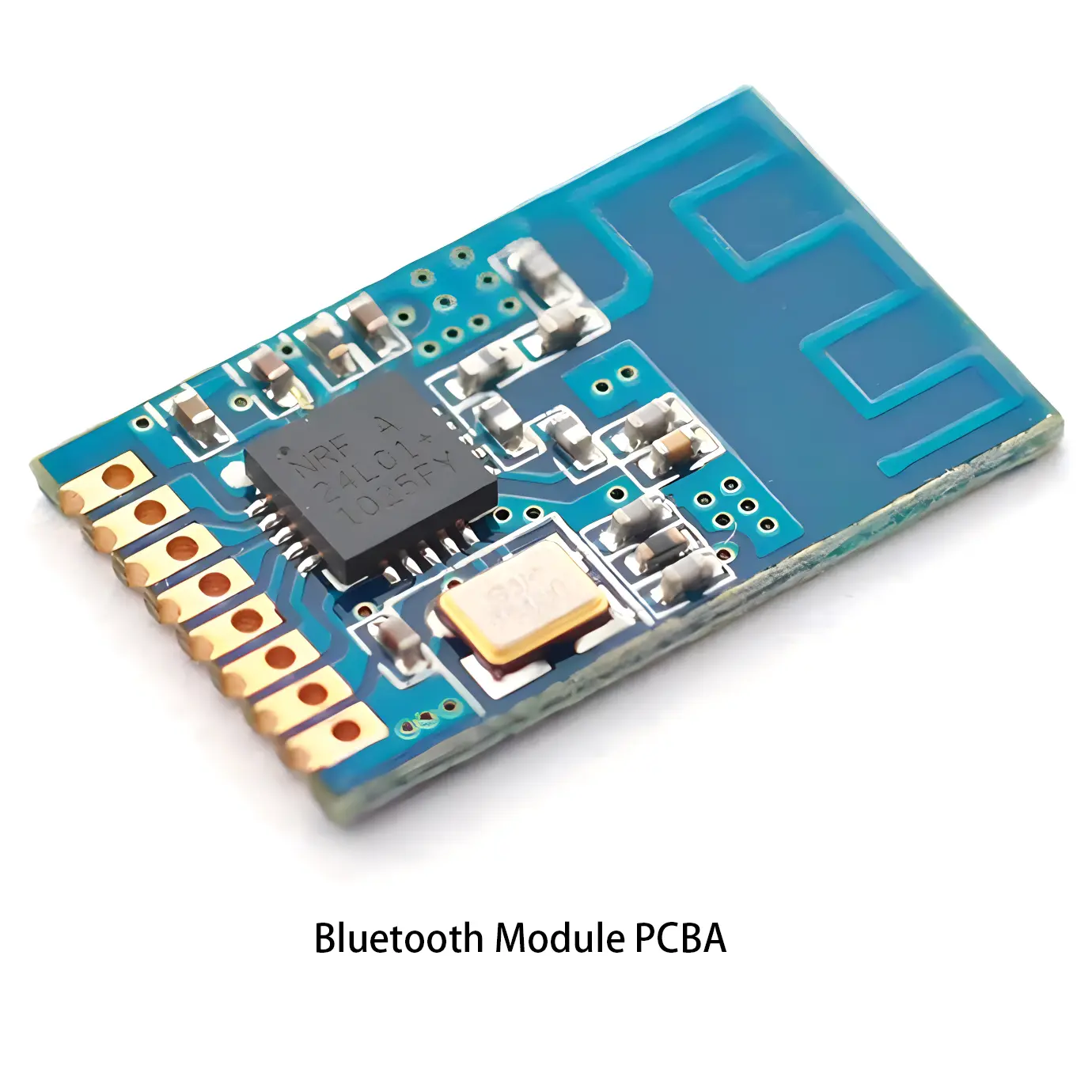 Communication PCBA
 Industrial Control PCBA
 Medical Equipment PCBA
 Testing Service
 PCBA Testing Service
 Certification Application
 RoHS Certification Application
 REACH Certification Application
 CE Certification Application
 FCC Certification Application
 CQC Certification Application
 UL Certification Application
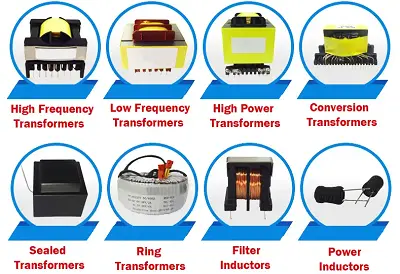 Transformers, Inductors
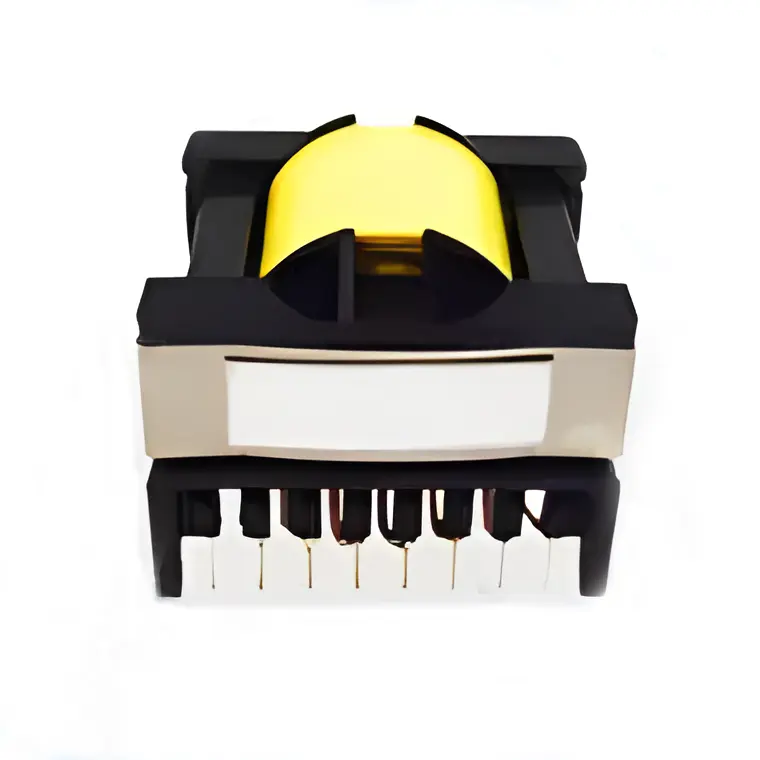 High Frequency Transformers
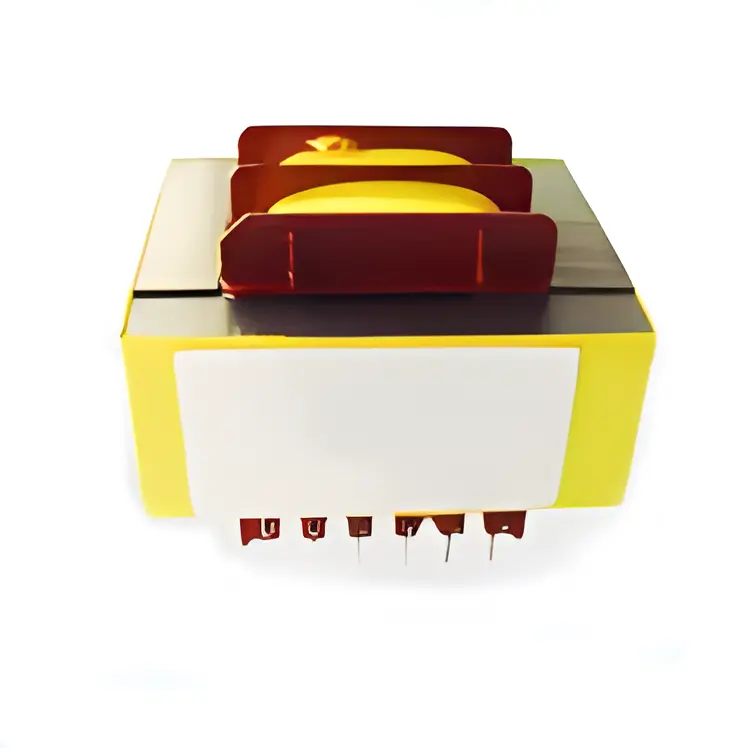 Low Frequency Transformers
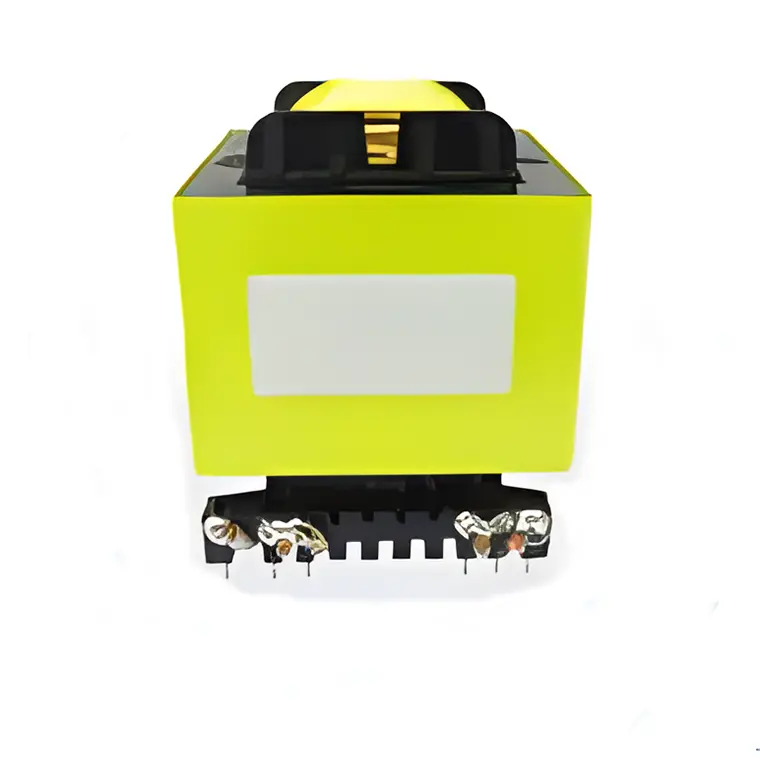 High Power Transformers
 Conversion Transformers
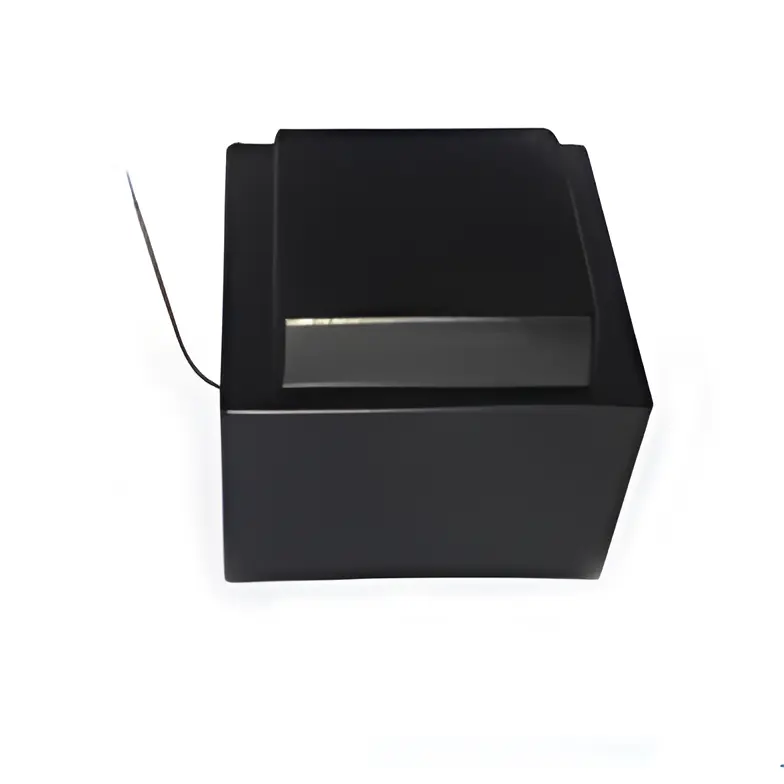 Sealed Transformers
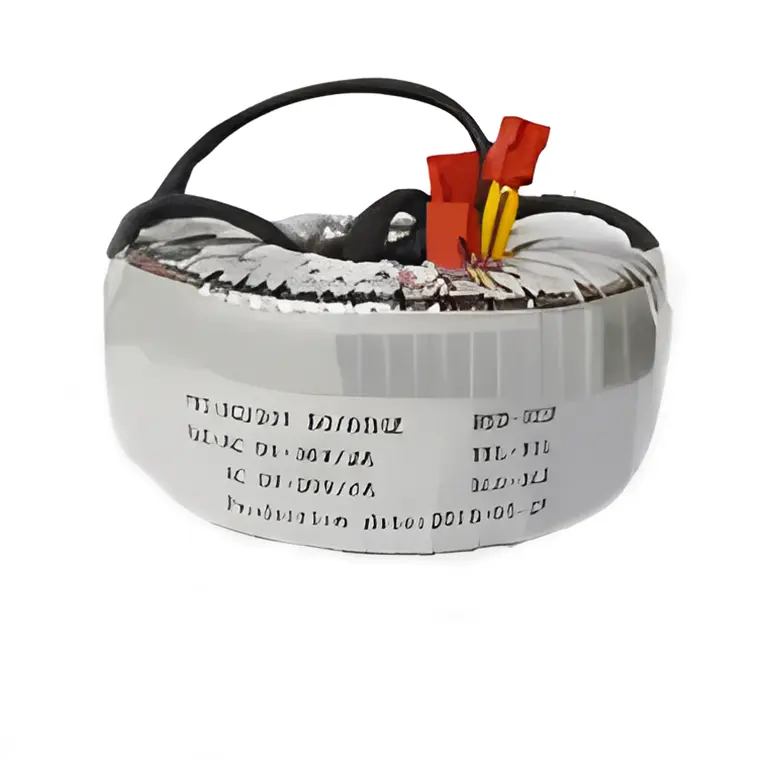 Ring Transformers
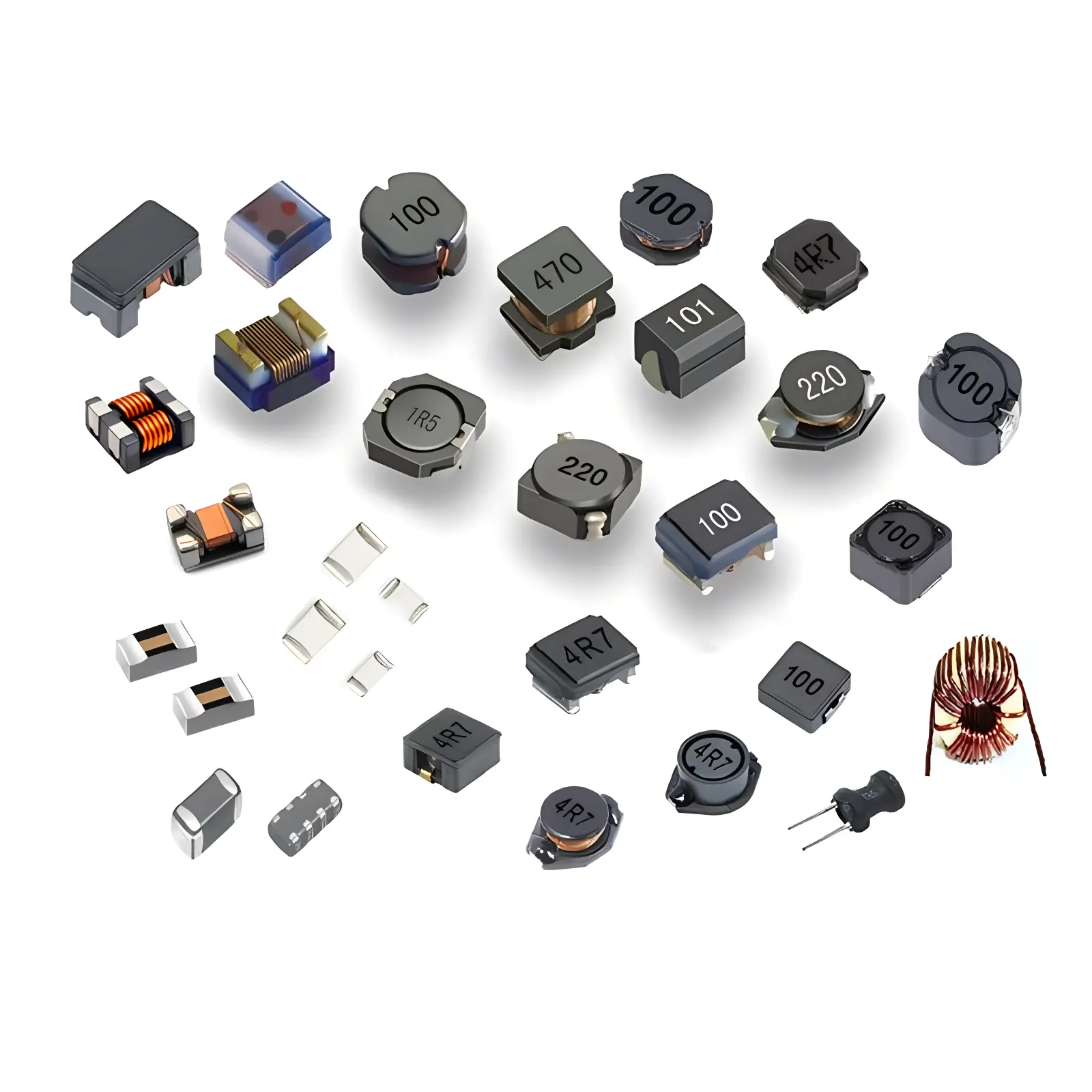 Inductors
 Wires,Cables Customized
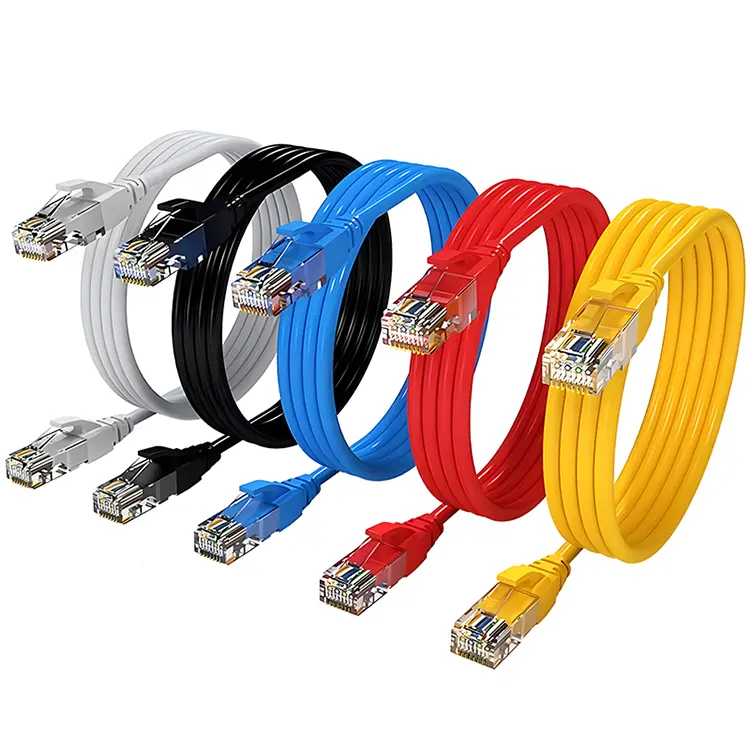 Network Cables
 Power Cords
 Antenna Cables
 Coaxial Cables
 Net Position Indicator
 Solar AIS net position indicator
 Capacitors
 Connectors
 Diodes
 Embedded Processors & Controllers
 Digital Signal Processors (DSP/DSC)
 Microcontrollers (MCU/MPU/SOC)
 Programmable Logic Device(CPLD/FPGA)
 Communication Modules/IoT
 Resistors
 Through Hole Resistors
 Resistor Networks, Arrays
 Potentiometers,Variable Resistors
 Aluminum Case,Porcelain Tube Resistance
 Current Sense Resistors,Shunt Resistors
 Switches
 Transistors
 Power Modules
 Isolated Power Modules
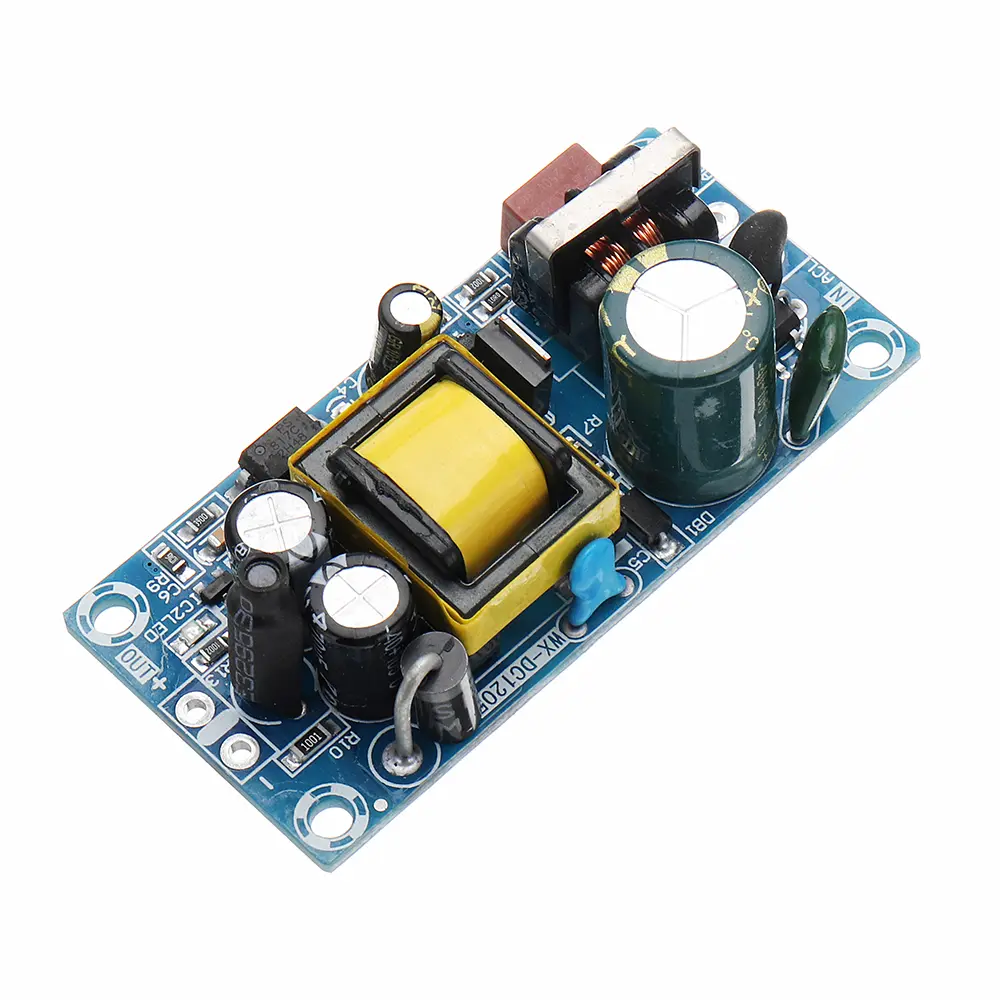 AC-DC Power Modules
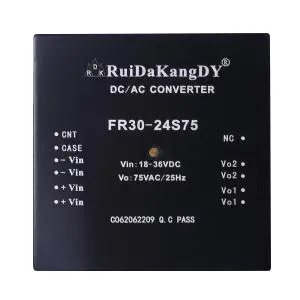 DC-AC Module(Inverter)
 RF and Wireless
Detailed Methods and Strategies for Heat Dissipation Path Planning in Component Layout
2025-09-17
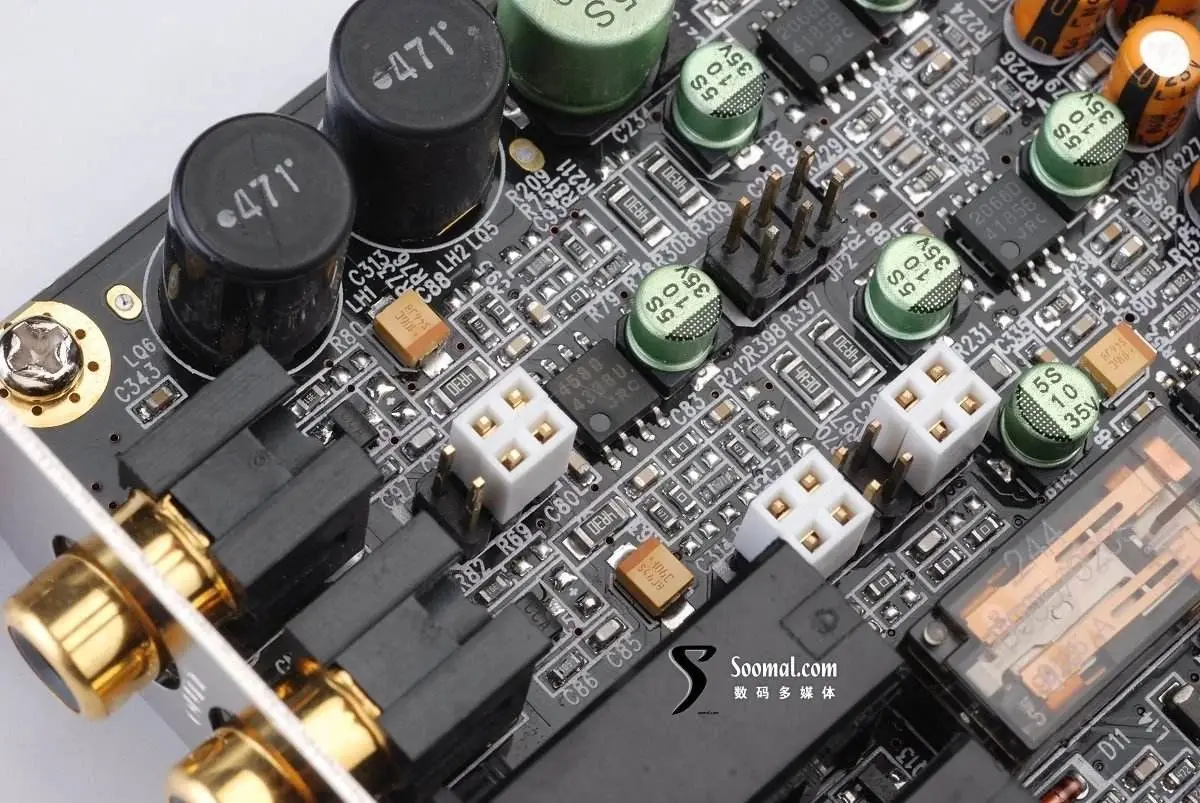
Core SignifICance of Heat Dissipation Path Planning for Electronic Devices
In electronic devices, if the heat generated by components during operation cannot be dissipated in a timely manner, it will cause local temperature rise, leading to performance degradation (such as CPU frequency derating), shortened lifespan (Capacitor lifespan is halved for every 10℃ increase), and reduced reliability (solder joint thermal fatigue cracking) and other issues. According to industry data statistics, about 60% of electronic device failures are caused by overheating.
Heat dissipation path planning is a core link in the component layout stage. Its essence is to construct an efficient heat transfer channel of "component heat source → conductive medium → heat dissipation terminal" through reasonable spatial layout, ensuring that heat is transferred to the outside with minimum thermal resistance. For power components (such as MOSFETs, IGBTs, power modules) with high heat density (≥1W/cm²), the rationality of heat dissipation path planning directly determines the long-term stable operation capability of the device.
2. Core Principles and Implementation Methods of Heat Dissipation Path Planning
2.1 "Board Edge/Board Corner" Layout Principle for Power Components
Power components should be preferentially laid out at the PCB board edge or board corner positions, using the "unobstructed heat dissipation boundary" of the PCB edge to shorten the heat transfer path and reduce heat accumulation in the board:
- Principle Basis: The PCB board edge has a larger contact area with air, and heat can be directly conducted to the external heat sink or chassis through the board edge. The thermal resistance is 30%-50% lower than that of the board center area. For example, a MOSFET with the same power (power consumption 5W) has a temperature 8-12℃ lower when placed at the board edge than at the board center.
- Implementation Points: The distance between the power component and the board edge should be controlled at 5-10mm, and other components (such as capacitors, connectors) should be avoided to block the board edge heat dissipation channel. If a metal chassis is used, a "thermal pad" can be designed under the board edge power component, which is in direct contact with the chassis through a thermal silica pad to form a short-path heat dissipation of "component → thermal pad → chassis".
- Case Reference: In the layout of an industrial power module, 6 IGBTs (total power consumption 30W) are evenly distributed at the four corners of the PCB. Each IGBT is 8mm away from the board edge. With the aluminum heat dissipation strip installed at the board edge, the overall temperature of the module is controlled below 65℃ (ambient temperature 40℃), which is 15℃ lower than the central layout scheme.
2.2 Avoiding Heat Accumulation: Distributed Layout Principle for Heating Components
Multiple heating components (power consumption ≥0.5W) should avoid dense arrangement to prevent the formation of "heat island effect" and local temperature exceeding the standard:
- Spacing Requirement: The spacing between heating components should meet "spacing ≥ component height + 2mm" or "spacing ≥ 1.5 times the heat diffusion radius" (heat diffusion radius ≈√(4kt/πa), where k is the PCB thermal conductivity, t is the working time, and a is the thermal diffusivity). For example, a resistor with power consumption 2W (diameter 5mm) has a heat diffusion radius of about 10mm, and the spacing between adjacent similar components should be ≥15mm.
- Group Layout Strategy: Divide heating components into groups according to power consumption. High-power components (≥5W) are laid out separately, and medium and low-power components (0.5-5W) can be concentrated but need to reserve heat dissipation gaps. For example, in a motor controller, 2 10W power modules are separately laid out on both sides of the board edge, and 8 1W driver chips are divided into two groups with 4 chips in each group. The spacing within the group is 8mm, and the spacing between groups is 15mm, which effectively avoids heat accumulation.
- Direction Optimization: The long-axis direction of the heating component should be consistent with the main PCB heat dissipation channel (such as the copper skin routing direction) to reduce heat conduction resistance. For example, the long axis of a rectangular power resistor should be parallel to the large-area copper foil on the PCB to improve the heat conduction efficiency from the resistor to the copper foil.
It is strictly forbidden to arrange multiple high-power components (such as more than 3 5W devices) in a "triangle" or linear dense arrangement. This layout will make the central area temperature 20-30℃ higher than the surrounding area, forming serious heat accumulation.
2.3 Constructing a "Heat Conduction Network" Using PCB Copper Skin
PCB copper skin is the core conductive medium for component heat dissipation. A low-resistance heat conduction network is constructed through reasonable design of copper skin shape and connection method:
- Connection Between Heating Components and Copper Skin: The pad of the power component should be directly connected to the "heat dissipation copper island" or "copper skin grid", and the area of the copper island should be ≥2-3 times the component package area. For example, a TO-220 packaged MOSFET (package size 10×15mm) should have a heat dissipation copper island area ≥300mm², and connected to the large-area copper skin of the inner layer or bottom layer through at least 4 vias (diameter 0.8mm) to enhance vertical heat conduction.
- Copper Skin Optimization for Heat Conduction Path: Design a "heat conduction corridor" between the heating component and the board edge, heat sink or connector — a continuous copper skin with width ≥3mm, avoiding the copper skin being divided by narrow gaps (width <1mm). For example, in an LED driver board, the LED array (total power consumption 15W) is connected to the heat dissipation interface at the board edge through a 5mm wide copper skin corridor. The copper skin thickness is 1oz (35μm), and the temperature is 10℃ lower than the design without a corridor.
- Copper Skin Opening and Heat Dissipation Hole Design: Open "louver-type" openings (opening size 2×5mm, spacing 3mm) on the heat dissipation copper skin, or design heat dissipation holes (diameter 1-2mm, spacing 5-8mm) in the copper skin-dense area to enhance air convection heat dissipation. However, it should be noted that the heat dissipation holes should not be located directly below the heating components to avoid affecting the pad strength.
2.4 Isolated Layout of Sensitive Components and Heating Components
Temperature-sensitive components (such as sensors, crystal oscillators, MCUs) should be kept at a sufficient distance from heating components to avoid performance impact due to high temperature:
- Isolation Distance Requirement: The distance between sensitive components and high-power components (≥5W) should be ≥20mm, and the distance between sensitive components and medium and low-power components (0.5-5W) should be ≥10mm. For example, a temperature sensor with an accuracy of ±0.1℃ needs to be ≥15mm away from a 2W power resistor, otherwise the measurement error will increase to more than ±0.5℃.
- Layout Orientation Optimization: Sensitive components should be laid out on the "upwind side" of the heating components (the upstream of the air flow direction) to avoid hot air blowing directly to the sensitive components. For example, in a device with fan heat dissipation, the MCU is laid out on the fan air inlet side, and the power components are laid out on the air outlet side to isolate heat by using the air flow direction.
- Heat Shielding Measures: If space is limited and sufficient distance cannot be guaranteed, a "heat shielding wall" can be set between the heating component and the sensitive component — a barrier composed of copper skin or metal shield. The copper skin thickness is ≥1oz, and the height is ≥component height to block heat radiation transfer.
2.5 Layout Coordination with Heat Dissipation Structure
Component layout should be designed in coordination with the device's heat dissipation structure (such as heat sinks, fans, heat pipes) to maximize heat dissipation efficiency:
- Heat Sink Corresponding Layout: Power components that need to be installed with heat sinks should be laid out directly below the heat sink, and the deviation between the component center and the heat sink center should be ≤2mm to ensure tight fit. Multiple components that need heat sinks should be evenly arranged along the length direction of the heat sink, with a spacing ≥5mm to avoid local overheating of the heat sink.
- Fan Air Flow Path Matching: Component layout should follow the "smooth air flow" principle. Heating components are arranged in sequence along the air flow direction (low power → high power) to avoid forming air flow dead angles. For example, low-power components (such as capacitors, resistors) are laid out on the fan air inlet side, and high-power components (such as power modules) are laid out on the air outlet side. When the air flow speed is ≥1m/s, the heat dissipation efficiency can be improved by 40%.
- Heat Pipe/Vapor Chamber Coordination: If heat pipes or vapor chambers are used for heat conduction, the heating components should be laid out in the "evaporation section" of the heat pipe or the "hot area" of the vapor chamber, and the contact area between the components and the heat pipe/vapor chamber should be ≥80% of the component package area. Thermal paste (thermal conductivity ≥3W/(m·K)) is used to enhance heat transfer.
3. Simulation and Verification Methods for Heat Dissipation Path Planning
The rationality of the heat dissipation path is verified through thermal simulation and actual testing to ensure that it meets the design requirements:
- Thermal Simulation Analysis: Use thermal simulation software (such as ANSYS Icepak, Flotherm) to establish a 3D model of PCB and components, set component power consumption, ambient temperature, and heat dissipation structure parameters, and simulate and analyze the temperature distribution cloud map. Focus on the maximum temperature of heating components and the temperature gradient of heat accumulation areas. If the simulated temperature exceeds the design upper limit (such as 85℃), the component layout or copper skin design needs to be adjusted.
- Actual Temperature Testing: After making a prototype, use an infrared thermal imager (resolution ≥640×512) to take pictures of the PCB surface temperature distribution. The test conditions are consistent with the simulation (such as ambient temperature 25℃, full load power consumption). Compare the simulation and test data to verify the effectiveness of the heat dissipation path. For example, after optimizing the layout of a server motherboard through simulation, the temperature around the CPU dropped from 95℃ to 78℃, and the deviation from the test result was ≤3℃.
- Long-Term Reliability Testing: Conduct high-temperature aging tests (such as 85℃/85%RH for 1000 hours) or temperature cycle tests (-40℃~85℃ for 1000 cycles). After the test, check whether the component solder joints and packages have cracks, bulges and other phenomena to verify the long-term stability of the heat dissipation path.
4. Common Problems and Solutions
| Common Problems | Causes | Solutions |
|---|---|---|
| Power Component Temperature Exceeds Standard | Laid out in the board center with long heat dissipation path; insufficient copper skin area; not coordinated with heat dissipation structure | Move components to the board edge; increase the area of heat dissipation copper islands and add vias; install heat sinks or thermal pads |
| Severe Local Heat Accumulation | Multiple heating components are densely arranged; copper skin is divided into small pieces | Distribute heating components with increased spacing; connect divided copper skins to construct continuous heat conduction corridors |
| Sensitive Components Affected by Temperature | Too close to heating components; located downstream of hot air | Increase isolation distance; adjust layout to the upwind side of heating components; add heat shielding walls |