
 PCB
PCB FPC
FPC Rigid-Flex
 FR-4
FR-4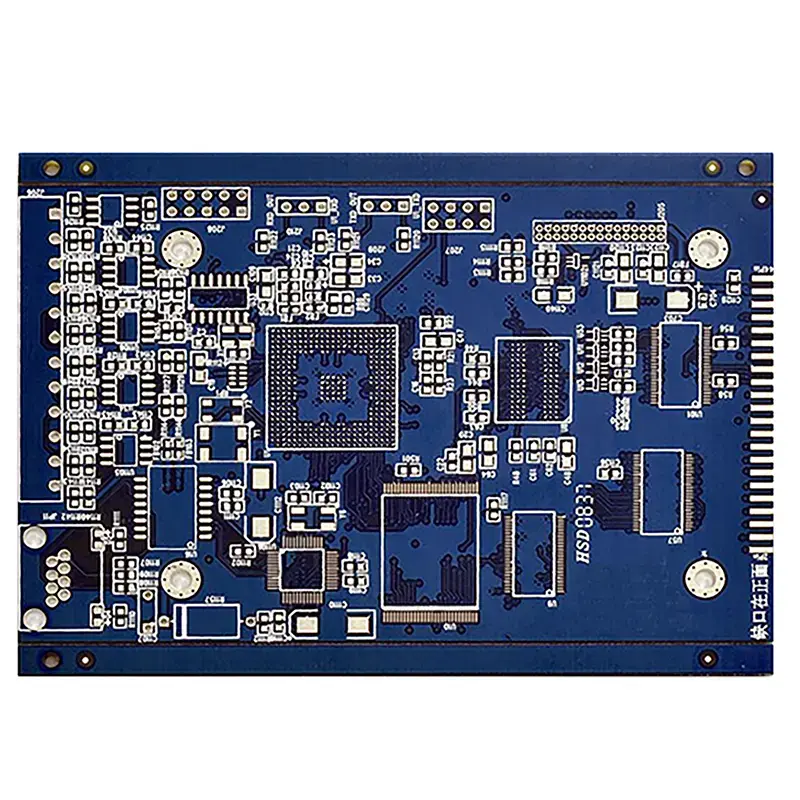 HDI PCB
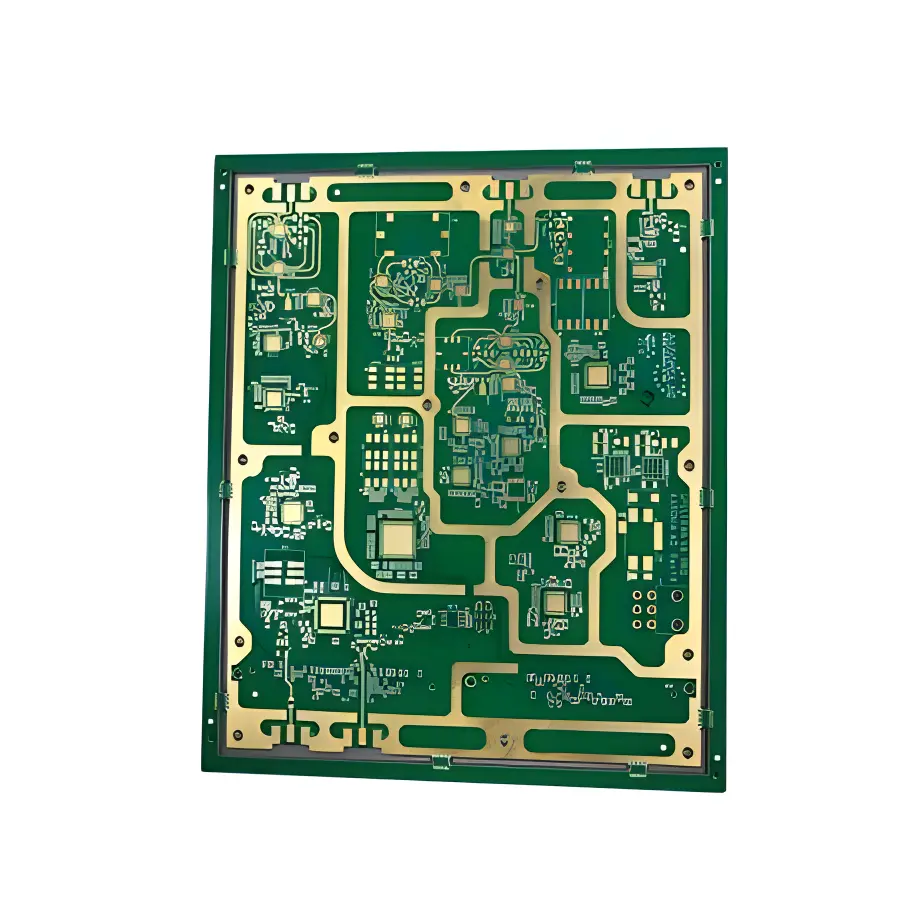 Rogers High-Frequency Board
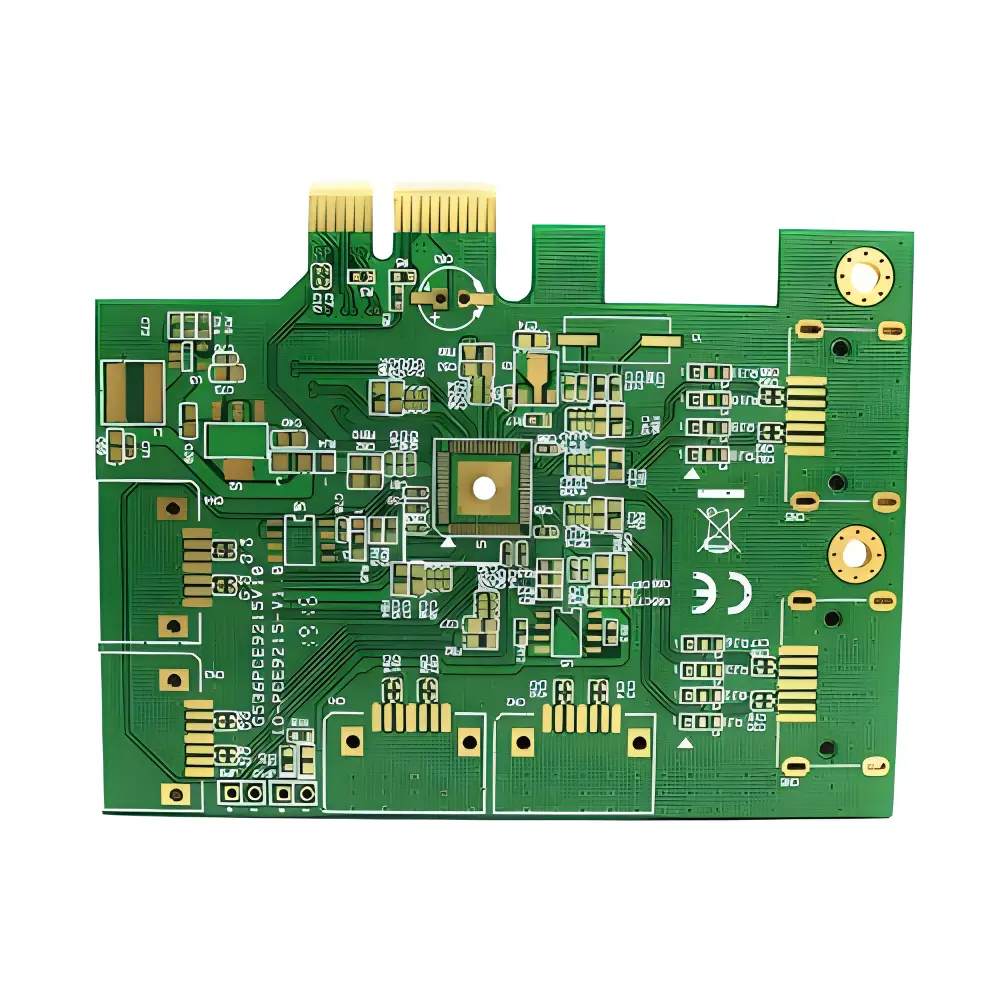 PTFE Teflon High-Frequency Board
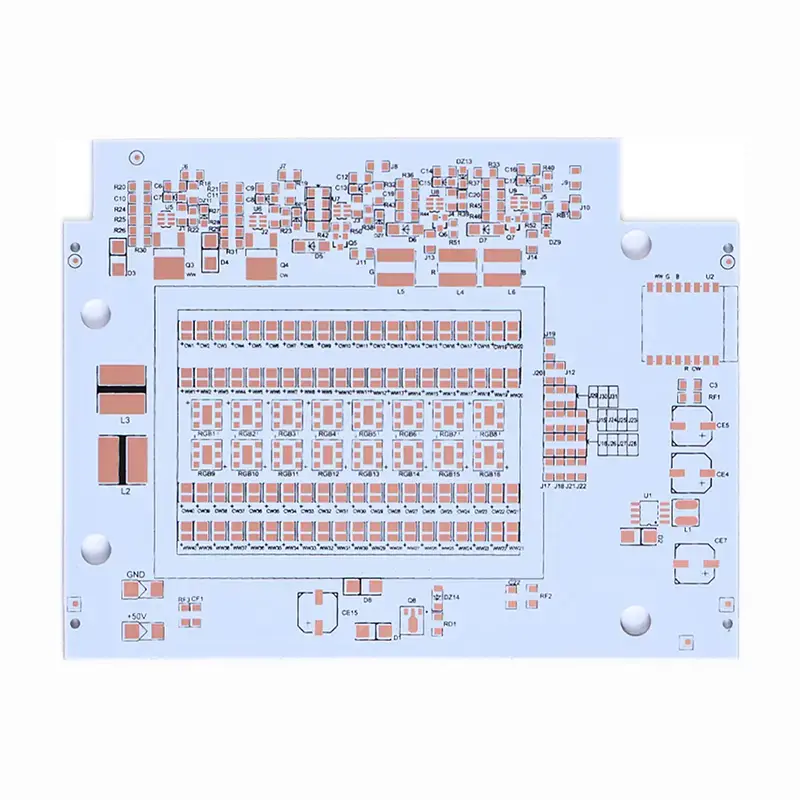 Aluminum
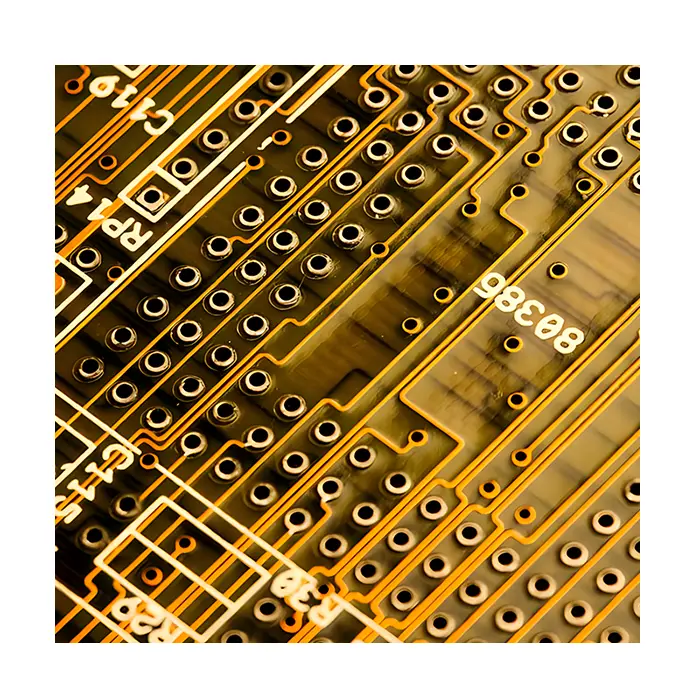 Copper Core
 PCB Assembly
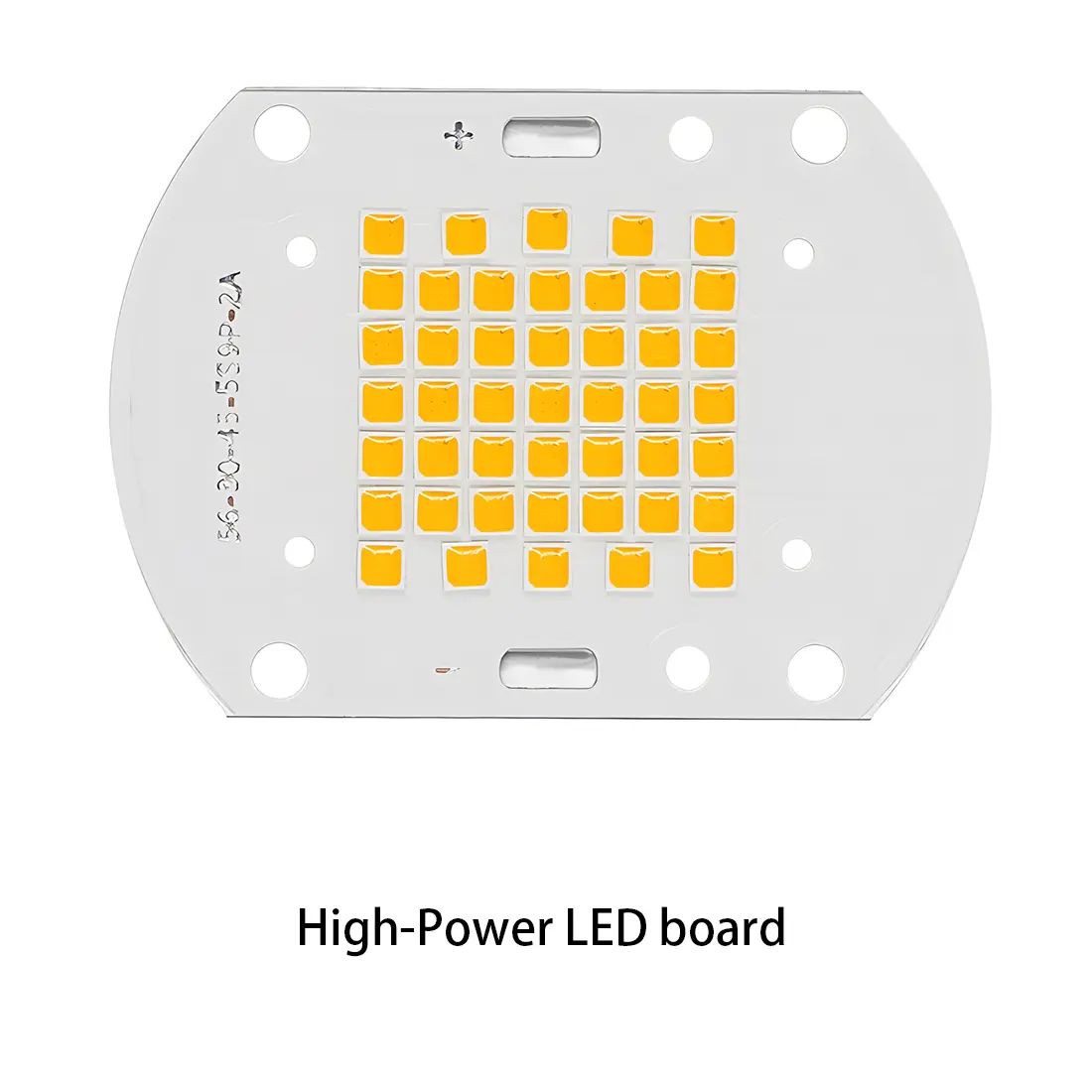 LED light PCBA
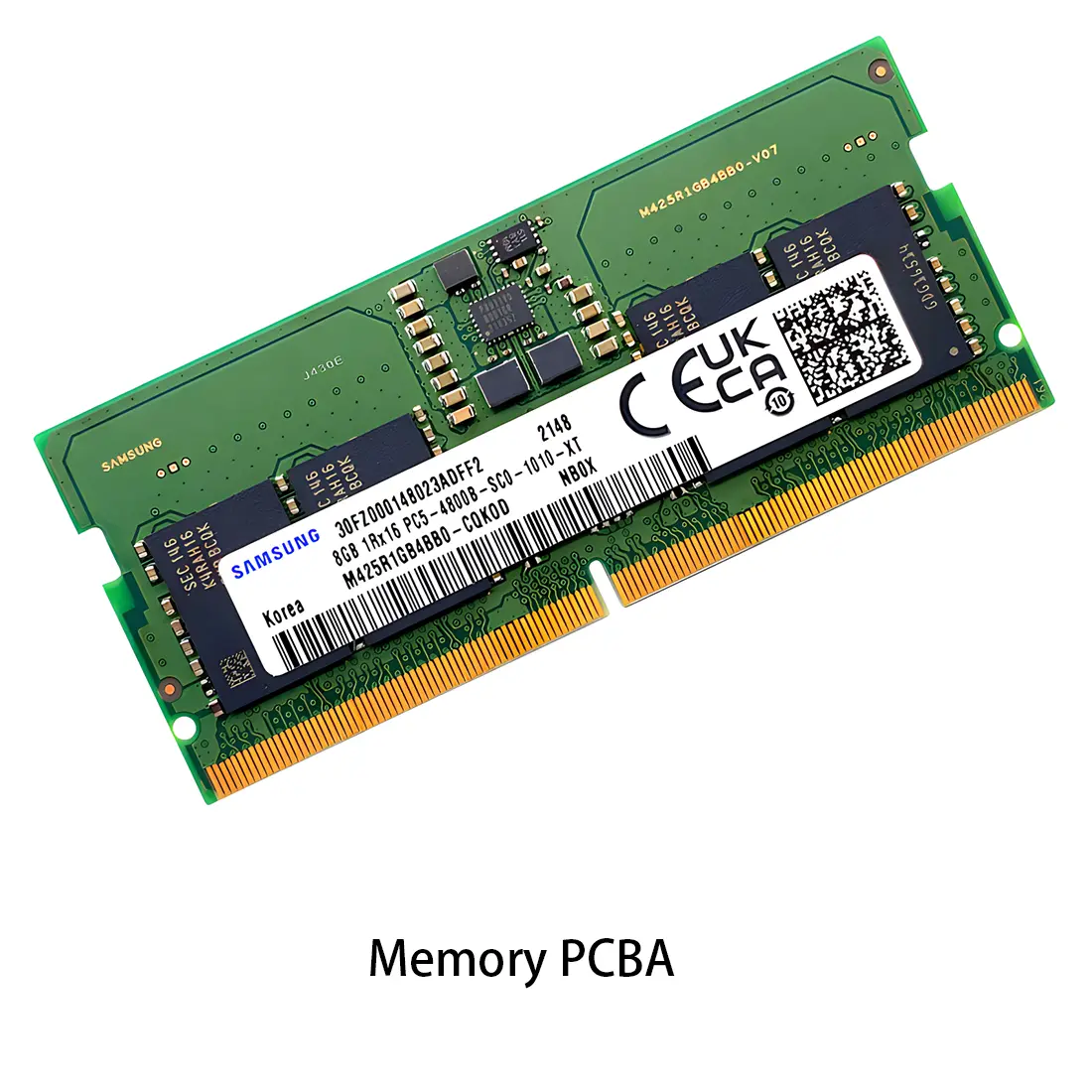 Memory PCBA
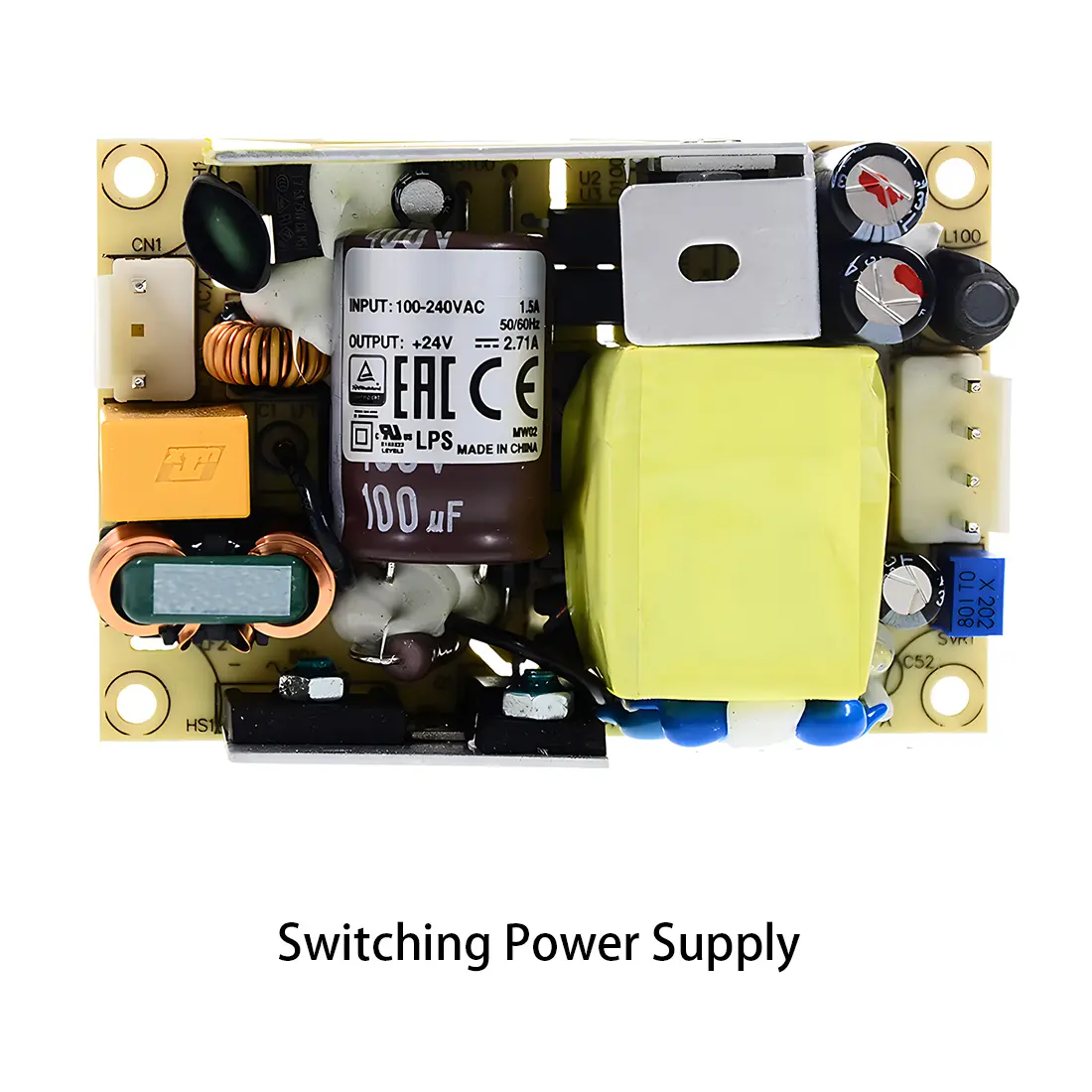 Power Supply PCBA
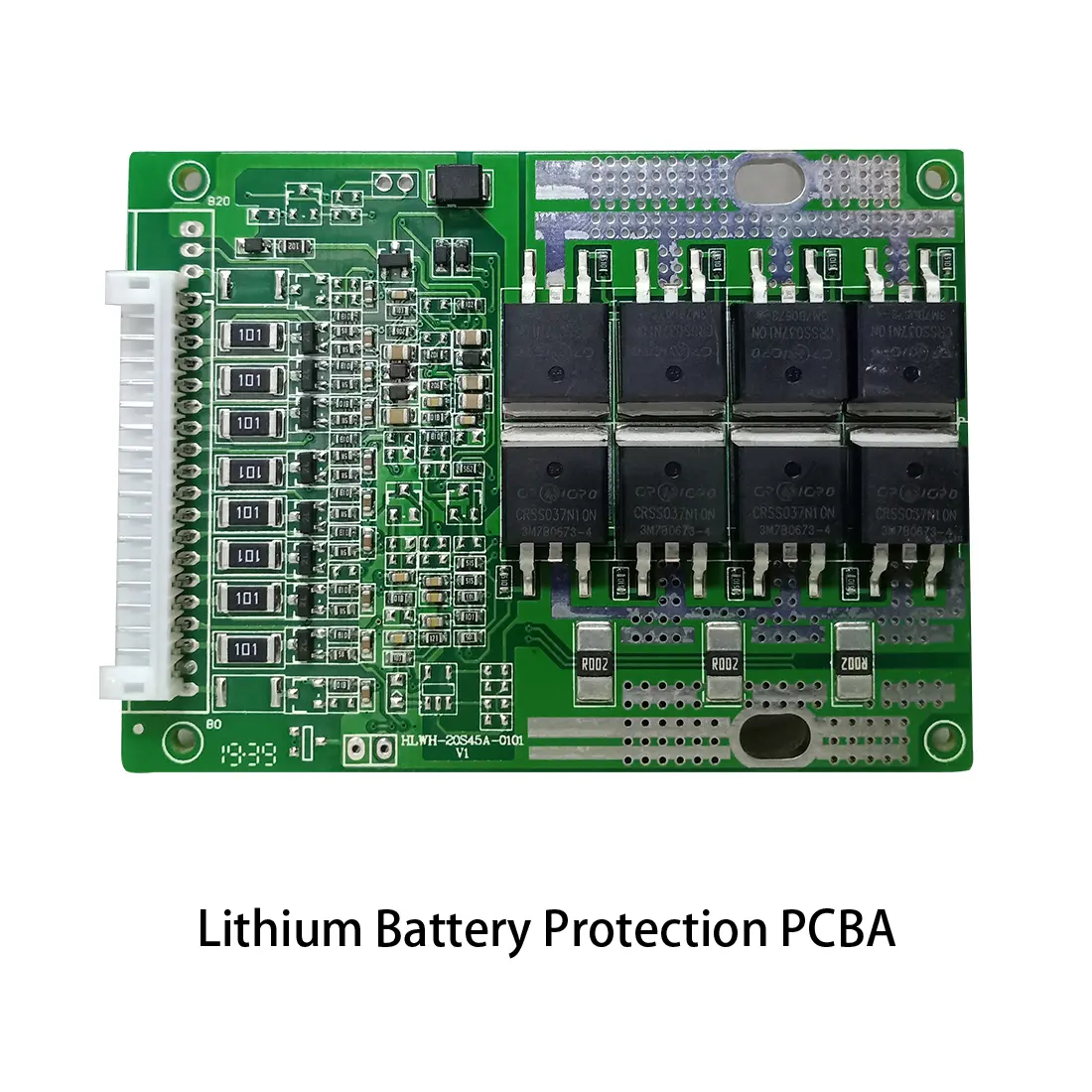 New Energey PCBA
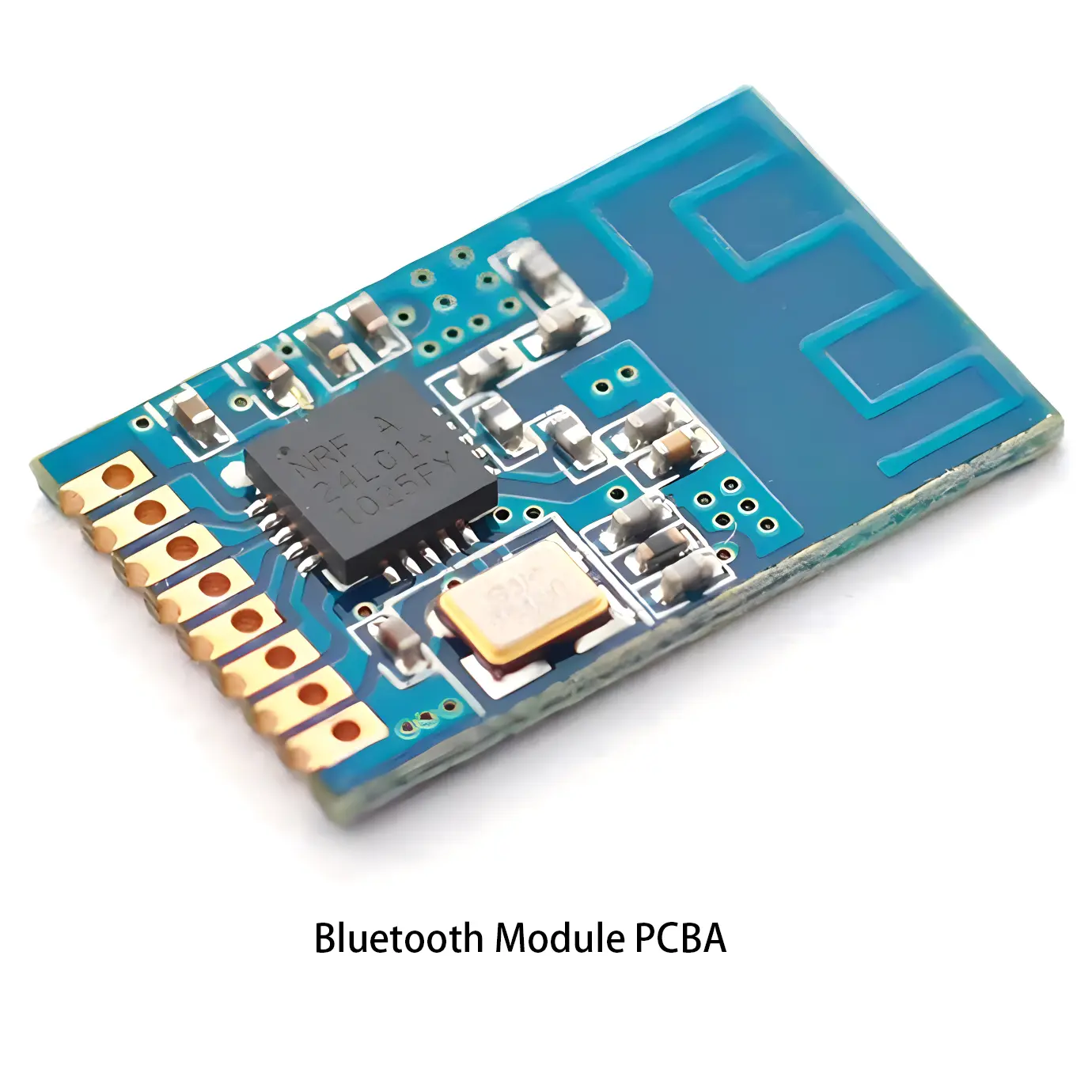 Communication PCBA
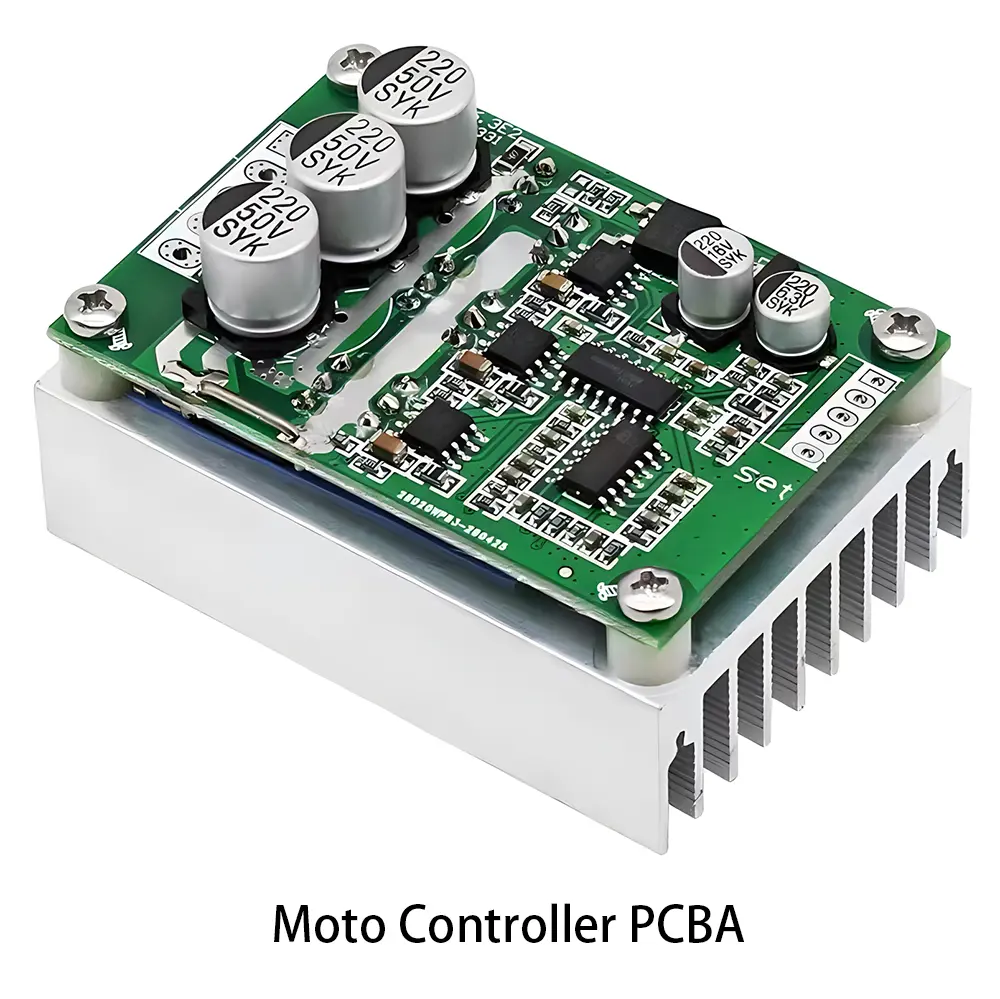 Industrial Control PCBA
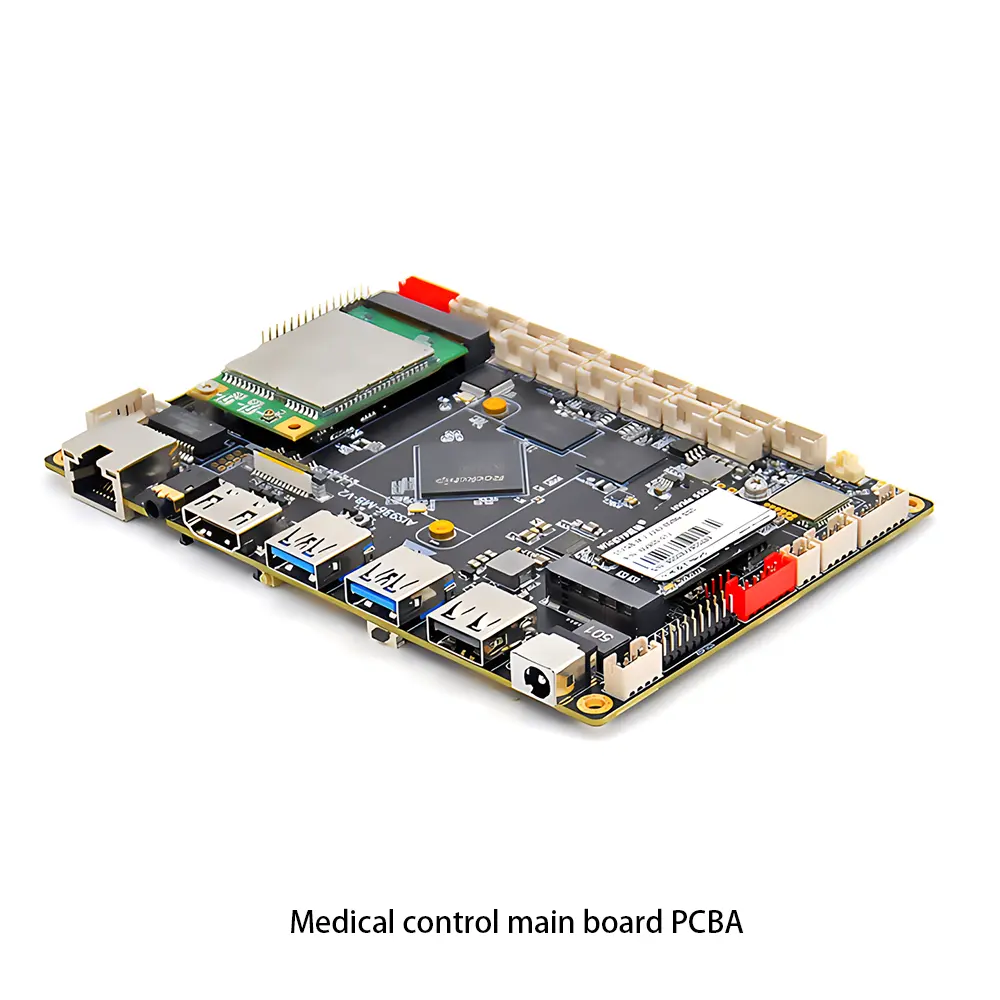 Medical Equipment PCBA
 Testing Service
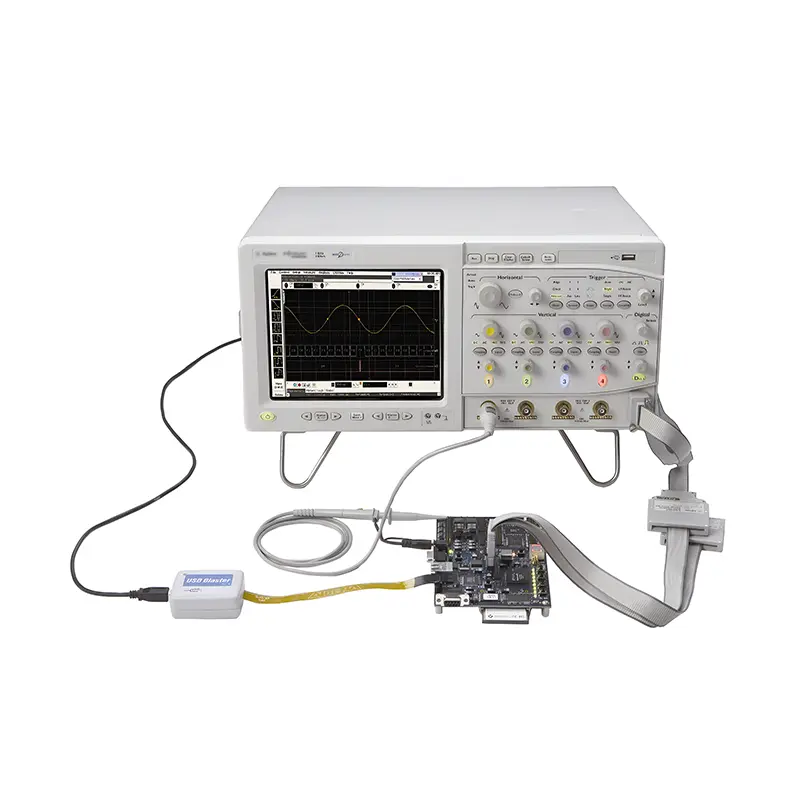 PCBA Testing Service
 Certification Application
 RoHS Certification Application
 REACH Certification Application
 CE Certification Application
 FCC Certification Application
 CQC Certification Application
 UL Certification Application
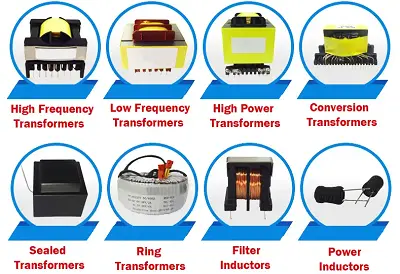 Transformers, Inductors
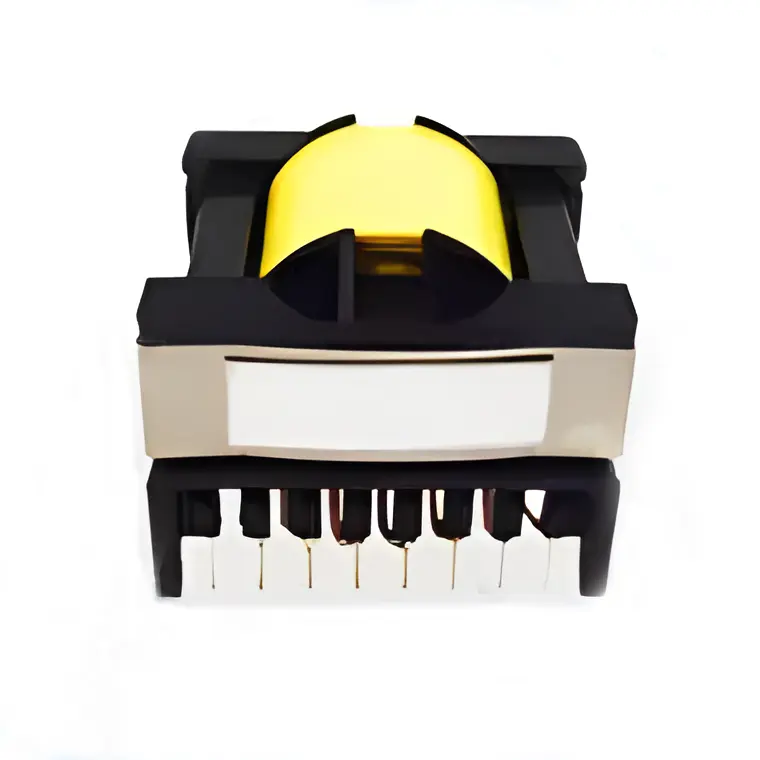 High Frequency Transformers
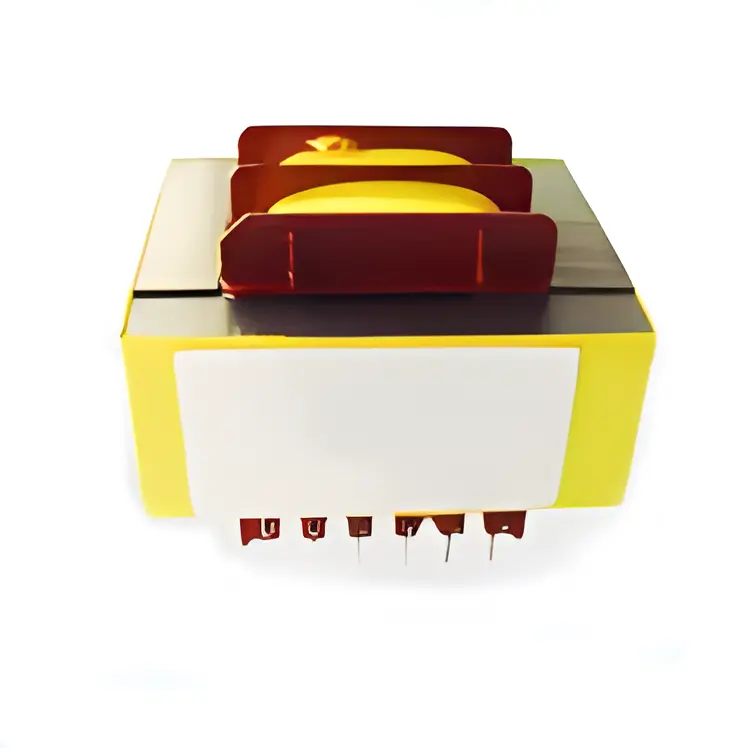 Low Frequency Transformers
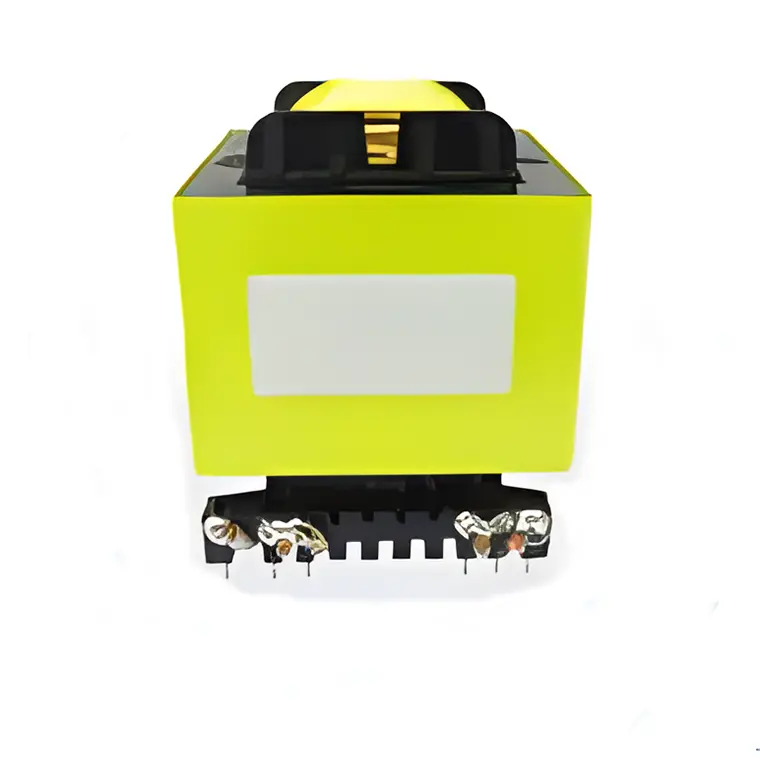 High Power Transformers
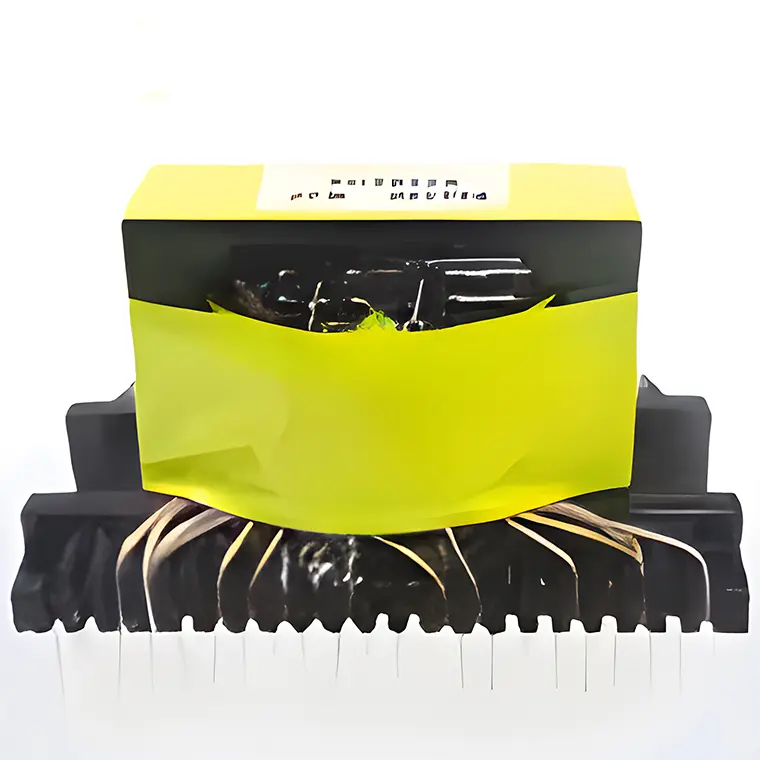 Conversion Transformers
 Sealed Transformers
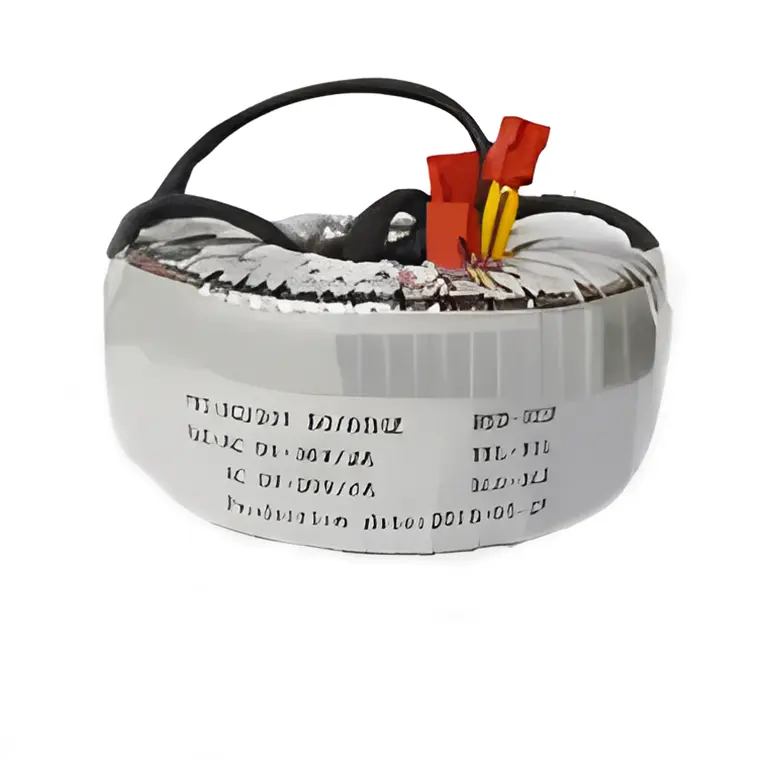 Ring Transformers
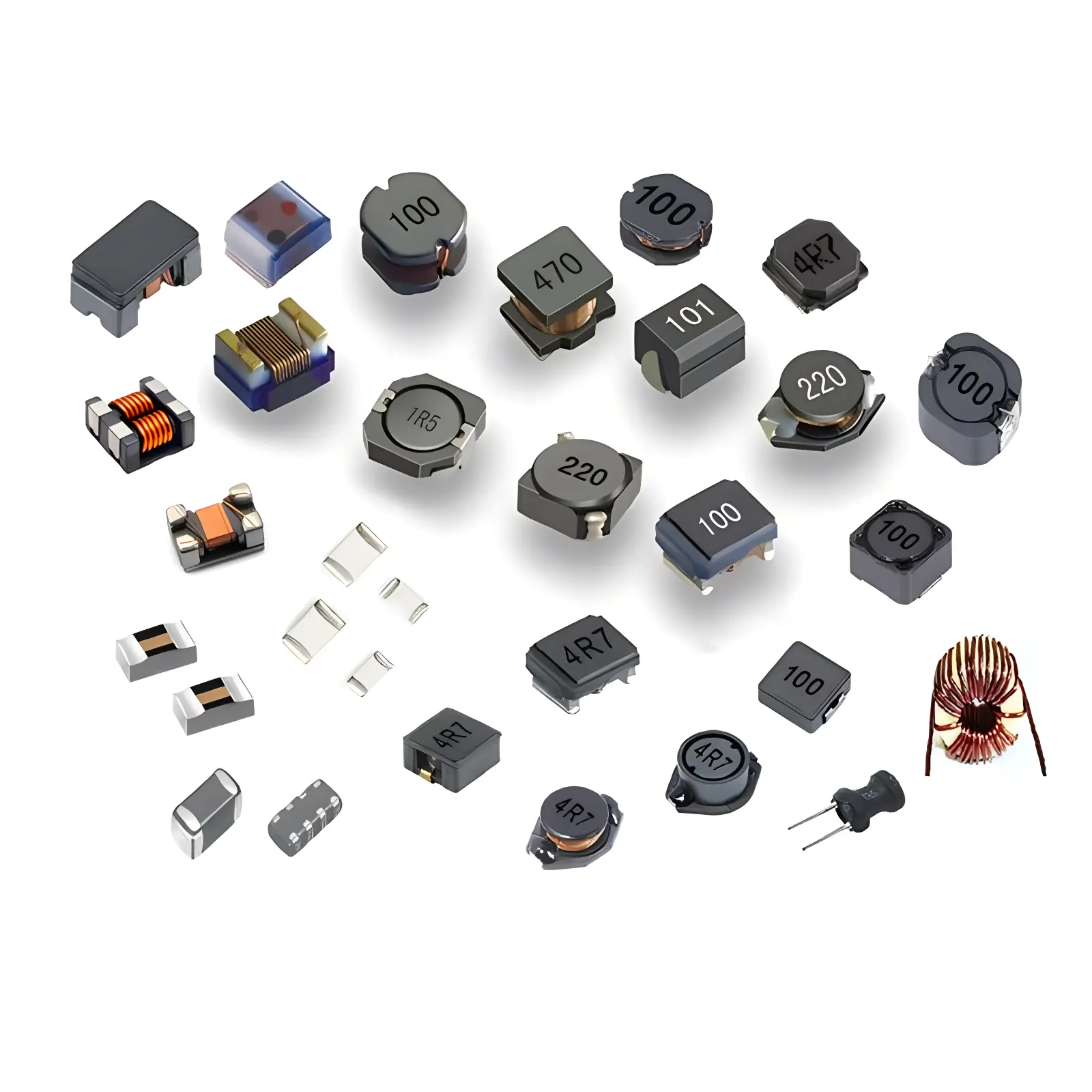 Inductors
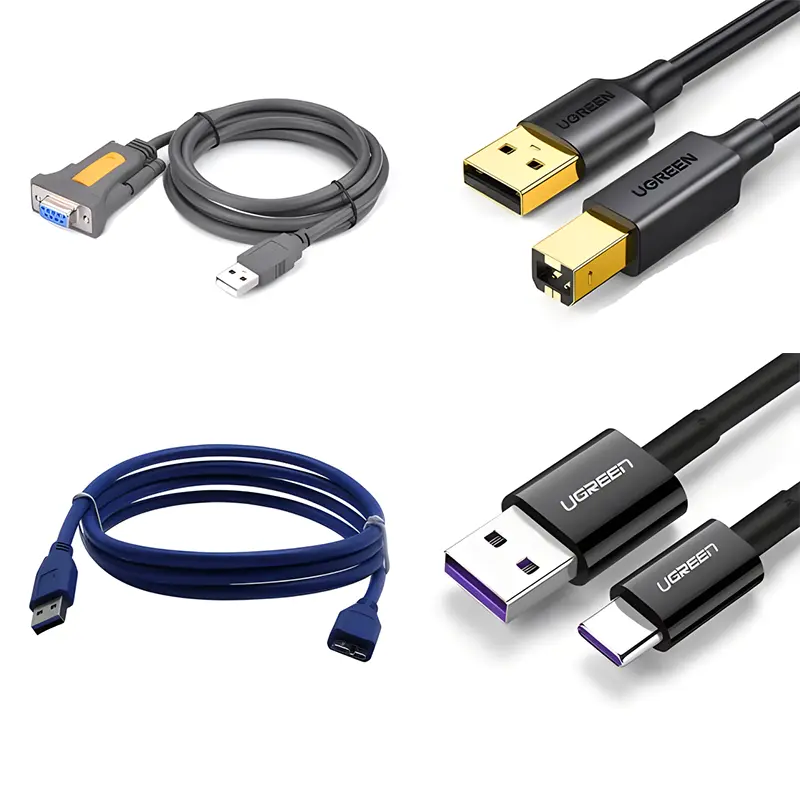 Wires,Cables Customized
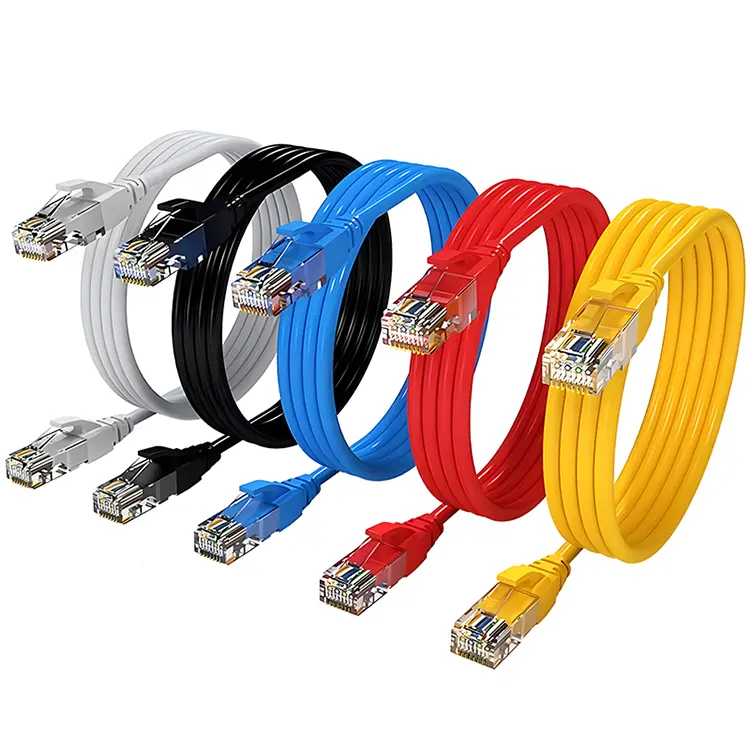 Network Cables
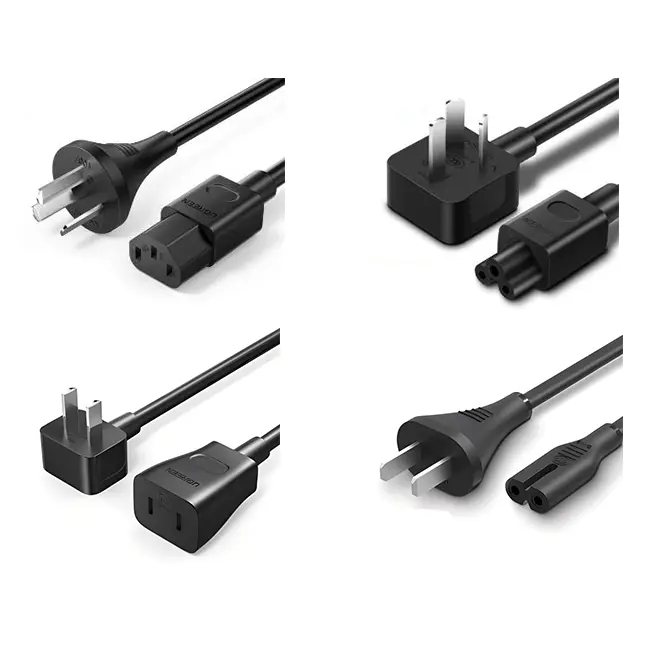 Power Cords
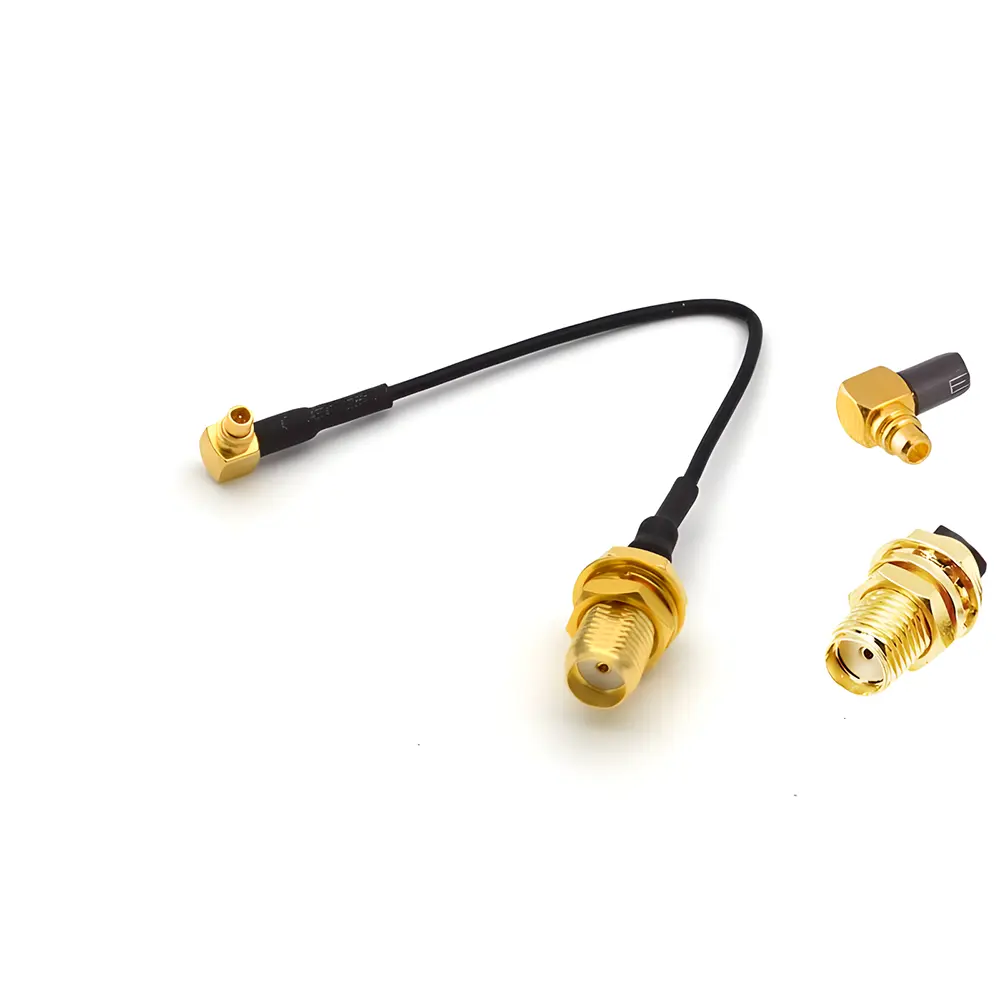 Antenna Cables
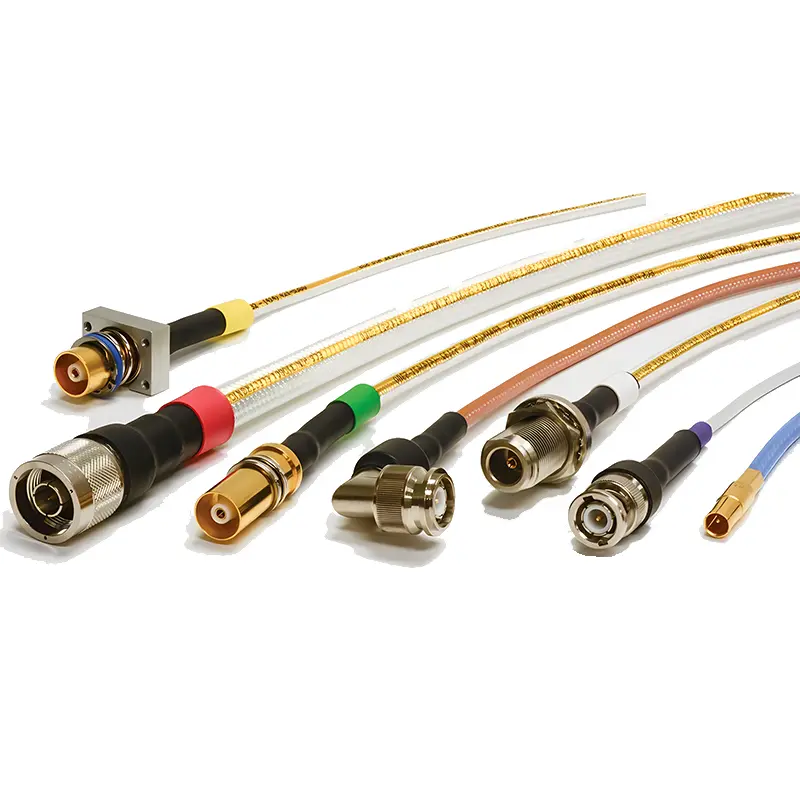 Coaxial Cables
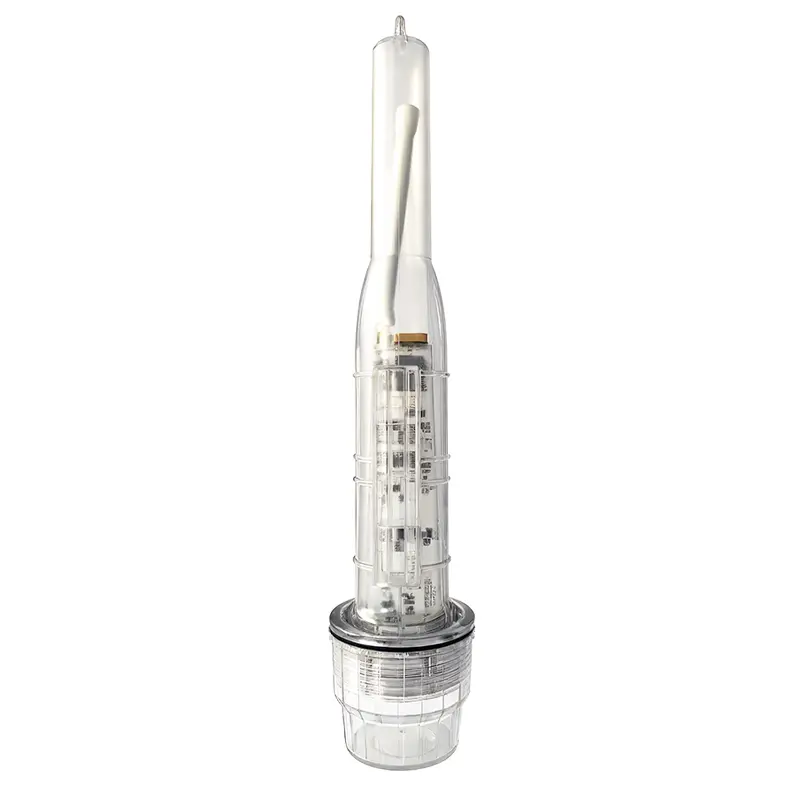 Net Position Indicator
 Solar AIS net position indicator
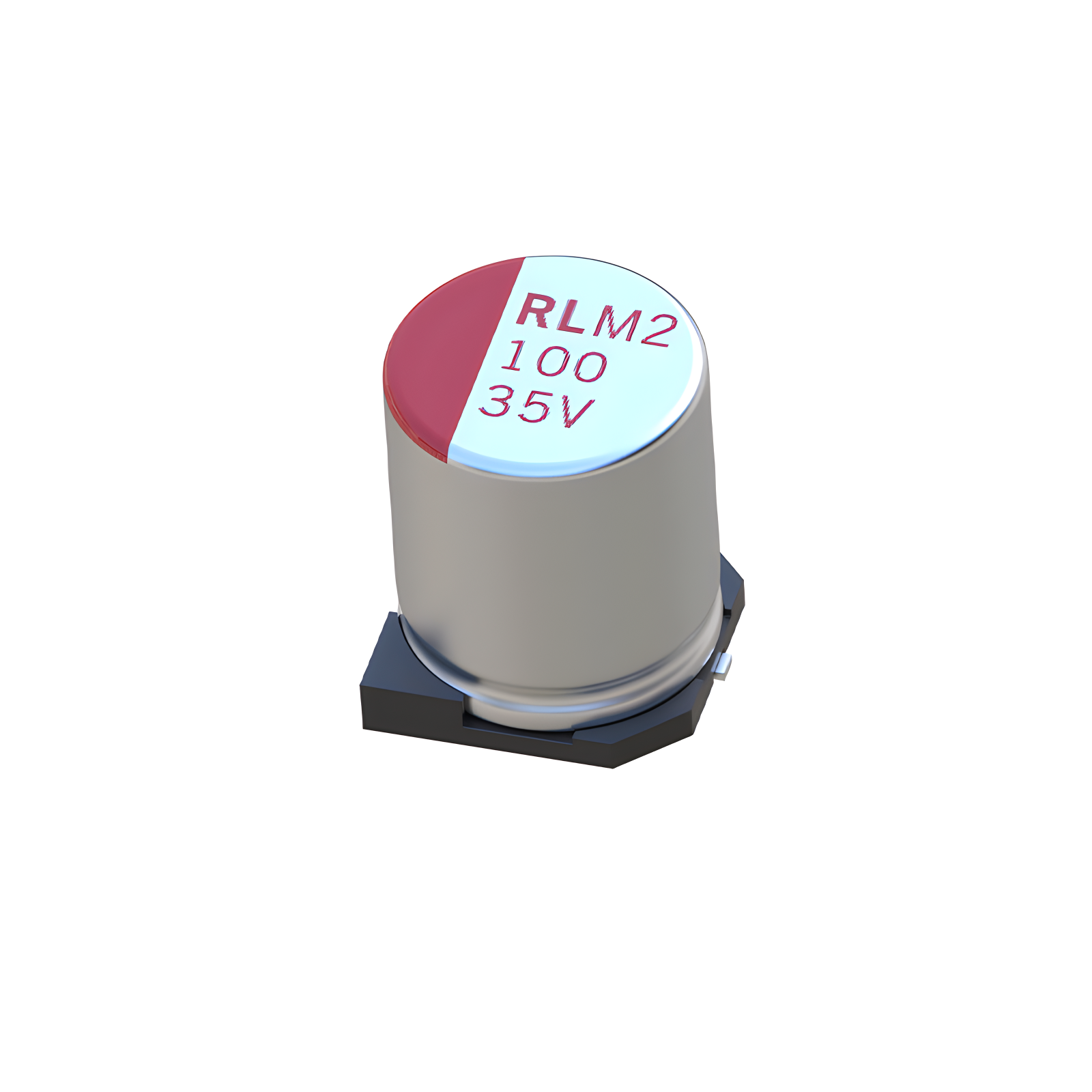 Capacitors
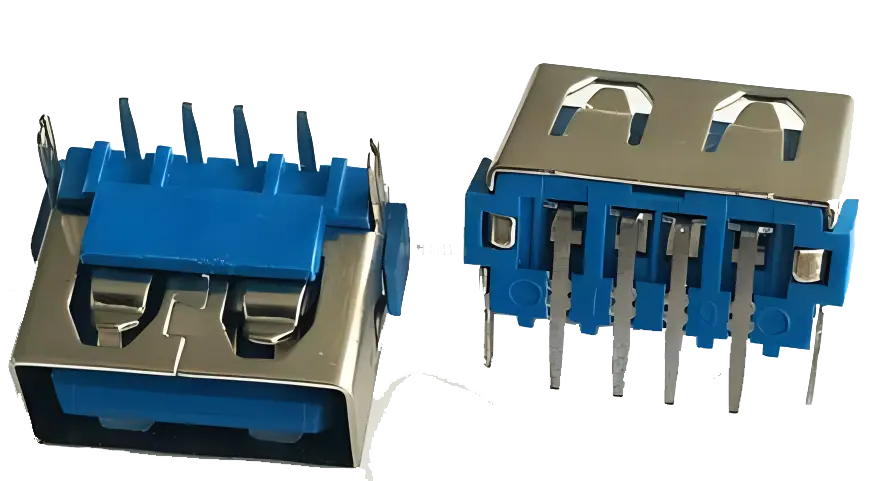 Connectors
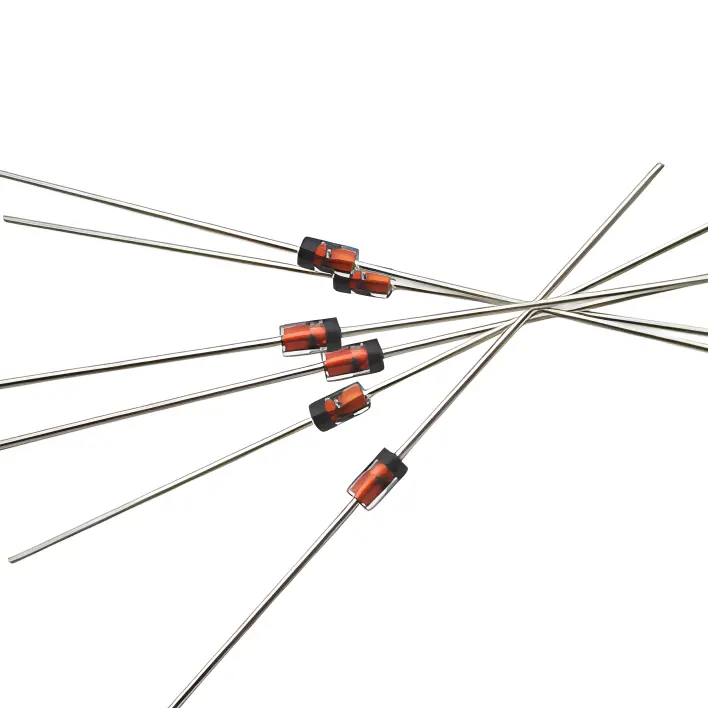 Diodes
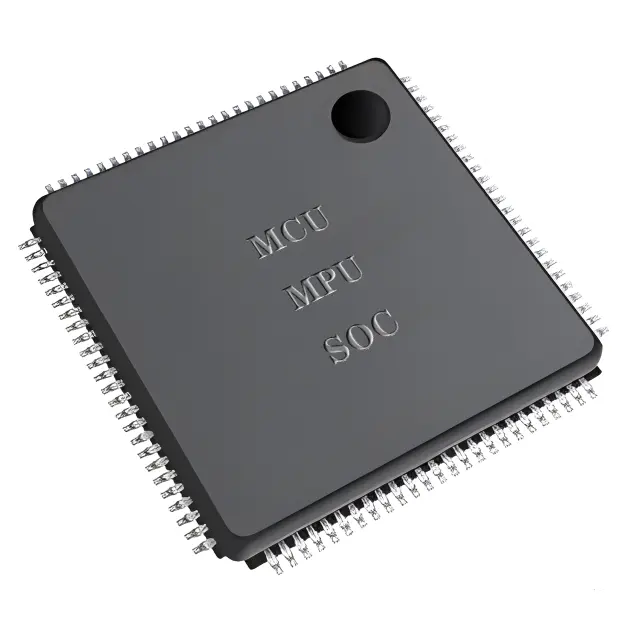 Embedded Processors & Controllers
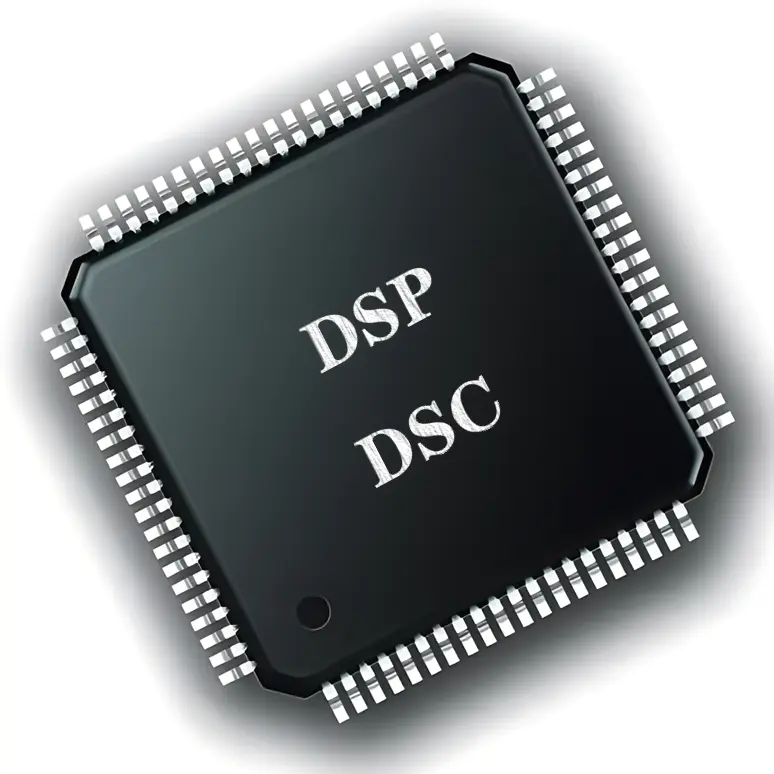 Digital Signal Processors (DSP/DSC)
 Microcontrollers (MCU/MPU/SOC)
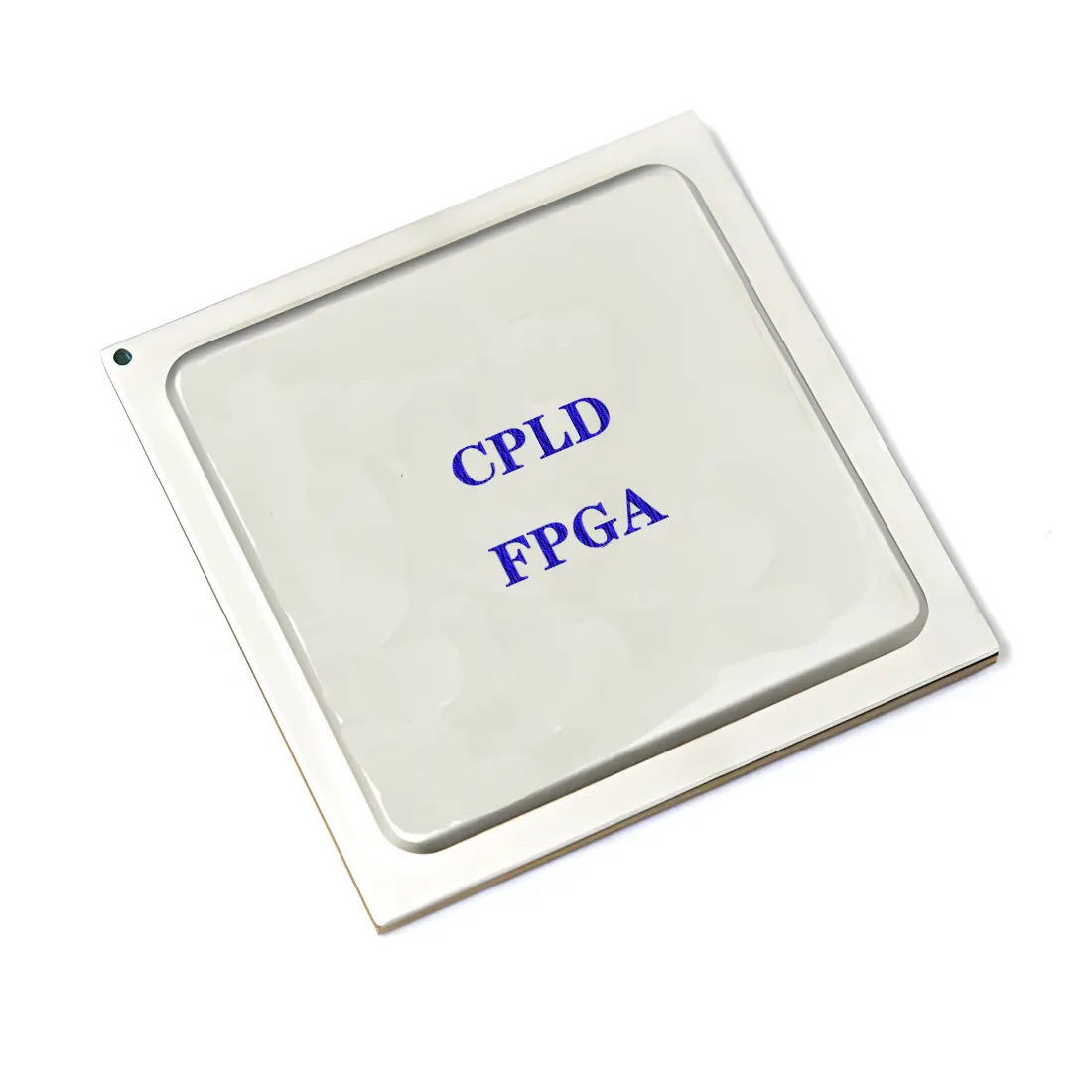 Programmable Logic Device(CPLD/FPGA)
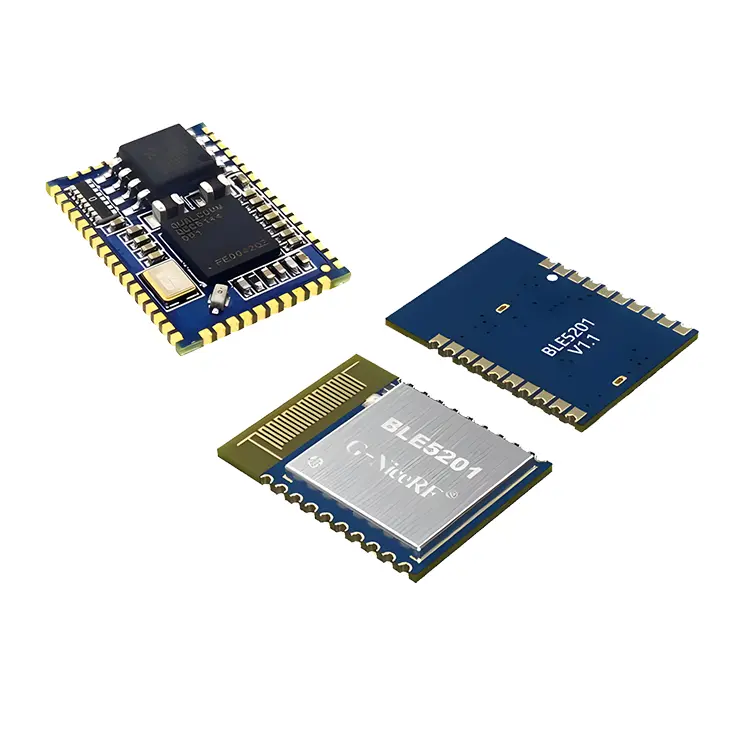 Communication Modules/IoT
 Resistors
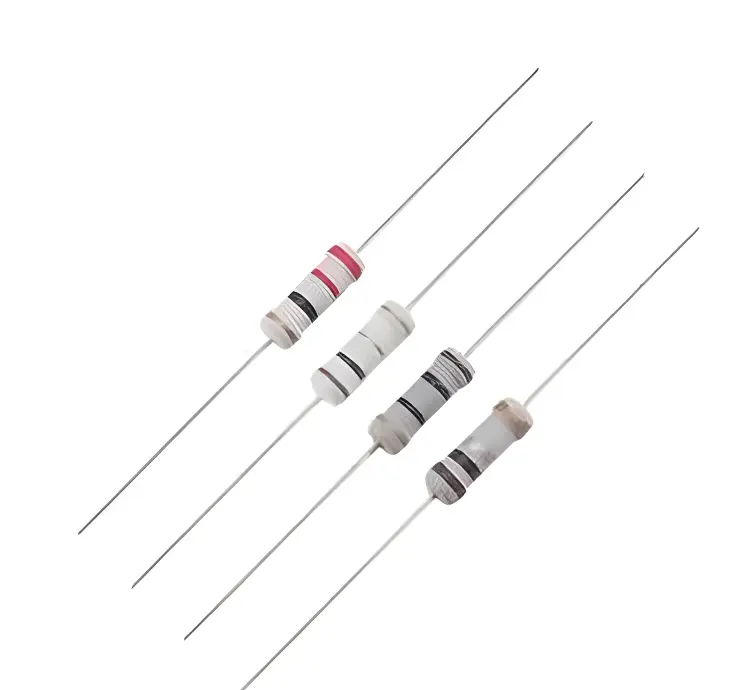 Through Hole Resistors
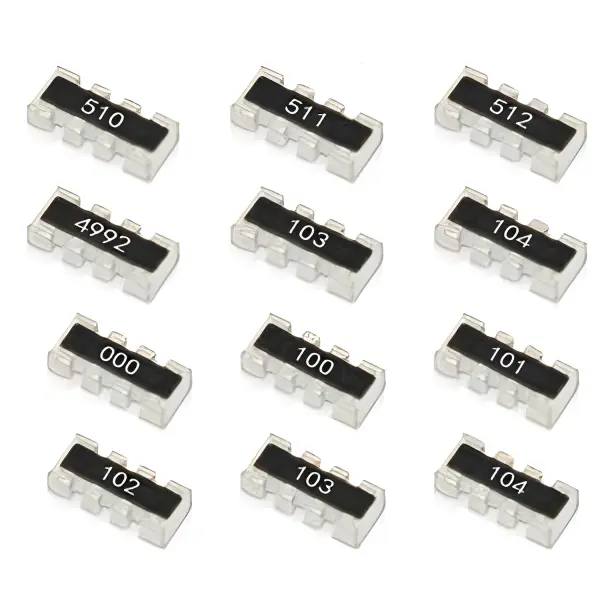 Resistor Networks, Arrays
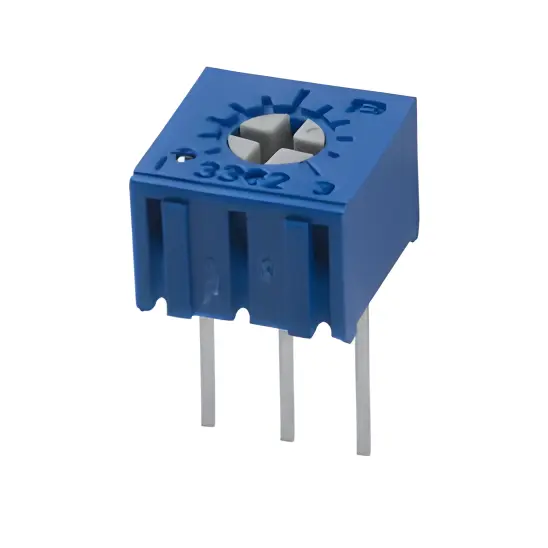 Potentiometers,Variable Resistors
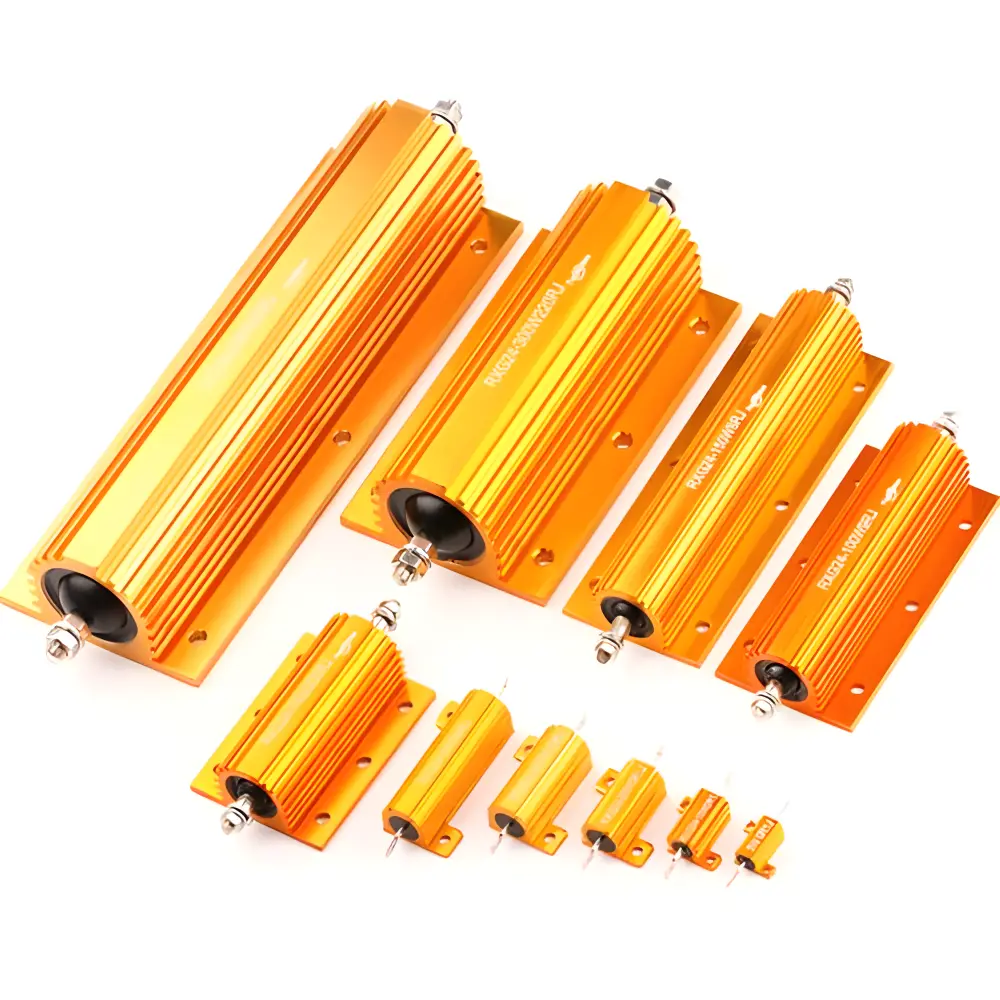 Aluminum Case,Porcelain Tube Resistance
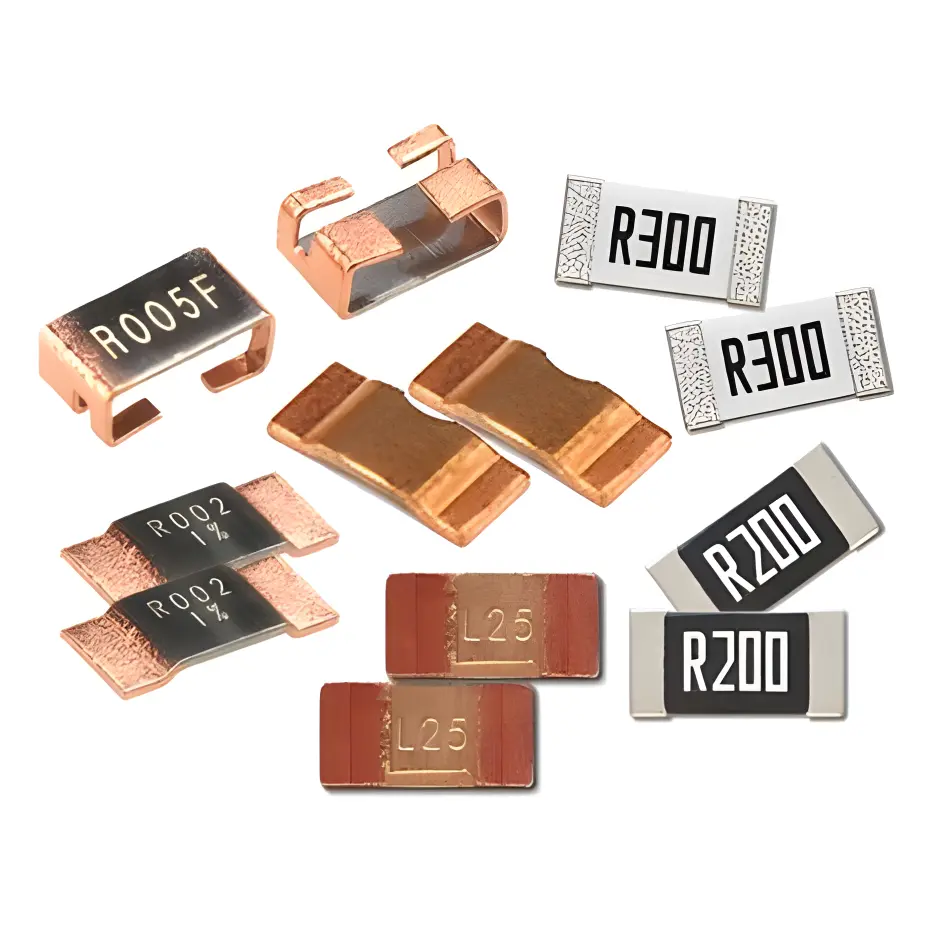 Current Sense Resistors,Shunt Resistors
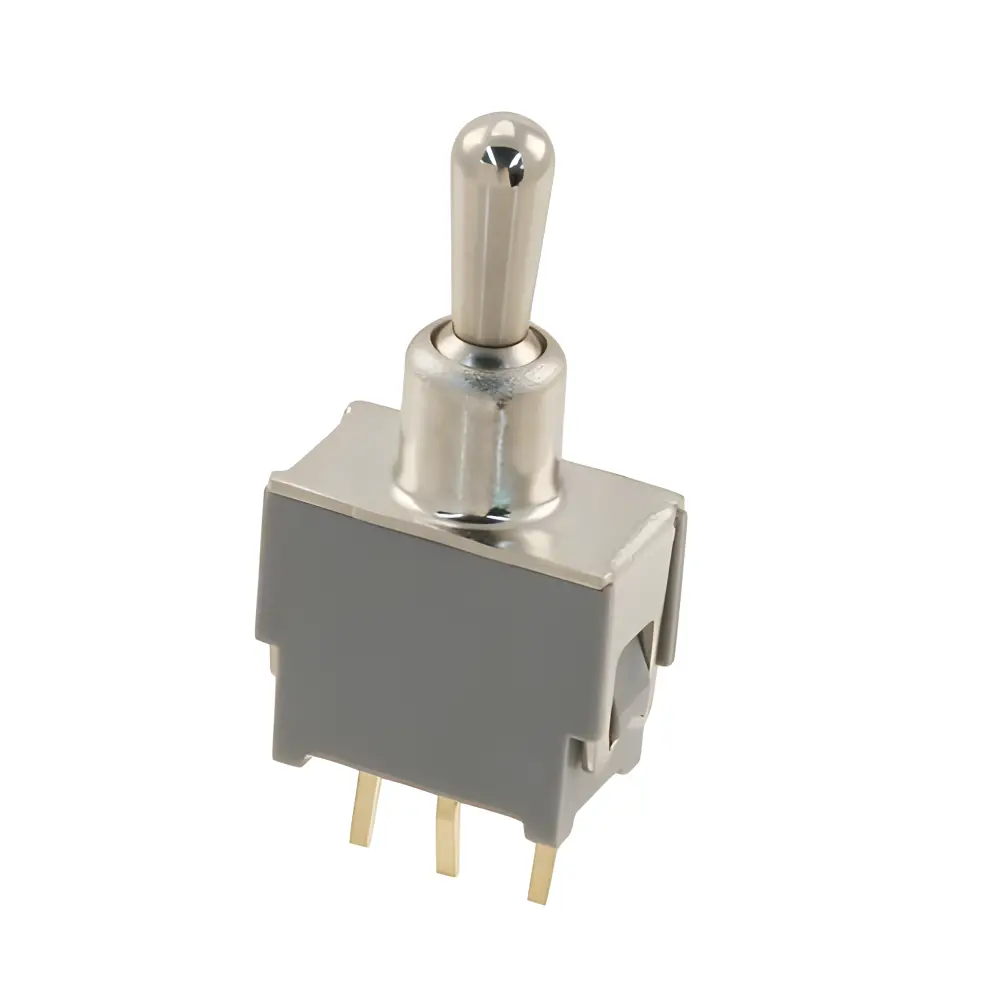 Switches
 Transistors
 Power Modules
 Isolated Power Modules
 AC-DC Power Modules
 DC-AC Module(Inverter)
 RF and Wireless
Factors Influencing the Clarity of Character Printing in PCB Manufacturing
2025-09-03
1. Introduction: The Core SignifICance of Character Printing Clarity
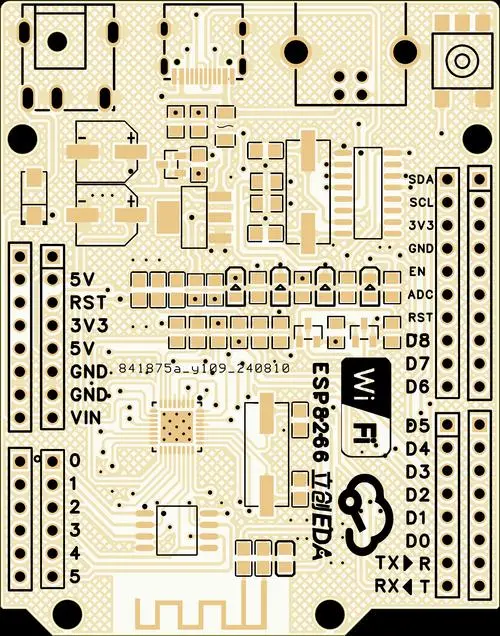
PCB character printing (Legend Printing, typically using white or black silk-SCReen ink) serves a critical "identification" function—it labels component models (e.g., R1, C2), polarities (e.g., diode direction), and test point locations. This facilitates subsequent assembly, maintenance, and quality tracing. Clarity directly determines the readability of these identifiers: blurry characters (with rough edges), incomplete strokes (broken lines), or misaligned prints (covering pads) can lead to component misinstallation during assembly (e.g., soldering a resistor in a capacitor’s position) and inability to identify components during maintenance. Industry statistics show that approximately 15% of PCB assembly defects are asSOCiated with insufficient clarity of character printing.
Key evaluation indicators for character printing clarity include: ① Smoothness of stroke edges (no bleeding); ② Integrity of strokes (no breaks, no missing corners); ③ Character resolution (minimum recognizable stroke width ≥ 0.15mm); ④ Position accuracy (deviation from design coordinates ≤ 0.1mm). The achievement of these indicators entirely depends on the precise control of core process parameters.
2. Core Process Parameter 1: Screen-Related Parameters – The "Basic Template" for Character Formation
The screen mesh (usually made of polyester or stainless steel) acts as a "mold" for character ink. Its mesh count, tension, and aperture precision directly determine the contour clarity of characters, making it the primary factor influencing clarity.
1. Mesh Count
- Definition: The number of mesh threads per unit area (1 inch × 1 inch), typically ranging from 200 to 400 mesh. It is critical for determining ink penetration and the edge precision of characters.
- Impact on Clarity:
- Too low a mesh count (< 250 mesh, e.g., 200 mesh): Larger mesh apertures (approximately 70μm) result in excessive ink penetration during printing, easily causing characters to "bleed" (edges of strokes spread outward and become blurred). For fine-stroke characters (width ≤ 0.2mm), bleeding may even cause adhesion to adjacent characters (e.g., "R1" and "R2" merging into one).
- Too high a mesh count (> 350 mesh, e.g., 400 mesh): Smaller mesh apertures (approximately 30μm) increase resistance to ink penetration, leading to "ink shortage" (local areas of strokes without ink, forming breaks). This is particularly problematic for high-viscosity inks (e.g., white silk-screen ink), which may even fail to print complete characters.
- Optimal Selection: For regular characters (stroke width 0.2–0.3mm), a 250–300 mesh screen is suitable; for fine characters (< 0.2mm), a 300–350 mesh screen balances "ink penetration" and "edge precision," resulting in a stroke edge roughness of ≤ 0.05mm.
2. Screen Tension
- Definition: The tightness of the stretched screen, measured in N/cm. The typical control range is 25–35 N/cm for polyester screens and 30–40 N/cm for stainless steel screens.
- Impact on Clarity:
- **Insufficient tension (< 25 N/cm)**: The screen tends to "sag" during printing (uneven contact with the PCB surface), causing local ink thickness deviations (bleeding in thick areas, ink shortage in thin areas). This leads to significant fluctuations in character clarity (quality variation of > 30% among PCBs in the same batch).
- Excessive tension (> 40 N/cm): Overstretching easily deforms the screen (e.g., irregular shrinkage of mesh apertures), resulting in distorted character patterns (e.g., square characters becoming trapezoidal) and shortened screen lifespan (reduced from 5,000 prints to 3,000 prints).
- Key Requirement: Screen tension must be uniform (tension difference ≤ 2 N/cm across all points of the screen). Otherwise, "local blurriness" may occur (bleeding in low-tension areas, ink shortage in high-tension areas).
3. Screen Aperture Precision
- Definition: The deviation between the size of character pattern apertures on the screen and the design value. The core indicator is "aperture size error ≤ ±0.02mm" and "edge perpendicularity ≥ 85°."
- Impact on Clarity:
- Oversized apertures (e.g., design stroke width 0.2mm, actual width 0.23mm): Printed characters become thicker and may cover adjacent pads (high risk when pad spacing ≤ 0.3mm).
- Non-perpendicular edges (perpendicularity < 80°): After printing, ink forms a "sloped edge" (thick on one side, thin on the other), creating a "blurry shadow" visually and reducing readability.
- Process Control: Laser engraving must be used to create screen apertures (offering 50% higher precision than chemical etching) to ensure smooth, burr-free aperture edges (burr height ≤ 5μm).
3. Core Process Parameter 2: Squeegee-Related Parameters – The "Control Valve" for Ink Transfer
The squeegee is the core component that "scrapes" ink from the screen onto the PCB surface. Its pressure, angle, and speed directly determine ink transfer volume and uniformity, thereby influencing character clarity.
1. Squeegee Pressure
- Definition: The vertical pressure exerted by the squeegee on the screen, measured in kg/cm², with a typical range of 0.5–1.5 kg/cm².
- Impact on Clarity:
- **Insufficient pressure (< 0.5 kg/cm²)**: Ink cannot fully penetrate the mesh, leading to "ink shortage breaks" in characters (e.g., blank spaces in the middle of strokes). For screens with a mesh count > 300, the ink shortage rate can exceed 20%.
- Excessive pressure (> 1.5 kg/cm²): Over-squeezing causes the screen to adhere excessively to the PCB, resulting in "ink accumulation and bleeding" at character edges (forming "ink ridges"). Additionally, squeegee wear accelerates (blade deformation cycle reduced from 1,000 prints to 500 prints).
- Adaptation Principle: Higher mesh counts require slightly higher squeegee pressure (e.g., 1.2–1.5 kg/cm² for 350-mesh screens) to ensure sufficient ink penetration; lower mesh counts require reduced pressure (e.g., 0.5–0.8 kg/cm² for 200-mesh screens) to avoid bleeding.
2. Squeegee Angle
- Definition: The angle between the squeegee and the screen surface, typically controlled between 60°–75° (with the acute angle facing the printing direction).
- Impact on Clarity:
- **Too small an angle (< 60°, e.g., 45°)**: Increased contact area between the squeegee and the screen leads to excessive ink scraping, causing character bleeding (edge spread width > 0.08mm).
- Too large an angle (> 75°, e.g., 85°): Reduced contact area results in insufficient ink scraping, leading to ink shortage in characters (stroke filling rate < 90%).
- Special Requirement: For printing fine characters (< 0.2mm), the angle must be precisely controlled between 65°–70°, ensuring stable ink transfer (deviation ≤ 5%) and optimal character edge precision.
3. Squeegee Speed
- Definition: The moving speed of the squeegee along the screen, measured in mm/s, with a typical range of 20–50 mm/s.
- Impact on Clarity:
- **Too slow a speed (< 20 mm/s, e.g., 10 mm/s)**: Prolonged ink retention in mesh apertures causes ink to seep into non-character areas (forming "background smudges"). Meanwhile, local ink accumulation on characters occurs (thickness deviation > 0.05mm).
- Too fast a speed (> 50 mm/s, e.g., 60 mm/s): Ink cannot fully fill mesh apertures, resulting in "striated ink shortage" on characters (blank stripes along the squeegee’s moving direction). For high-viscosity inks (e.g., black silk-screen ink), the stripe rate can reach 15%.
- Matching Logic: Higher ink viscosity requires slower squeegee speeds (e.g., 20–30 mm/s for high-viscosity white ink), while lower-viscosity inks can use slightly faster speeds (e.g., 30–40 mm/s) to ensure uniform ink transfer.
4. Squeegee Blade Condition
- Key Indicators: Blade flatness (no gaps, no wear) and hardness (typically 70–80 Shore A for polyurethane blades).
- Impact on Clarity:
- Worn blades (e.g., gaps 0.1mm deep): "Scratch-like ink shortage" corresponding to the gaps appears on characters during printing.
- Insufficient blade hardness (< 70 Shore A): Deformation under pressure causes uneven ink transfer, leading to local character bleeding.
- Maintenance Requirement: Inspect the blade every 500 PCB prints; replace the squeegee if wear exceeds 0.05mm to maintain a flat blade edge.
4. Associated Process Parameters: Ink and Drying Conditions – Guaranteeing Clarity After Character Curing
After printing, characters require drying and curing to form stable identifiers. Ink properties and drying conditions affect post-curing clarity (e.g., cracking, fading).
1. Ink Properties
- Viscosity: Typically controlled between 1,000–3,000 cP (at 25℃). Low viscosity causes bleeding, while high viscosity leads to ink shortage.
- Thixotropy: Ink viscosity decreases during printing (facilitating flow) and increases when stationary (preventing sagging). Poor thixotropy results in irregular character edges.
- Particle Size: Pigment particle diameter in the ink must be ≤ 10μm. Oversized particles easily clog mesh apertures (causing ink shortage) or form "rough spots" on character surfaces (reducing visual clarity).
2. Drying and Curing Conditions
- Temperature and Time: For thermally cured inks, the typical process is baking at 120–150℃ for 20–40 minutes. Insufficient temperature/time leaves ink uncured (sticky surface, easily blurred by friction), while excessive temperature/time causes ink cracking (fine cracks in character strokes).
- Drying Environment: Good ventilation is required (to avoid solvent residue causing character "bubbling"), and humidity must be ≤ 60% (high humidity prolongs curing time and increases bleeding risk).
5. Common Misunderstandings and Clarity Optimization Solutions
1. Common Misunderstandings
- Misunderstanding 1: Focusing only on mesh count while ignoring tension uniformity. This causes significant clarity variations among PCBs in the same batch. Regular tension testing of all screen points with a tension meter (every 1,000 prints) is necessary.
- Misunderstanding 2: Assuming "higher squeegee pressure = clearer characters." Excessive pressure leads to bleeding; pressure must be matched to screen mesh count and ink viscosity, rather than blindly increased.
- Misunderstanding 3: Believing "higher drying temperature = faster curing." High temperatures cause ink cracking; the curing curve recommended by the ink manufacturer (e.g., 120℃ for 10 minutes → 150℃ for 20 minutes, stepwise heating) must be strictly followed.
2. Clarity Optimization Solution (for Fine Character Printing)
- Screen: 350-mesh stainless steel screen, tension 35–40 N/cm, laser-engraved apertures (precision ±0.01mm).
- Squeegee: 75 Shore A polyurethane squeegee, pressure 1.2–1.5 kg/cm², angle 65°, speed 20–25 mm/s.
- Ink: High-thixotropy fine-particle ink (viscosity 2,000–2,500 cP).
- Drying: Baking at 130℃ for 30 minutes in a ventilated environment (airflow 1–2 m/s).
With this solution, clarity standards for 0.15mm fine-stroke characters can be met (stroke edge roughness ≤ 0.03mm, no ink shortage breaks).
6. Conclusion: Parameter Control Logic for Character Printing Clarity
Guaranteeing character printing clarity essentially relies on the synergy of "precision screen forming + uniform squeegee transfer + stable ink curing." The core control logic can be summarized as:
- Screen Parameters: Select mesh count based on character size (high mesh count for fine characters), control tension (uniform and moderate), and ensure aperture precision (laser engraving).
- Squeegee Parameters: Match pressure (higher pressure for high mesh counts), angle (65°–70° optimal), and speed (faster for low-viscosity inks) to the screen/ink; maintain the blade (regular replacement).
- Associated Parameters: Choose ink with suitable viscosity and particle size; control drying temperature and time according to manufacturer specifications.
Through this standardized parameter control, the qualification rate of character printing clarity can be increased to over 99%, ensuring clear and readable identifiers and laying a solid foundation for subsequent PCB assembly and maintenance.